

Computer Case/Gaming Cabinet
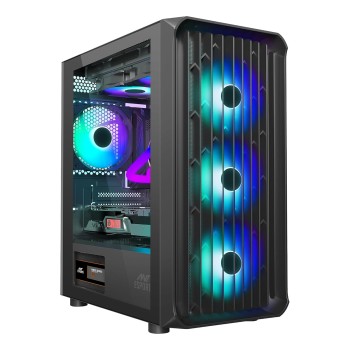
-42%
Brand: Ant Esports
Model: 205 Air Black
The Ant Esports 205 Air is a mid-tower PC case with four pre-installed..
₹2,799.00 ₹4,799.00
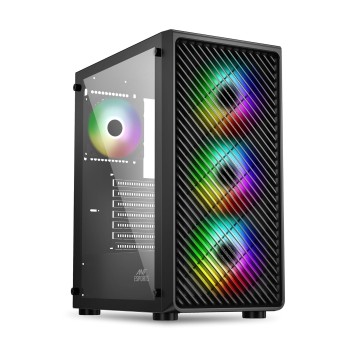
-36%
Brand: Ant Esports
Model: 211 Air Black
The Ant Esports 211 Air is a new mid-tower PC case with a mesh front, ..
₹2,699.00 ₹4,199.00
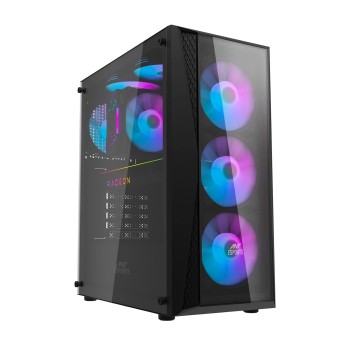
-29%
Brand: Ant Esports
Model: 220 Air
The Ant Esports 220 Air is a mid-tower gaming case with support for AT..
₹3,199.00 ₹4,499.00
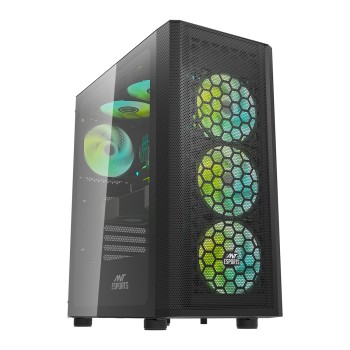
-40%
Brand: Ant Esports
Model: 250 Air
The Ant Esports 250 Air is a black mid-tower PC case with a mesh front..
₹2,999.00 ₹4,999.00
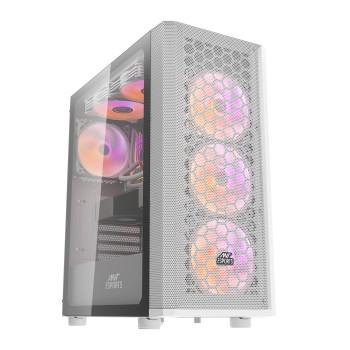
-41%
Brand: Ant Esports
Model: 250 Air
The Ant Esports 250 Air is a mid-tower PC case with three pre-installe..
₹3,299.00 ₹5,599.00
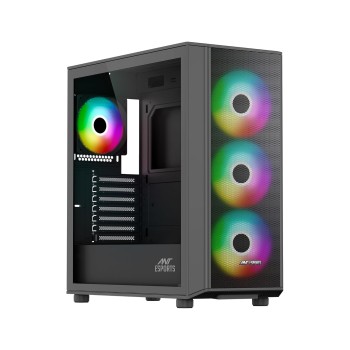
-42%
Brand: Ant Esports
Model: 411 Air Black
The Ant Esports 411 Air is a mid-tower PC case with a mesh front panel..
₹3,799.00 ₹6,499.00
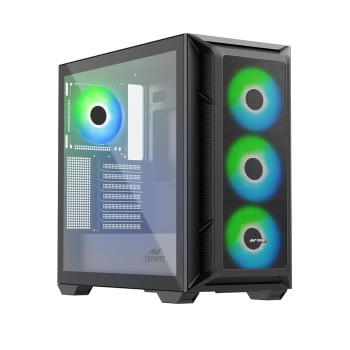
-34%
Brand: Ant Esports
Model: 611 Air Black
The Ant Esports 611 Air is a black mid-tower PC case with support for ..
₹4,599.00 ₹6,999.00
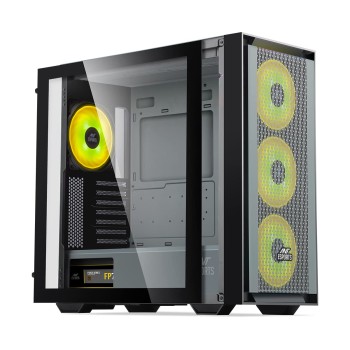
-53%
Brand: Ant Esports
Model: 690 Air
The Ant Esports 690 Air is a mid-tower computer case with support for ..
₹4,799.00 ₹10,299.00
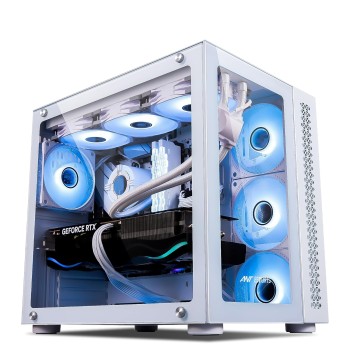
-45%
Brand: Ant Esports
Model: Crystal Z3
The Ant Esports Crystal Z3 is a white Mini-Tower PC case with support ..
₹4,299.00 ₹7,750.00
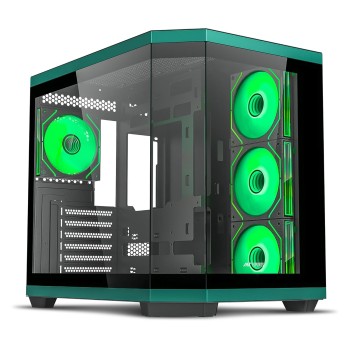
-71%
Brand: Ant Esports
Model: Crystal X11 Green Black
The Ant Esports Crystal X11 is a mid-tower PC case with support for AT..
₹4,999.00 ₹16,999.00
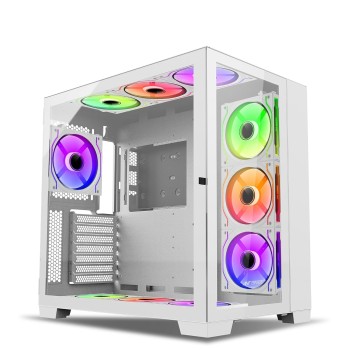
-56%
Brand: Ant Esports
Model: Crystal Z3
The Ant Esports Crystal XL is a white mid-tower PC case with support f..
₹7,799.00 ₹17,799.00
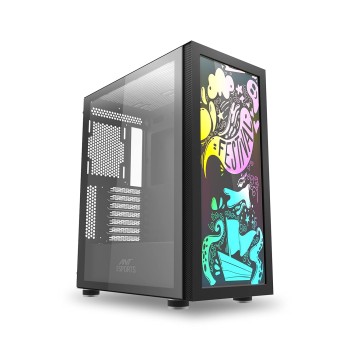
-73%
Brand: Ant Esports
Model: Graffiti
The Ant Esports Graffiti is a mid-tower computer case with support for..
₹2,149.00 ₹8,099.00
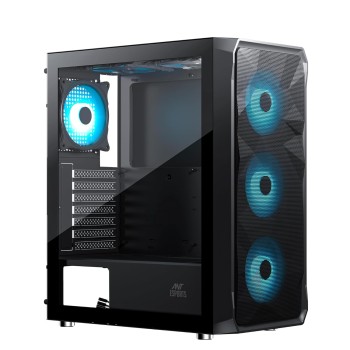
-33%
Brand: Ant Esports
Model: ICE-112 Black
Ant Esports ICE-112 Mid-Tower transforms chaotic builds into a reliabl..
₹2,499.00 ₹3,725.00
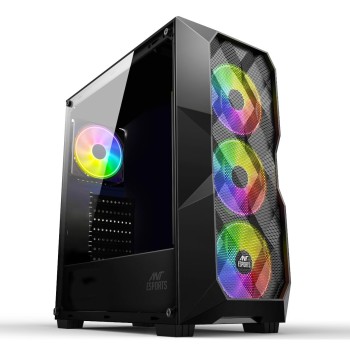
-66%
Brand: Ant Esports
Model: ICE-300 Mesh
The Ant Esports ICE-300 Mesh is a black mid-tower PC case with a mesh ..
₹1,999.00 ₹5,799.00
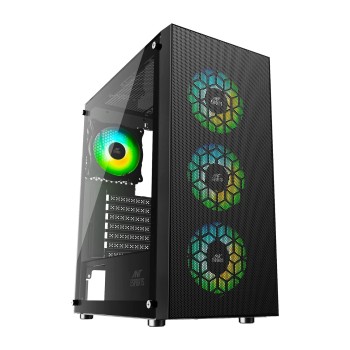
-45%
Brand: Ant Esports
Model: Ant Esports ICE-110 Black
The Ant Esports ICE-110 is a black mid-tower computer case with suppor..
₹2,199.00 ₹3,975.00

-39%
Brand: Ant Esports
Model: ICE-120AG
The Ant Esports ICE-120AG is a black mid tower computer case with supp..
₹1,999.00 ₹3,299.00
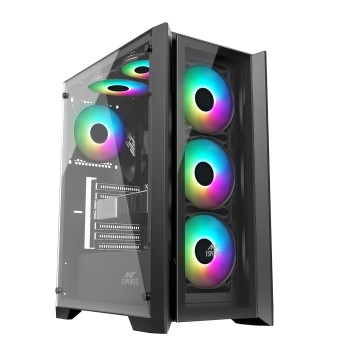
-29%
Brand: Ant Esports
Model: ICE-170TG Black
The Ant Esports ICE-170TG mid-tower PC case supports ATX, Micro-ATX an..
₹2,999.00 ₹4,212.00
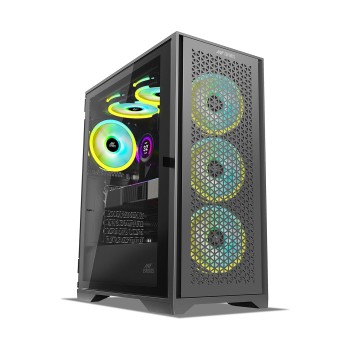
-49%
Brand: Ant Esports
Model: ICE-4000 RGB
The Ant Esports ICE-4000 RGB is a mid-tower computer case with support..
₹3,899.00 ₹7,599.00
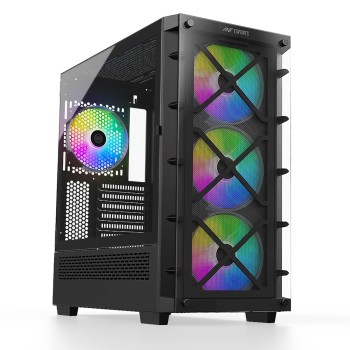
-65%
Brand: Ant Esports
Model: ICE-5000
The Ant Esports ICE-5000 is a black mid-tower PC case with three pre-i..
₹3,499.00 ₹9,899.00

-37%
Brand: Ant Esports
Model: ICE-511MT
The Ant Esports ICE-511MT is a high-airflow mid-tower mesh gaming cabi..
₹3,899.00 ₹6,199.00