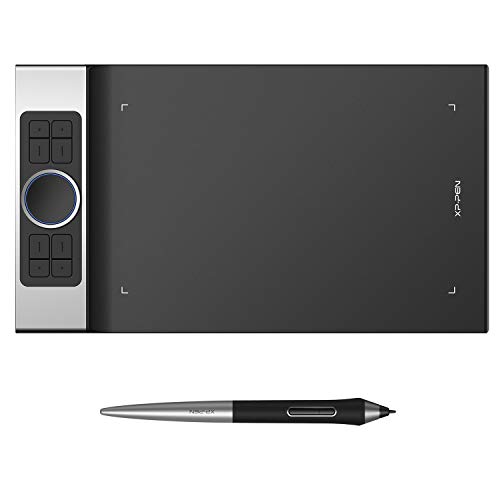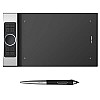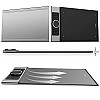

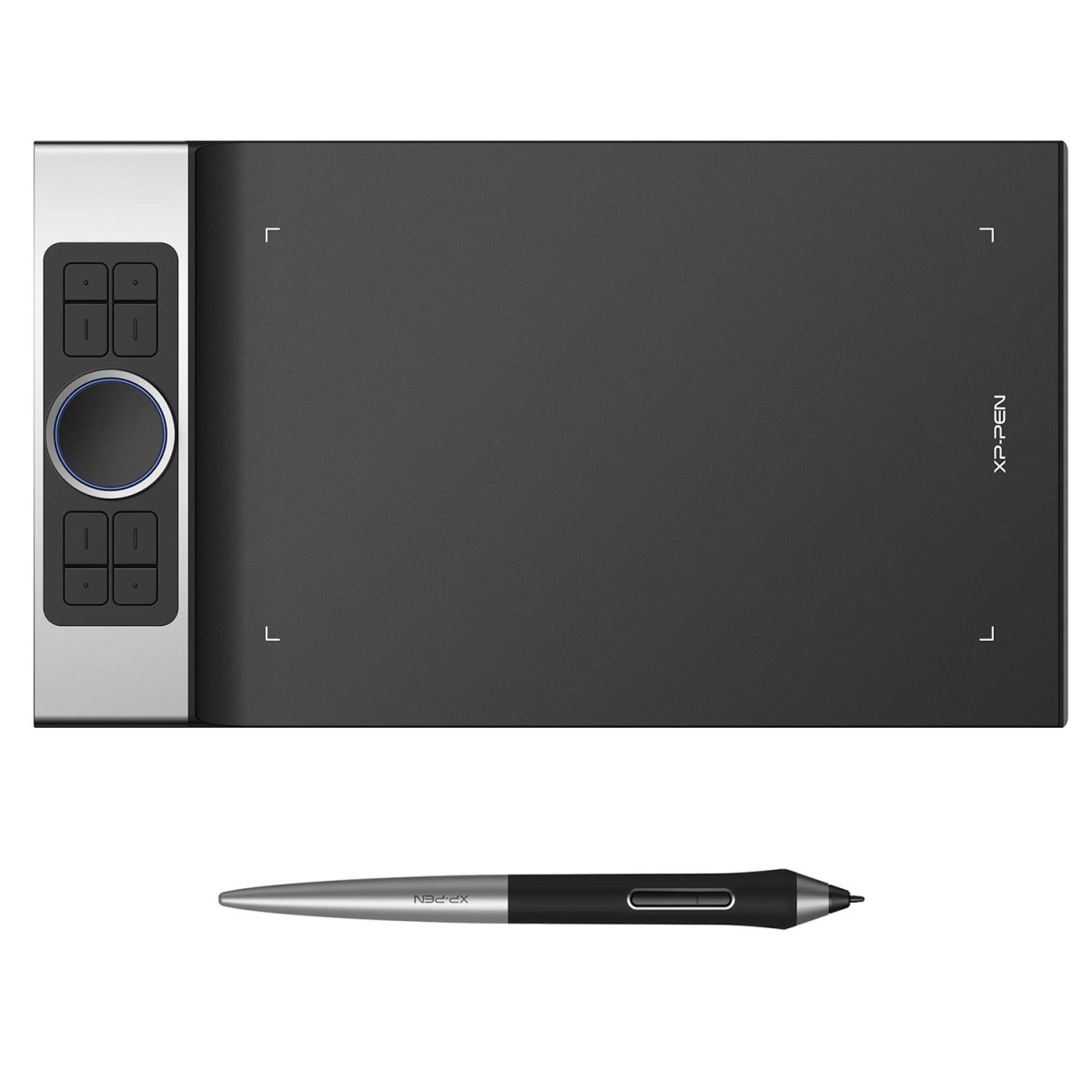
XP-Pen Deco Pro Medium Graphics Drawing Tablet (11x6 Active Area, 8192 Levels of Pressure Sensitivity)
- Stock: In Stock
- Brand: xp-pen
- Model: Deco-Pro
- Weight: 1.00KG
- Dimensions: 40.00cm x 23.00cm x 1.00cm
- SKU: B07XTKV3WQ
🎉 Our Customer Benefits 🎉
| 💸 12% Instant Discount | Use code VLE12 at checkout to get 12% Flat Discount |
| 🎁 ₹100 Wallet Credit | Get ₹100 credited to your wallet after successful order completion |
| 💼 GST Credit Available | Add your GST number at checkout to claim tax benefits. Update Now |
| 🏷️ Transparent Pricing | No hidden charges — what you see is what you pay |
| ✅ Warranty Included | All products come with warranty for your peace of mind |
| 🔄 7-Day Easy Replacement | Enjoy easy 7-day replacement for eligible products |
| 📦 Bulk Order Discounts | Special pricing available for bulk orders. Contact Us Now |
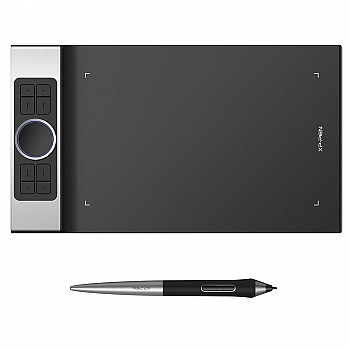
XP-Pen Deco Pro Medium Graphics Drawing Tablet (11" x 6" Active Area, 8192 Levels) — Deco-Pro
The XP-Pen Deco Pro Medium solves the gap between creativity and precision — giving illustrators, designers and digital artists a fast, natural drawing experience with professional-level control. Its 11" x 6" active area, 8192 levels of pressure sensitivity and responsive dial controls let you sketch, shade and edit with studio-grade accuracy and tactile satisfaction. Built to last with a premium metal wheel and durable surface, it arrives with a 1-year warranty and backed by Vlebazaar’s trusted service, secure checkout, reliable shipping and expert Indian customer support for worry-free ownership.
Top Features
- 11" x 6" active workspace — ample room for detailed strokes without sacrificing desktop space
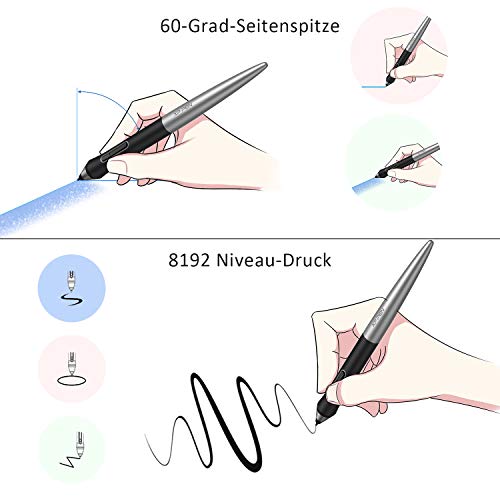
- 8192 levels of pressure sensitivity — ultra-fine control for delicate lines and bold shading
- High resolution (5080 LPI) — crisp, accurate tracking and cleaner pen-to-screen transitions
- Fast report rate (266 RPS) — near-instant response for fluid drawing with no lag
- Battery-free stylus — light, balanced and always ready for uninterrupted creativity
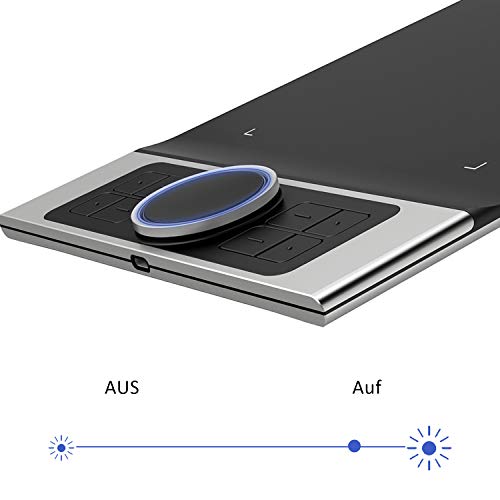
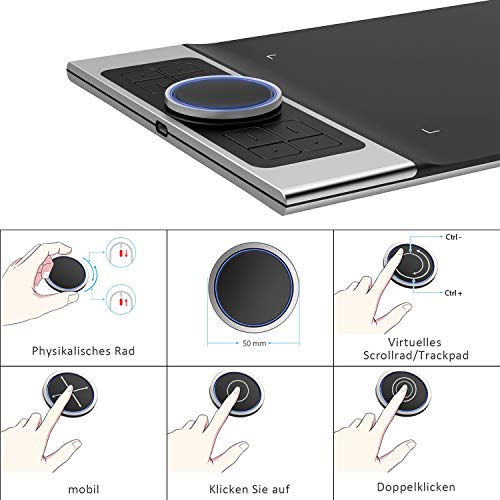
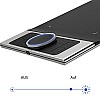
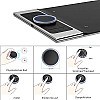
- Dual aluminum dial(s) — tactile, precise control for zoom, brush size and timeline scrubbing
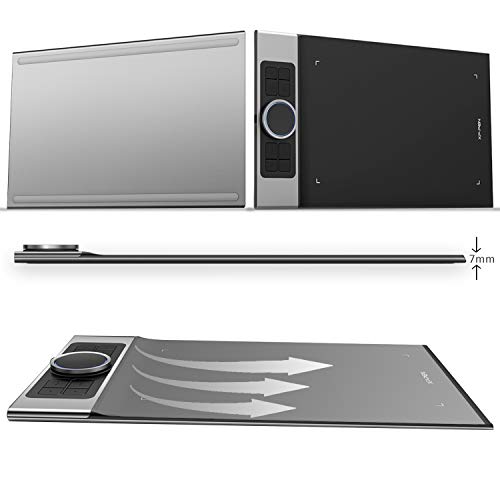
- Ergonomic design — comfortable for long sessions with reduced hand fatigue
- Durable metal and premium build — solid, scratch-resistant surface that lasts
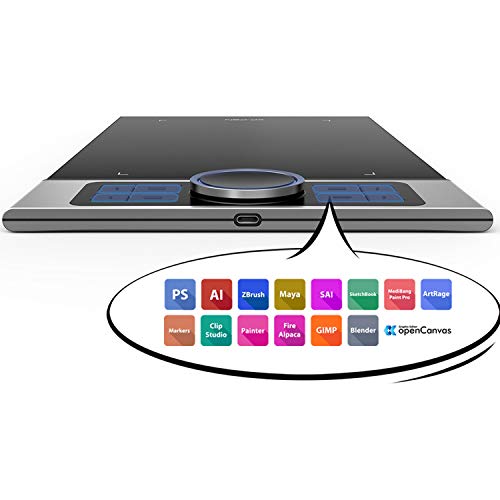
- Customizable shortcut keys — speed up workflow with one-touch commands
- Wide compatibility — works with major creative apps and operating systems for versatile use
Technical Specifications
| Specification | Details |
|---|---|
| Model | XP-Pen Deco Pro (Medium) |
| Brand | XP-Pen |
| Active Area | 11.0 x 6.0 inches (279 x 152 mm) |
| Pressure Sensitivity | 8192 levels |
| Resolution | 5080 LPI |
| Report Rate | 266 RPS (Reports per second) |
| Pen | Battery-free stylus (PA1 series) |
| Tilt Support | Up to ±60° tilt |
| Shortcut Keys | 8 customizable buttons + aluminum dial(s) |
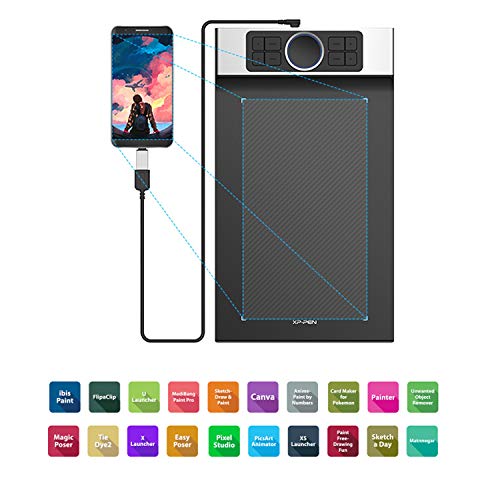
| Connectivity | USB-C cable (supports USB-A/USB-C host) |
| Compatibility | Windows 7/8/10/11, macOS 10.10+, Android 6.0+ (driver required) |
| Materials / Build | Aluminum dial, durable matte drawing surface |
| Dimensions (Approx.) | 356 x 219 x 8 mm (overall) — compact and portable |
| Weight | Approx. 760 g (tablet only) |
| Battery | Pen is battery-free — no charging required |
| Box Contents | Tablet, battery-free stylus, USB-C cable, extra nibs & nib remover, quick start guide |
| Warranty | 1 Year manufacturer warranty + Vlebazaar support |
Why Buy From Vlebazaar?
- Genuine Products: Verified XP-Pen units with original accessories and manufacturer warranty.
- Trusted Support: Indian customer care and expert assistance for driver setup and troubleshooting.
- Reliable Delivery: Fast, secure shipping across India with careful packaging.
- Easy Returns & Aftercare: Clear return policy and warranty claim handling for peace of mind.
- Secure Checkout: Multiple payment options with secure transactions and order tracking.
Who Should Buy This?
- Digital illustrators and concept artists who need responsive pen control and a large drawing area.
- Graphic designers and photo editors looking for precision controls and shortcut customization.
- Students and hobbyists who want a professional-feeling tablet without a steep price tag.
- Animators and video editors who benefit from the tactile dial controls for timeline scrubbing and fine adjustments.
- Anyone switching from mouse to pen input seeking a comfortable, low-latency creative tool.
Frequently Asked Questions
Q: Is the stylus rechargeable?
A: No — the Deco Pro uses a battery-free stylus that works via electromagnetic resonance, so there’s no charging required.
Q: Which software works with the XP-Pen Deco Pro?
A: It is compatible with most major creative applications including Adobe Photoshop, Illustrator, CorelDRAW, Clip Studio Paint, Krita and more. Driver installation may be required for full functionality.
Q: Does it support tilt and rotation?
A: The Deco Pro supports pen tilt up to ±60° for natural shading effects. Rotation mapping depends on the software you use.
Q: How do I customize shortcut keys and dial functions?
A: Install the XP-Pen driver, open the tablet settings utility and assign functions to the 8 express keys and dial(s) per application or globally.
Q: What warranty and after-sales support does Vlebazaar provide?
A: The tablet includes a 1-year manufacturer warranty and Vlebazaar provides local assistance for setup, troubleshooting and warranty claims to ensure smooth after-sales support.
Q: Can I use the Deco Pro with my Android phone/tablet?
A: Many Android devices (Android 6.0+) support OTG input with compatible drivers and a USB-C connection — performance may vary by device and app.
Q: Are replacement nibs and accessories available?
A: Yes — replacement nibs and compatible accessories are widely available. Vlebazaar can advise on genuine replacements and spares.