

Mercusys MS110P 10-Port 10/100Mbps Desktop Switch with 8-Port PoE+ Network Hub|Works with IEEE 802.3af/at Compliant PDs|PoE Auto Recovery | Plug and Play| Durable Metal Casing
- Stock: In Stock
- Brand: MERCUSYS
- Model: MS110P
- SKU: MS110P
🎉 Our Customer Benefits 🎉
| 💸 12% Instant Discount | Use code VLE12 at checkout to get 12% Flat Discount |
| 🎁 ₹100 Wallet Credit | Get ₹100 credited to your wallet after successful order completion |
| 💼 GST Credit Available | Add your GST number at checkout to claim tax benefits. Update Now |
| ✅ Warranty Included | All products come with warranty for your peace of mind |
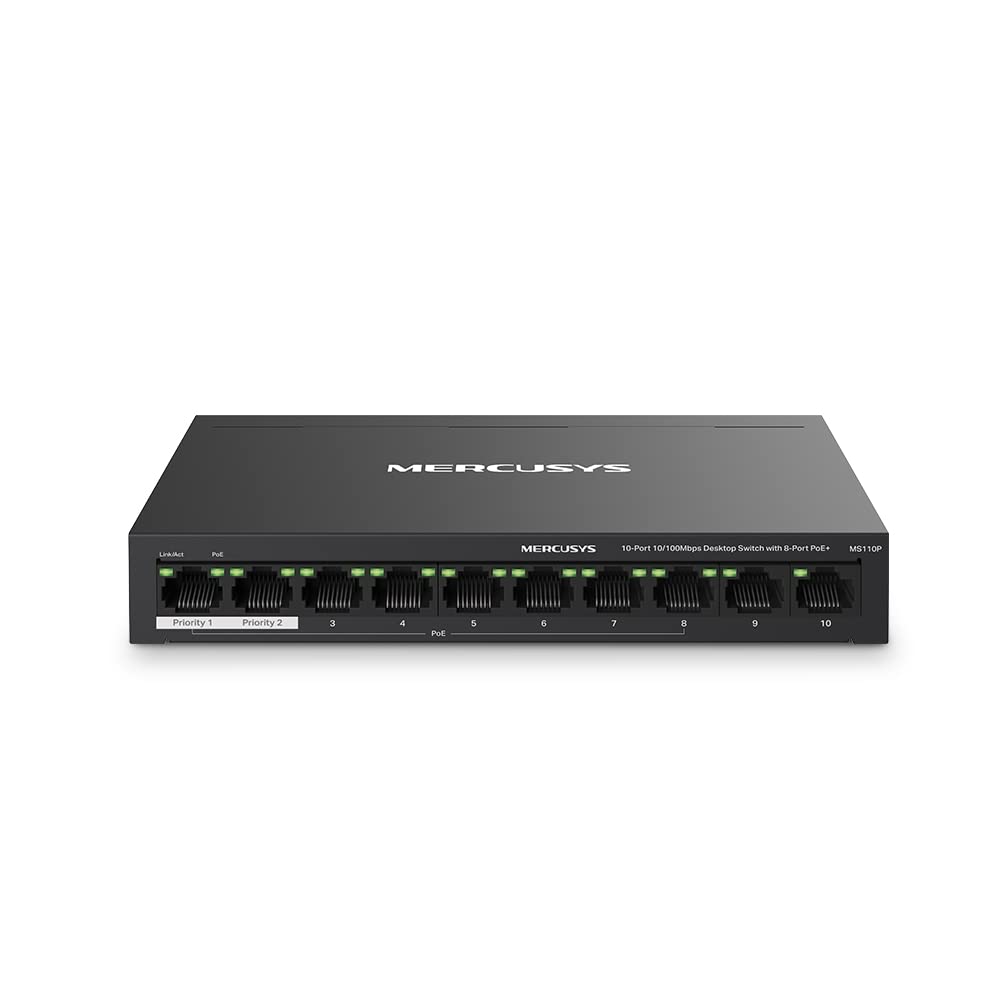
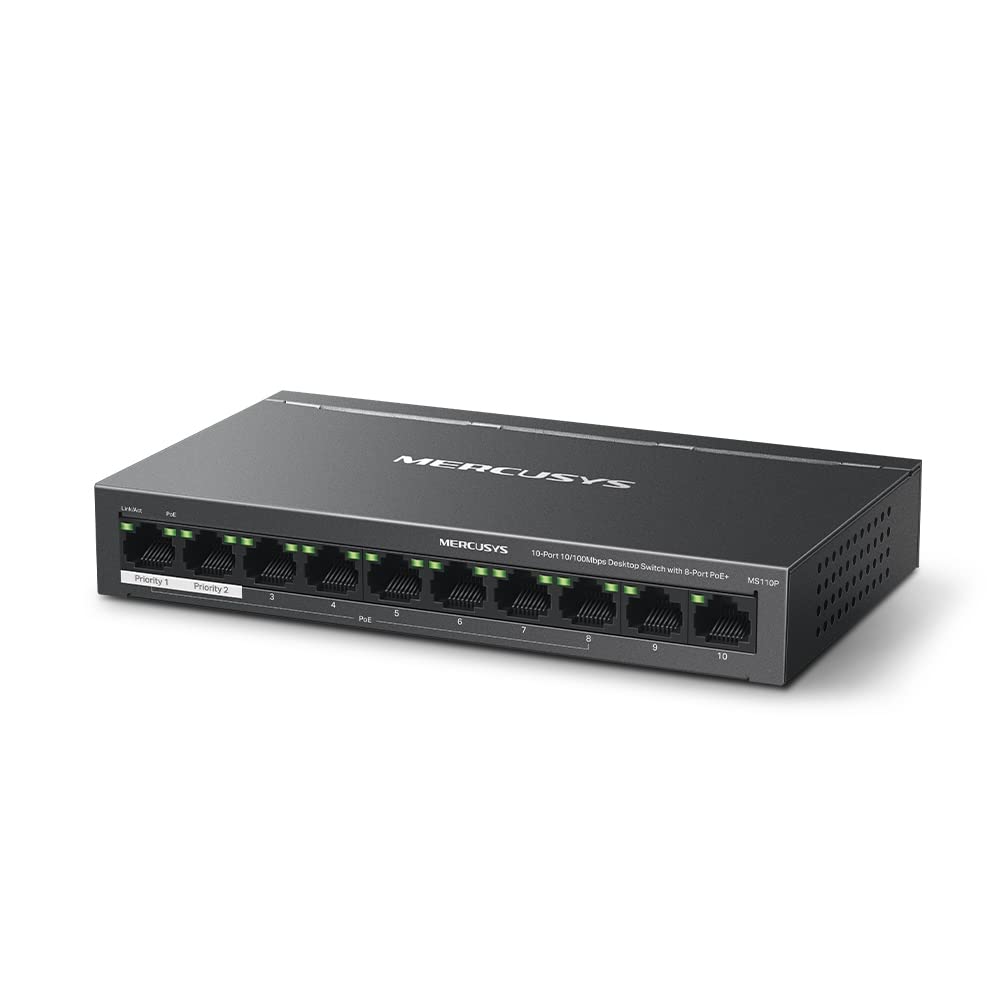
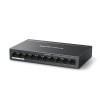
The Mercusys MS110P 10-port PoE+ network switch has eight PoE+ ports, two uplink ports and 10/100Mbps RJ45 connectivity. It suits home, office and small-business networks that need to connect compatible cameras, access points, VoIP phones or other powered devices, with a plug-and-play setup and a fanless metal casing.
Key Highlights
- Eight PoE+ ports and two uplink ports
- 10/100Mbps across 10 RJ45 ports
- Up to 30W per PoE+ port
- PoE Auto Recovery for connected devices
- Fanless operation with metal casing
- Desktop or wall-mountable design
Product Overview
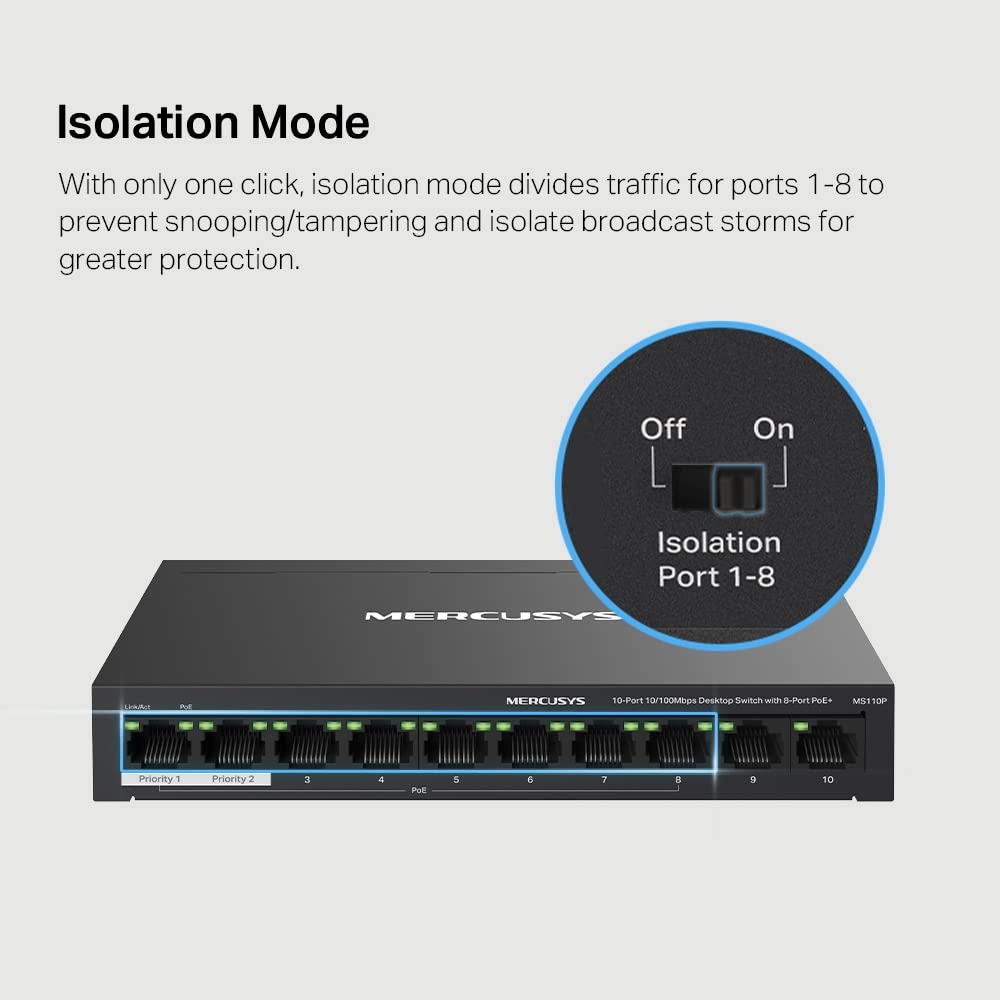
The MS110P connects up to 10 network devices through 10/100Mbps RJ45 ports, including eight PoE+ ports and two uplink ports. Its PoE ports are compatible with IEEE 802.3af and IEEE 802.3at devices and provide up to 30W per port under IEEE 802.3at. This lets compatible powered devices receive power and network connectivity through Ethernet.
The switch uses plug-and-play setup, store-and-forward forwarding and a non-blocking switching fabric suitable for full-duplex 10/100 operation. PoE Auto Recovery detects and reboots hung devices. Per-port LEDs show link, activity and PoE status, while Auto MDI/MDIX simplifies cabling. The fanless metal-cased unit can sit on a desktop or be wall-mounted. It is intended for indoor environments such as offices, retail spaces and surveillance rooms, and works with compatible IP cameras, Wi-Fi access points, VoIP phones and IoT powered devices.
Features and Benefits
- PoE+ ports – Eight ports support IEEE 802.3af/at powered devices.
- PoE output – Provides up to 30W per port under IEEE 802.3at.
- Uplink ports – Two ports connect to the network backbone.
- PoE Auto Recovery – Detects and reboots hung connected devices.
- Fanless design – Operates without a fan.
- Metal casing – Supports desktop placement or wall mounting.
- Status indicators – Per-port LEDs show link, activity and PoE status.
- Auto MDI/MDIX – Simplifies Ethernet cabling.
Technical Specifications
| Specification | Details |
|---|---|
| Brand | Mercusys |
| Model | MS110P |
| Product Type | 10-port PoE+ desktop switch |
| Ports | 10 x 10/100Mbps RJ45 ports |
| PoE Ports | 8 x PoE+ ports |
| Uplink Ports | 2 |
| PoE Standard | IEEE 802.3af / IEEE 802.3at |
| PoE Power per Port | Up to 30W |
| Switching Capacity | Non-blocking switching fabric suitable for full-duplex 10/100 operation |
| Forwarding Mode | Store-and-forward |
| PoE Recovery | PoE Auto Recovery |
| Indicators | Per-port Link/Activity and PoE status LEDs |
| Housing | Metal casing; desktop or wall-mountable |
| Noise | Fanless |
| Power Supply | External power adapter |
| Operating Environment | Indoor environments |
| Country of Origin | China |
Who Should Buy This?
- Small-business network operators – Connect multiple Ethernet devices, including PoE-powered equipment.
- Surveillance system users – Use compatible IP cameras with the switch’s eight PoE+ ports.
- Office network installers – Connect compatible access points and VoIP phones.
- Retail and indoor network users – Place the fanless switch on a desktop or mount it on a wall.
- Users with IEEE 802.3af/at powered devices – Connect compatible PoE equipment through Ethernet.
Compatibility
- IEEE 802.3af- and IEEE 802.3at-compliant powered devices
- IP cameras
- Wi-Fi access points
- VoIP phones
- IoT powered devices
How to Set Up
- Connect the included external power adapter to the switch.
- Connect network devices to the RJ45 ports, using PoE ports for compatible powered devices.
- Use the two uplink ports to connect to the network backbone.
- Place the switch on a desktop or use the mounting accessories for wall mounting; no configuration is needed.
What's in the Box
- MS110P switch
- Power adapter
- Quick installation guide
- Rubber feet and mounting accessories
Pros and Limitations
Pros
- Eight PoE+ ports support IEEE 802.3af/at devices.
- Two uplink ports are available alongside the eight PoE+ ports.
- PoE Auto Recovery can detect and reboot hung devices.
- Fanless operation and desktop or wall-mount placement support different indoor installations.
Limitations
- Network ports support 10/100Mbps connectivity.
- PoE compatibility is for IEEE 802.3af/at-compliant powered devices.
Frequently Asked Questions
How many ports does the Mercusys MS110P have?
It has 10 RJ45 ports: eight PoE+ ports and two uplink ports. All ports support 10/100Mbps.
How much power can each PoE port provide?
Each PoE port provides up to 30W under IEEE 802.3at. The switch supports IEEE 802.3af and IEEE 802.3at powered devices.
Which devices can I connect to the MS110P?
It works with IEEE 802.3af/at-compliant IP cameras, Wi-Fi access points, VoIP phones and IoT powered devices. Use its PoE+ ports for compatible powered equipment.
Does the switch need configuration?
No configuration is needed for setup. The switch uses plug-and-play operation.
Can the MS110P be wall-mounted?
Yes, it supports desktop placement and wall mounting. Rubber feet and mounting accessories are included.
Does the MS110P have a fan?
No, it has a fanless design. Per-port LEDs indicate link, activity and PoE status.
What does PoE Auto Recovery do?
It detects and reboots hung connected devices. This feature is intended to reduce manual maintenance of those devices.
What is included in the box with the Mercusys MS110P?
The box contains: MS110P switch, Power adapter, Quick installation guide, Rubber feet and mounting accessories. Items not listed here are not included.
Warranty
1 year manufacturer warranty
| Country and Manufacturer | |
| Country of Origin | China |