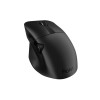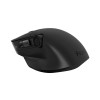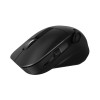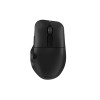

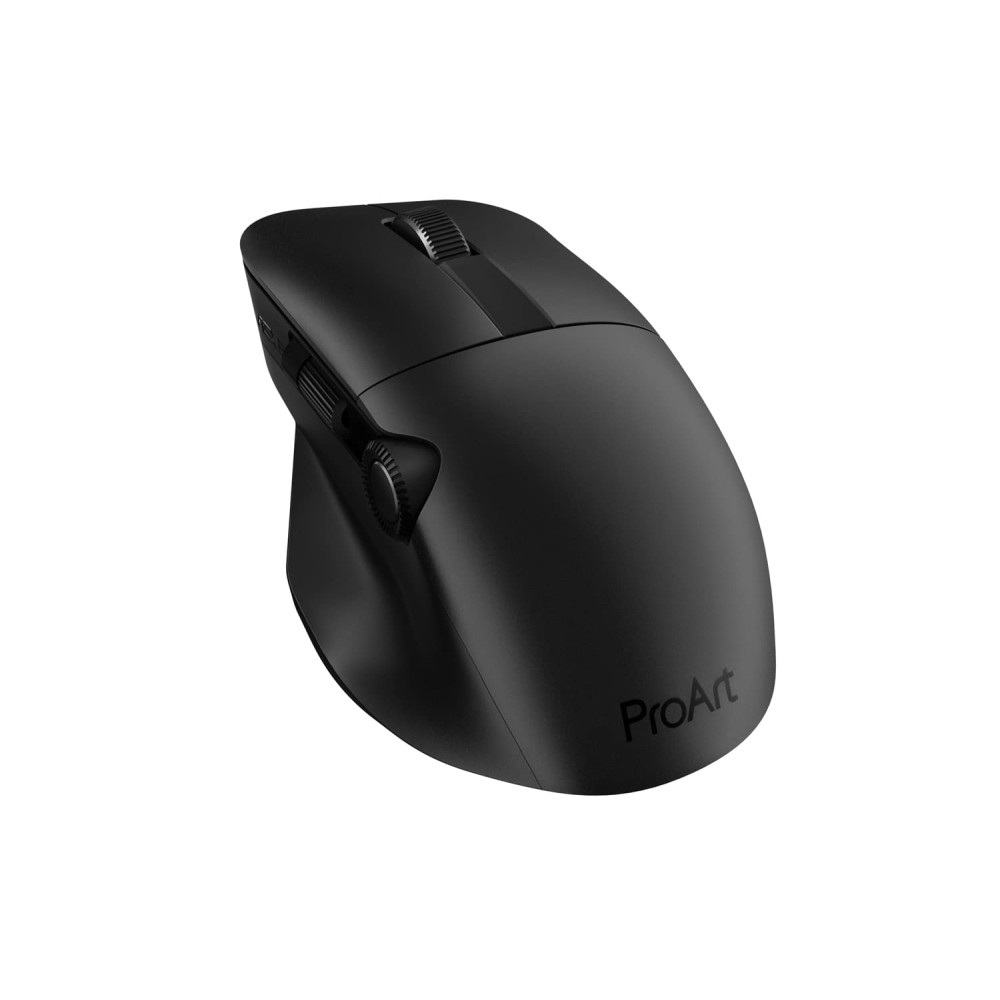
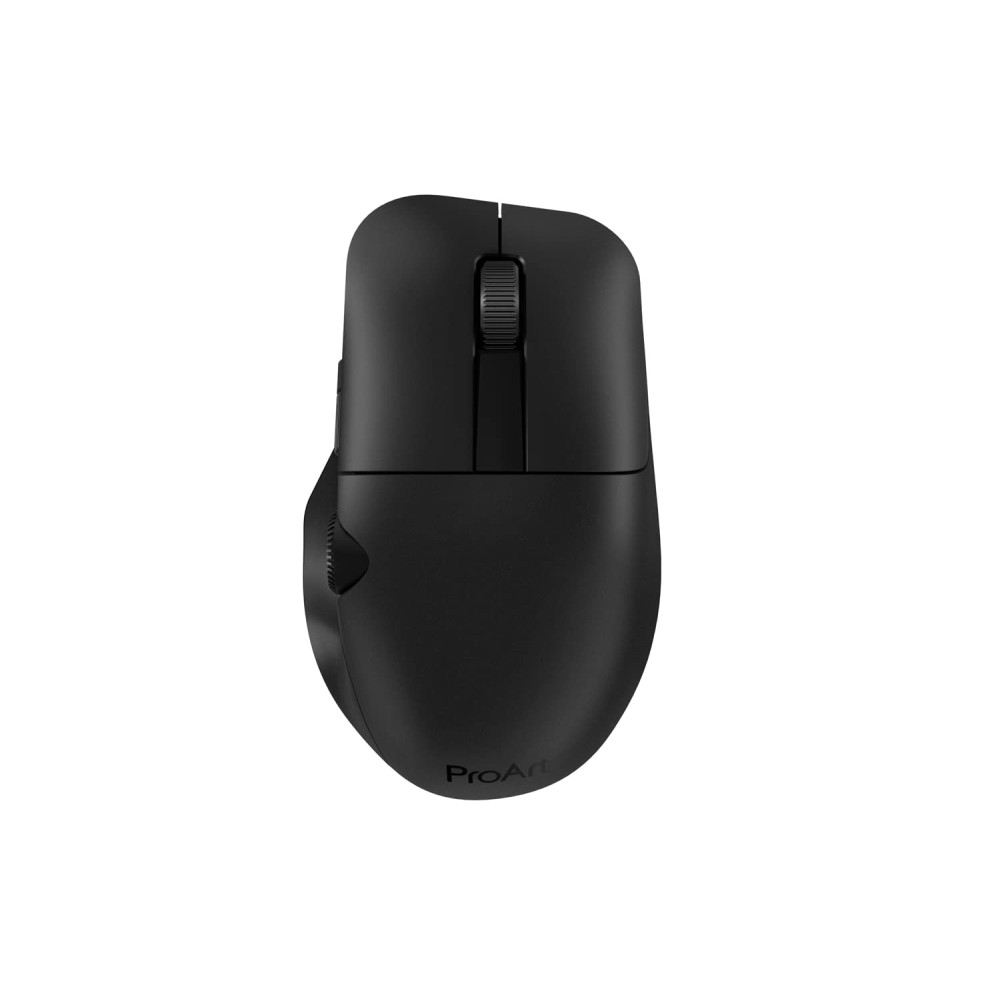
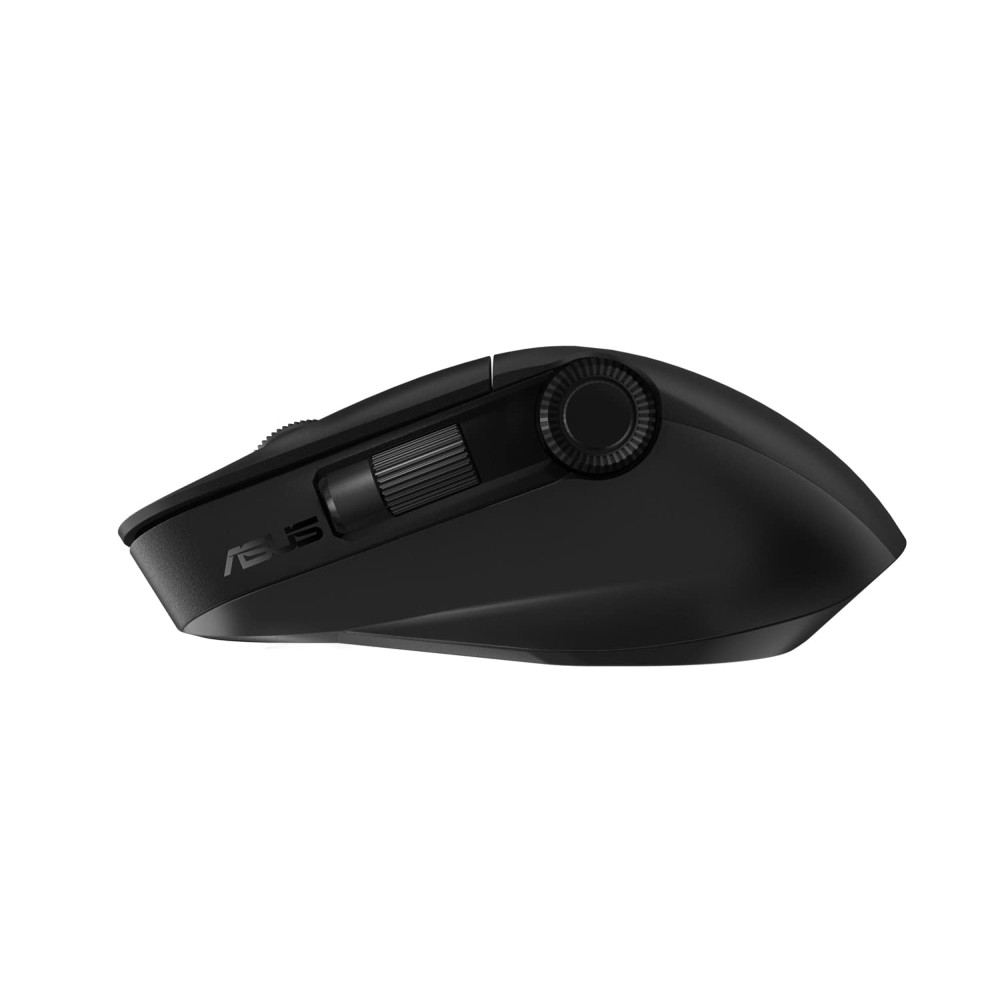
ASUS ProArt MD300 Dial, Wireless Mouse with 2 Scroll Wheel, Quick Charging, Middle Button, 4200 DPI, Multi Device Connect/Bluetooth, USB Mouse (Star Black) Ideal for Creators,Designer


- Stock: In Stock
- Brand: ASUS
- Model: ASUS MD300 Maus, schwarz
- SKU: B0B3N94THK
🎉 Our Customer Benefits 🎉
| 💸 8% Instant Discount | Use code VLE8 at checkout to get 8% Flat Discount |
| 🎁 ₹100 Wallet Credit | Get ₹100 credited to your wallet after successful order completion |
| 💼 GST Credit Available | Add your GST number at checkout to claim tax benefits. Update Now |
| ✅ Warranty Included | All products come with warranty for your peace of mind |
The ASUS ProArt MD300 Dial is a creator-focused wireless mouse that streamlines precision work and boosts creative flow. With dual scroll controls (vertical wheel + programmable dial), 4,200 DPI optical accuracy and multi-device Bluetooth/2.4GHz connectivity, it solves the frustration of slow, awkward navigation and tedious mode switching. Enjoy long-lasting rechargeable power with quick-charge convenience, tactile comfort for marathon sessions, and durable build quality. Backed by ASUS manufacturer warranty and trusted Vlebazaar service—verified authenticity, fast shipping, and reliable customer support—this mouse gives designers the speed, control and confidence to create without interruption.
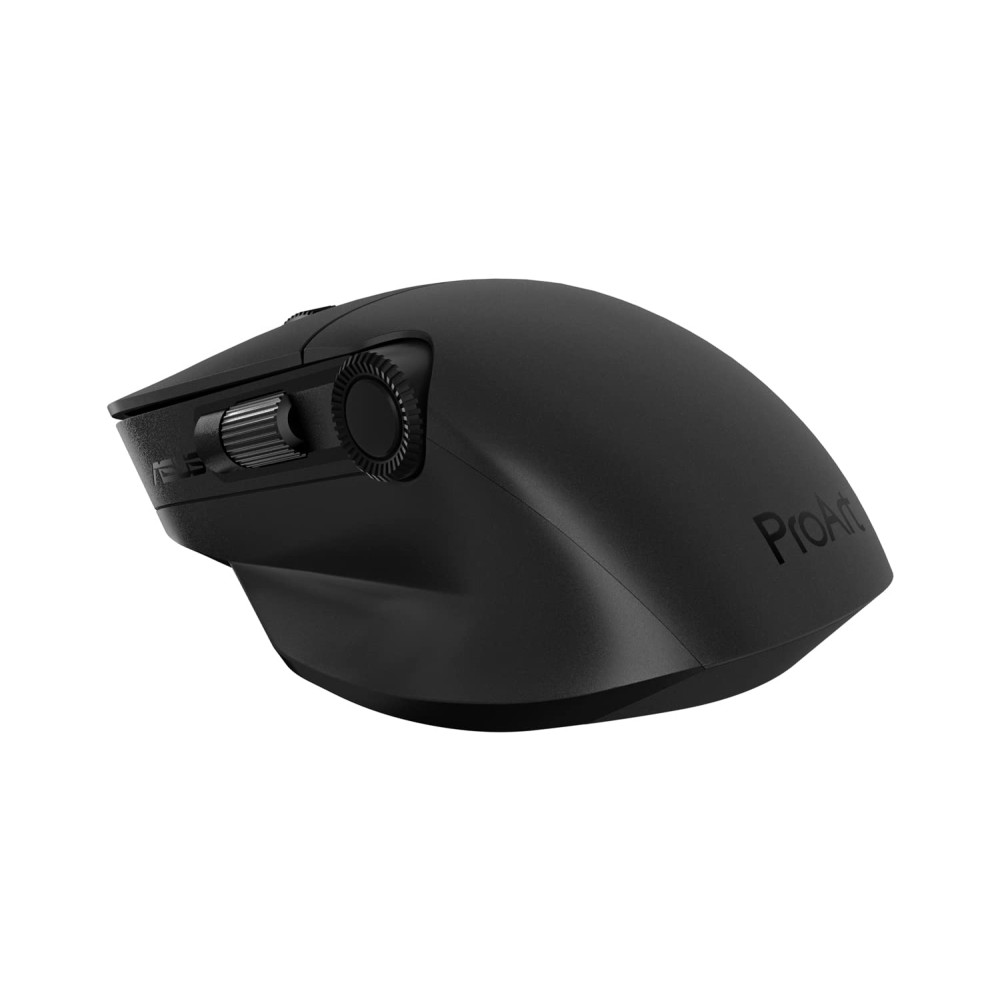
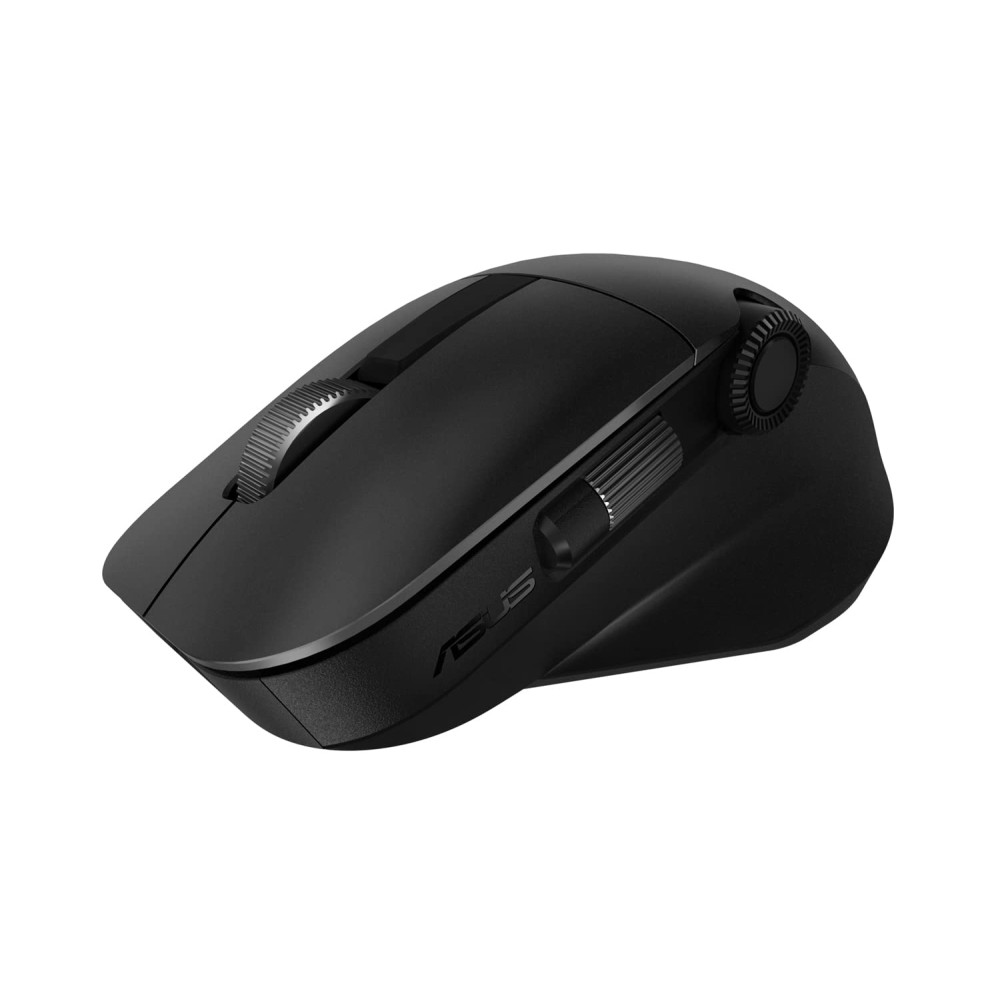
- Dual-control design: vertical scroll wheel plus a programmable dial for faster timeline scrubbing and canvas adjustments.
- High-precision 4,200 DPI sensor: pixel-accurate tracking for detailed design and photo work.
- Multi-device connectivity: switch instantly between Bluetooth and 2.4GHz USB receiver—connect up to 3 devices.
- Quick charging & rechargeable battery: get more work done with minimal downtime.
- Ergonomic sculpted shape: comfortable grip for long editing or design sessions.
- Customizable buttons: map shortcuts and macros for faster workflows in creative apps.
- Responsive middle button: tactile feedback for consistent clicks and precise selection.
- Durable premium finish: matte Star Black resists fingerprints and stays professional-looking.
- Low-latency performance: smooth responsiveness for editing, CAD, and live presentations.
- Compact but substantial weight balance: stable control without hand fatigue.
| Specification | Details |
|---|---|
| Model | ASUS ProArt MD300 Dial |
| Brand | ASUS (ProArt Series) |
| Colour | Star Black |
| Dimensions (L × W × H) | Approx. 125 × 68 × 39 mm |
| Weight | Approx. 115 g (including battery) |
| Sensors & Performance | Optical sensor, up to 4,200 DPI, adjustable DPI steps |
| Connectivity | Bluetooth 5.x, 2.4 GHz USB receiver, USB-C wired charging |
| Multi-device Support | Pair and switch between up to 3 devices |
| Buttons & Controls | Dual scroll (vertical wheel + programmable dial), middle button, multiple programmable buttons |
| Battery | Rechargeable Li‑ion battery with quick-charge support (actual life varies by use) |
| Materials / Build | Durable ABS with matte finish, textured side grips |
| Compatibility | Windows, macOS, Chrome OS, Android (Bluetooth); driver/software for button customization available |
| Box Contents | ASUS ProArt MD300 Dial mouse, USB-C charging cable, USB 2.4GHz receiver, user manual, warranty card |
| Warranty | Manufacturer warranty (refer to ASUS/warranty card); supported by Vlebazaar returns & service |
| Country of Origin | China |
- 100% authentic ASUS products sourced from authorized channels.
- Fast, secure shipping across India with careful packaging.
- Dedicated customer support and easy returns if you aren’t satisfied.
- Clear warranty handling — we assist you with manufacturer service claims.
- Trusted reviews and buyer protection for confident purchases.
- Graphic designers, illustrators and photo editors seeking precise control.
- Video editors and colorists who need quick timeline scrubbing with a dial.
- UX/UI designers and CAD users who require reliable multi-axis navigation.
- Content creators and photographers who switch between laptop and desktop devices.
- Power users who want customizable shortcuts and long battery life for marathon sessions.
-
How do I pair the mouse to multiple devices?
Use the Bluetooth pairing button to connect to a device, and switch between Bluetooth and the 2.4GHz USB receiver. The MD300 supports pairing to multiple devices—simply switch channels to toggle connections.
-
Is the dial programmable for apps like Photoshop or Premiere Pro?
Yes — the dial and other buttons can be customized via ASUS software/drivers to assign app-specific shortcuts for smoother workflows.
-
What is the battery life and quick-charge capability?
The mouse uses a rechargeable battery with extended runtime and quick-charge support to minimize downtime. Actual life varies with usage and settings; brief charging gives several hours of use.
-
Does it work with macOS and Linux?
It supports macOS over Bluetooth; basic functions work on Linux but advanced customization may require compatible drivers/software.
-
What warranty and after-sales support do I get?
The product includes the manufacturer’s warranty (see warranty card) and Vlebazaar provides order support, returns, and assistance with service claims to ensure peace of mind.
-
Is the USB receiver stored in the mouse?
Yes, the compact 2.4GHz USB receiver can be stored safely when not in use (refer to the user manual for storage location).
-
Can I use it while charging?
Yes — you can continue working while the mouse charges via the included USB-C cable.