

ASUS WT300 Wireless Ergonomic USB Mouse, Ambidextrous Design, Up to 1600 Dpi, Compact & Lighweight Mouse,2.4GHz Nano Dongle, Up to 15 Months of Battery Life - Black
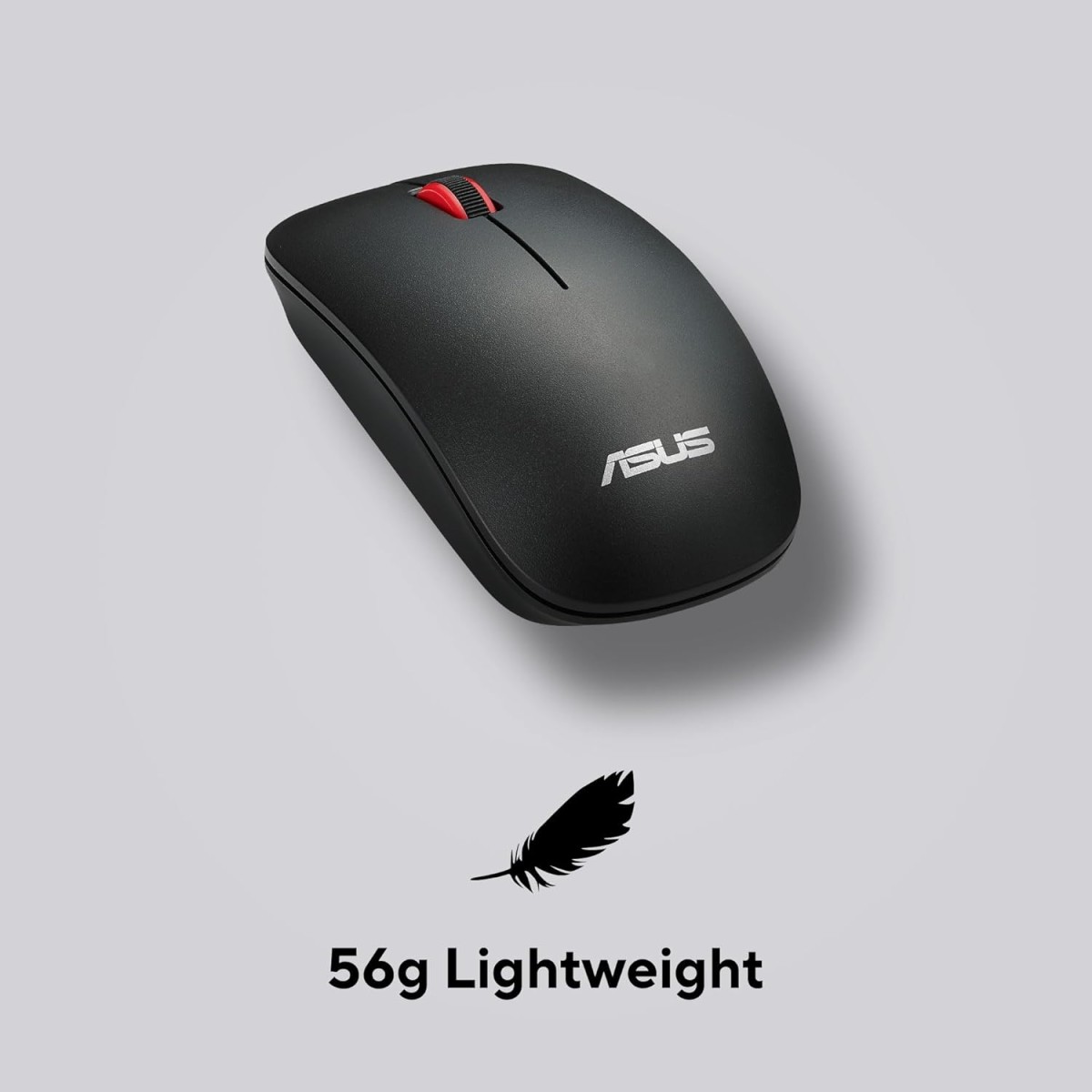


- Stock: In Stock
- Brand: ASUS
- Model: WT300 Mouse
- SKU: B0CFF2K7C8
🎉 Our Customer Benefits 🎉
| 💸 12% Instant Discount | Use code VLE12 at checkout to get 12% Flat Discount |
| 🎁 ₹100 Wallet Credit | Get ₹100 credited to your wallet after successful order completion |
| 💼 GST Credit Available | Add your GST number at checkout to claim tax benefits. Update Now |
| ✅ Warranty Included | All products come with warranty for your peace of mind |
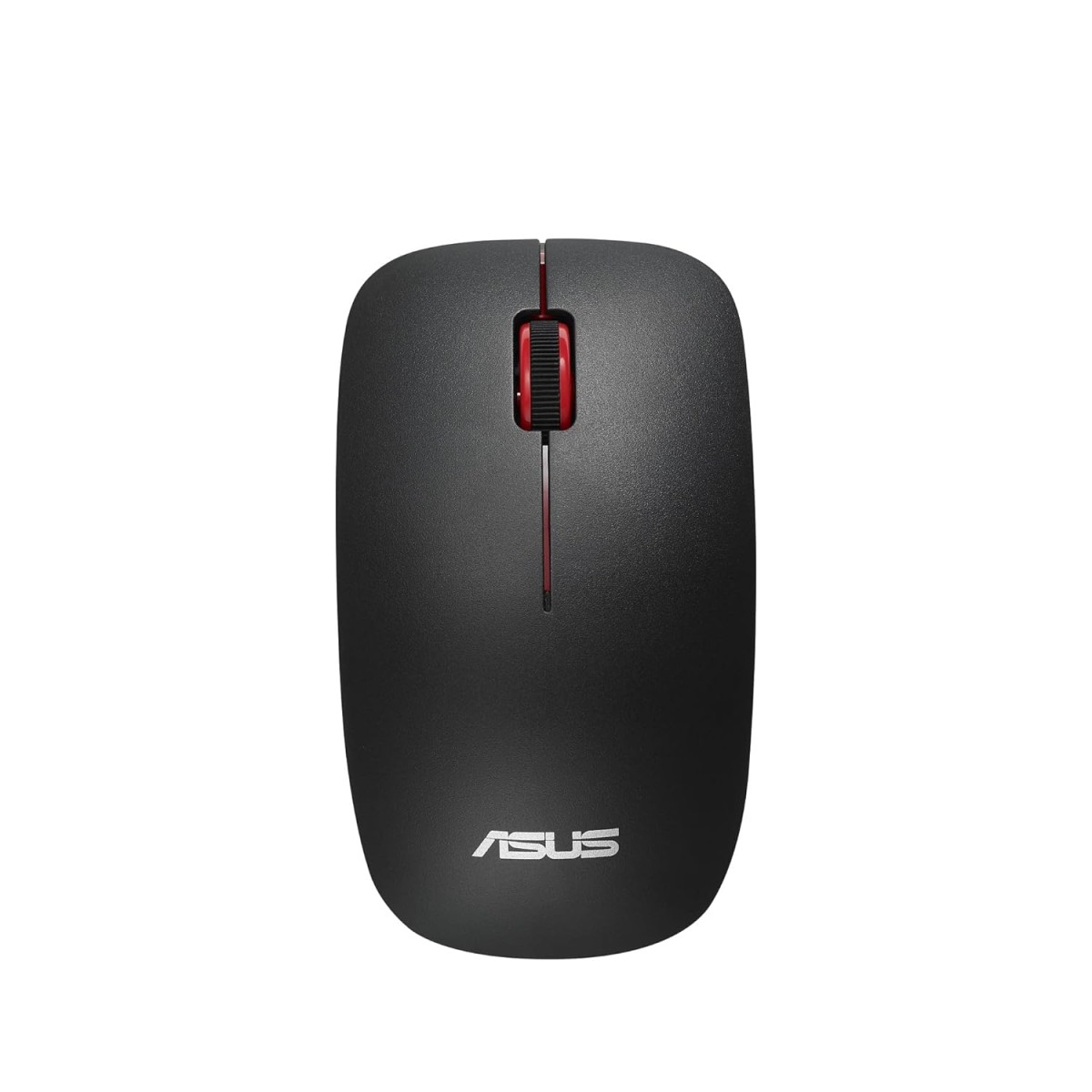
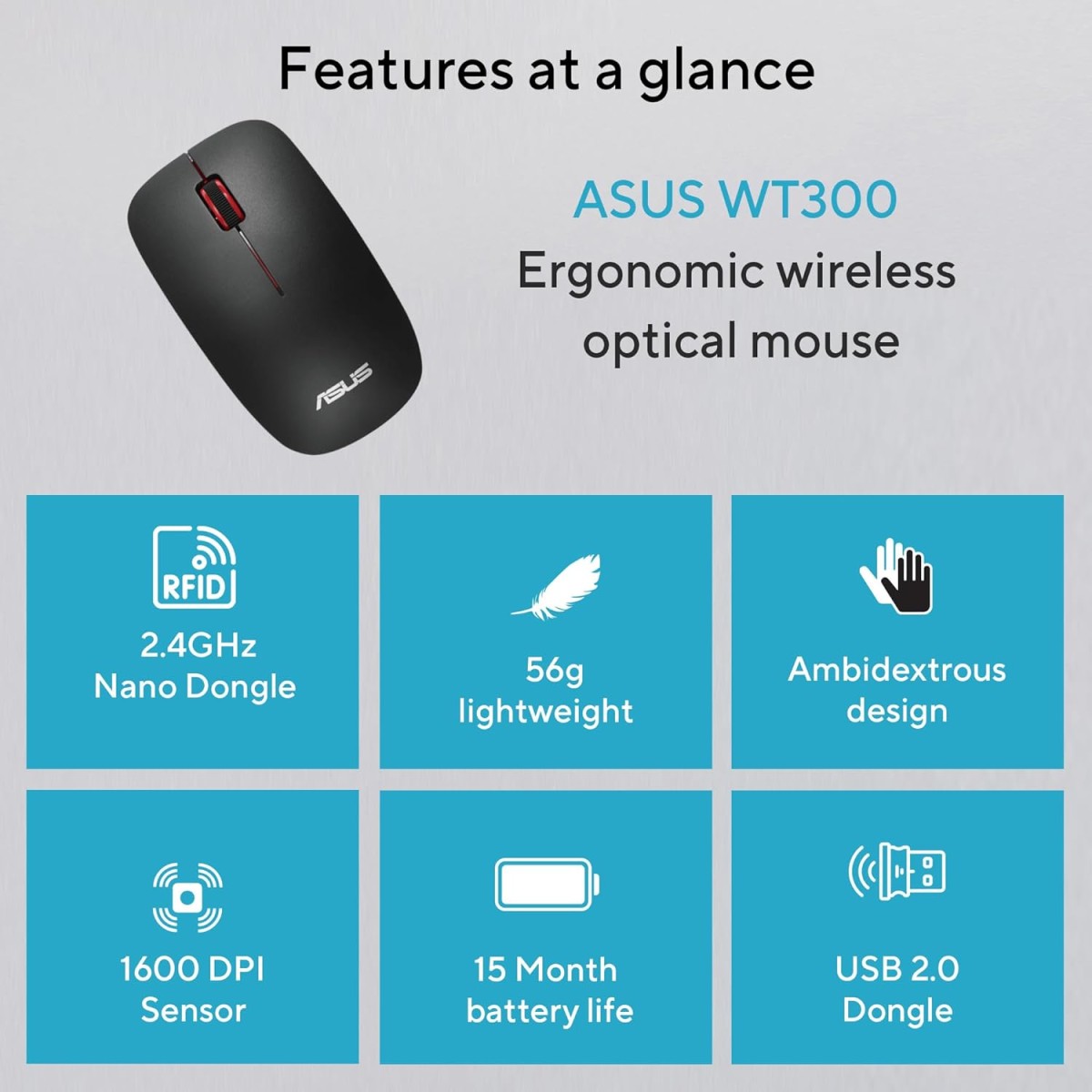
The ASUS WT300 wireless mouse has an ambidextrous design, an optical sensor with up to 1600 DPI, and 2.4GHz connectivity through a nano USB receiver. It suits laptop users, students, and office workers who want a compact mouse for everyday computer use. Its battery life is up to 15 months.
Key Highlights
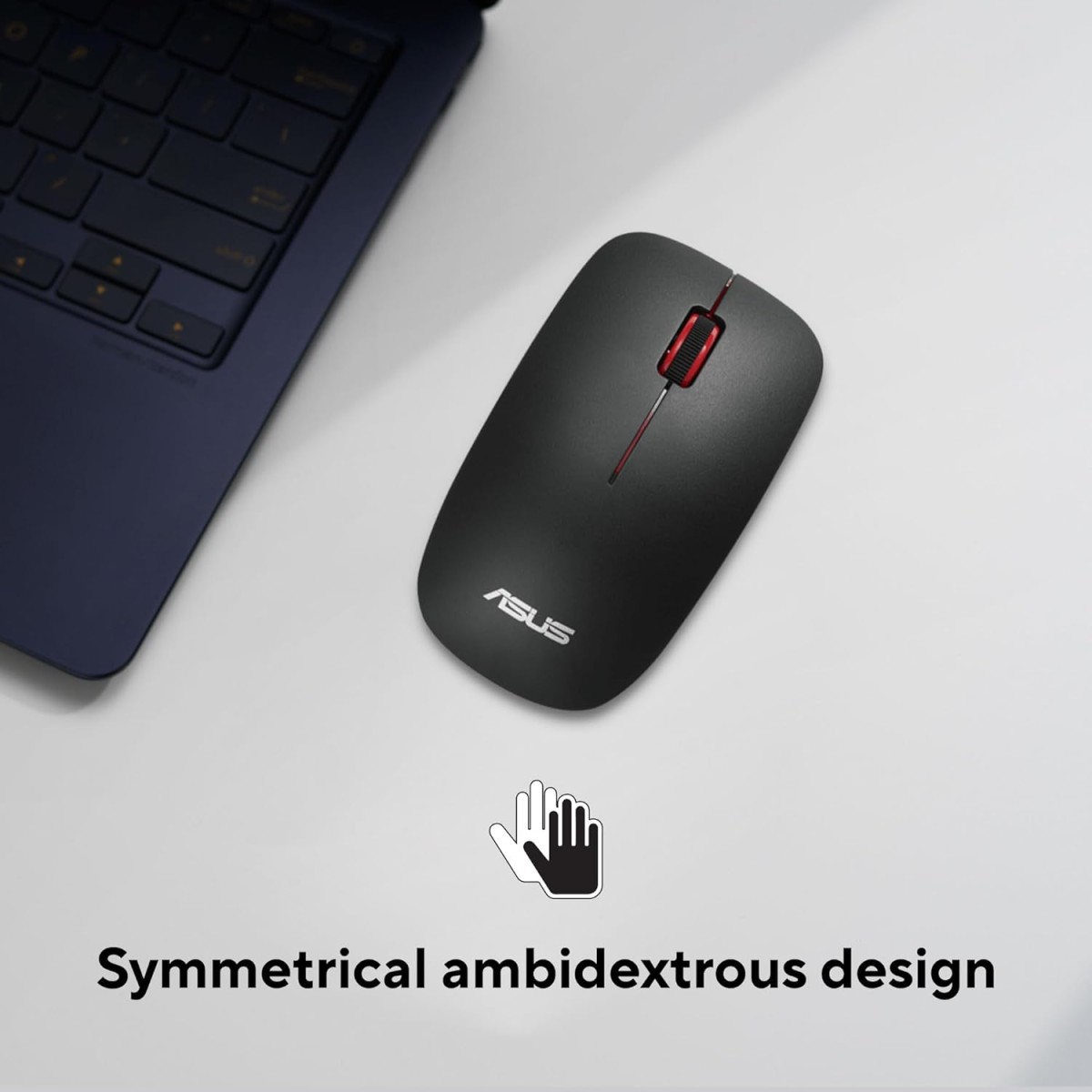
- Ambidextrous design for left- and right-handed use
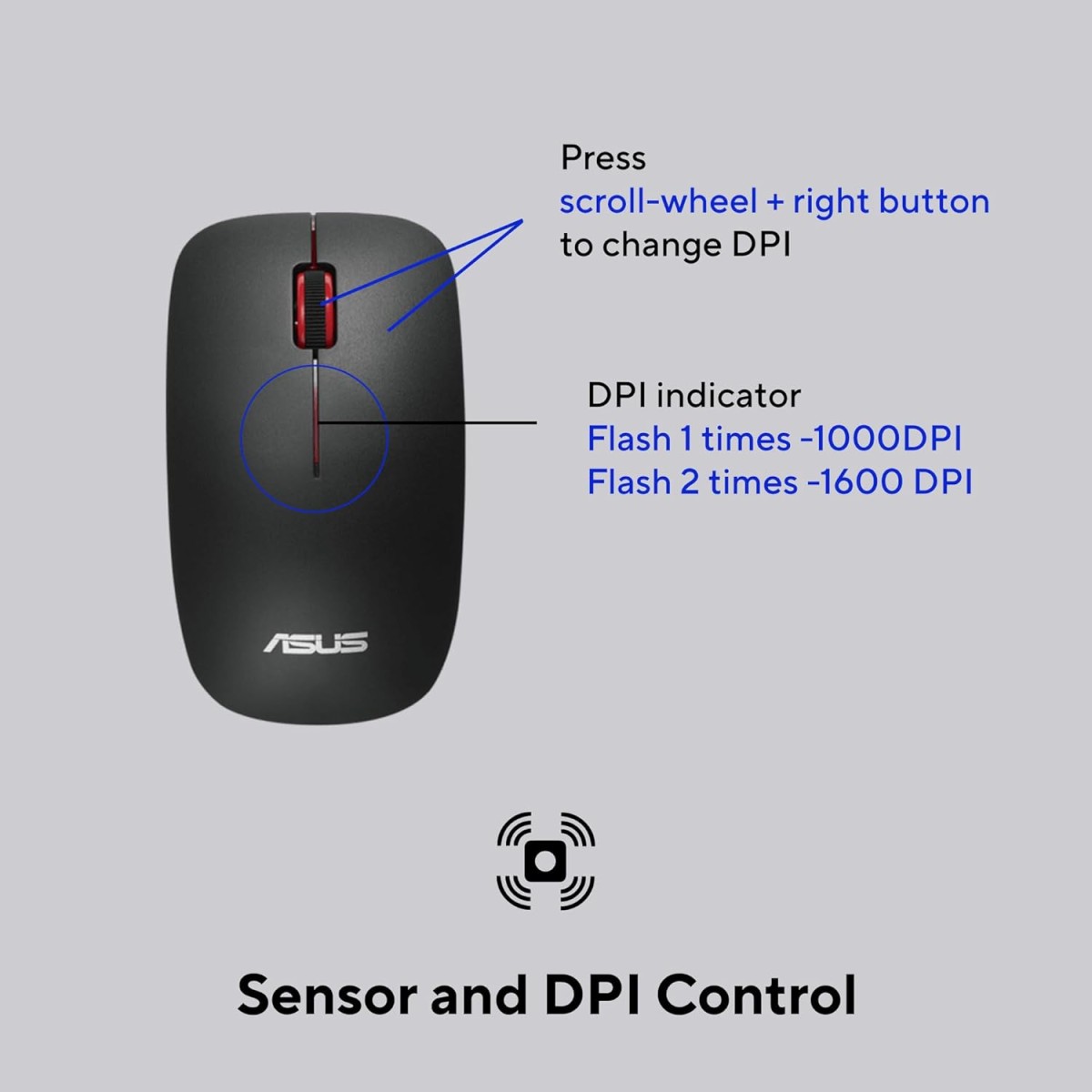
- Optical sensor with up to 1600 DPI
- 2.4GHz wireless connection via nano USB receiver
- Battery life up to 15 months
- Compact, lightweight form factor
- Receiver stores inside the mouse
Product Overview
The ASUS WT300 is a compact wireless mouse for everyday work, study, and browsing. Its ambidextrous shape supports left- and right-handed use. A 2.4GHz nano USB receiver provides the wireless connection, and the receiver can be stored inside the mouse for transport.
The mouse has left and right buttons and a scroll wheel with a middle click. It is compatible with Windows, macOS, and Linux through plug-and-play USB receiver connectivity. Battery life is up to 15 months, depending on usage. The box contents include the mouse, nano receiver, user guide, and a battery that is pre-installed or included.
Features and Benefits
- Ambidextrous shape – supports use by left- and right-handed users
- Optical sensor – tracks at up to 1600 DPI
- 2.4GHz wireless – connects through a nano USB receiver
- Long battery life – lasts up to 15 months
- Compact form – suited to portable use
- Receiver storage – nano receiver fits inside the mouse
- Button layout – includes left, right, and middle-click controls
- Textured grip areas – included on the durable plastic shell
Technical Specifications
| Specification | Details |
|---|---|
| Brand | ASUS |
| Model | ASUS WT300 |
| Product Type | Wireless mouse |
| Colour | Black |
| Design | Ambidextrous ergonomic |
| Sensor | Optical |
| Performance | Up to 1600 DPI |
| Connectivity | 2.4GHz wireless via nano USB dongle |
| Wireless Range | Up to ~10 meters (typical indoor range) |
| Battery Life | Up to 15 months (typical usage) |
| Buttons | Left, right, scroll wheel (middle click) |
| Compatibility | Windows, macOS, Linux |
| Materials / Build | Durable plastic shell with textured grip areas |
| Dimensions | Compact form factor |
| Weight | Lightweight (battery included) |
| Country of Origin | China |
Who Should Buy This?
- Students and remote learners – the compact mouse suits portable computer use
- Office professionals – it offers wireless control and familiar mouse buttons
- Frequent travelers – the nano receiver stores inside the mouse
- Left- or right-handed users – the ambidextrous shape supports both
- Everyday computer users – battery life is up to 15 months
Compatibility
- Windows
- macOS
- Linux
How to Set Up
- Insert the nano USB receiver into a USB port.
- Use the mouse with its plug-and-play receiver connection.
What's in the Box
- ASUS WT300 mouse
- 2.4GHz nano receiver
- User guide
- Battery (pre-installed or included)
Pros and Limitations
Pros
- Ambidextrous design for left- and right-handed use
- Optical tracking up to 1600 DPI
- Up to 15 months of battery life
- Nano receiver can be stored inside the mouse
Limitations
- Wireless connectivity uses a nano USB receiver.
- The stated wireless range is up to ~10 meters in typical indoor use.
Frequently Asked Questions
Is the ASUS WT300 compatible with Mac and Linux?
Yes, it is compatible with macOS and Linux, as well as Windows. It connects through a plug-and-play nano USB receiver.
What is the maximum DPI of the WT300?
The optical sensor supports up to 1600 DPI. The data gives the maximum DPI but does not describe DPI adjustment steps.
How does the ASUS WT300 connect?
It uses a 2.4GHz wireless connection through a nano USB receiver. The receiver plugs into a USB port.
How long does the battery last?
Battery life is up to 15 months with typical usage. Actual usage duration depends on how the mouse is used.
Can the nano receiver be stored in the mouse?
Yes, the receiver fits inside the mouse for storage. This provides a place to keep it while transporting the mouse.
Can left-handed users use this mouse?
Yes, the WT300 has an ambidextrous design for left- and right-handed use. Its controls include left and right buttons and a scroll wheel.
Which devices or systems does the ASUS WT300 work with?
It is listed for Windows, macOS, Linux. If your device is not mentioned, check the connection type and specifications before ordering.
How much does the ASUS WT300 weigh?
It weighs Lightweight (battery included). The shipping weight can be a little higher because of the packaging.
Warranty
1 year manufacturer warranty
| Country and Manufacturer | |
| Country of Origin | China |