

Belkin USB-C Multi Port Display Adapter (with Tethered USB-C Cable) - Connectivity for USB-C to DVI Port, VGA Port, 4K HDMI Port, Compatible with Mac and Windows laptops and Other USB-C Devices


- Stock: In Stock
- Brand: Belkin
- Model: AVC003btBK
- SKU: B086STNMT3
🎉 Our Customer Benefits 🎉
| 💸 12% Instant Discount | Use code VLE12 at checkout to get 12% Flat Discount |
| 🎁 ₹100 Wallet Credit | Get ₹100 credited to your wallet after successful order completion |
| 💼 GST Credit Available | Add your GST number at checkout to claim tax benefits. Update Now |
| ✅ Warranty Included | All products come with warranty for your peace of mind |
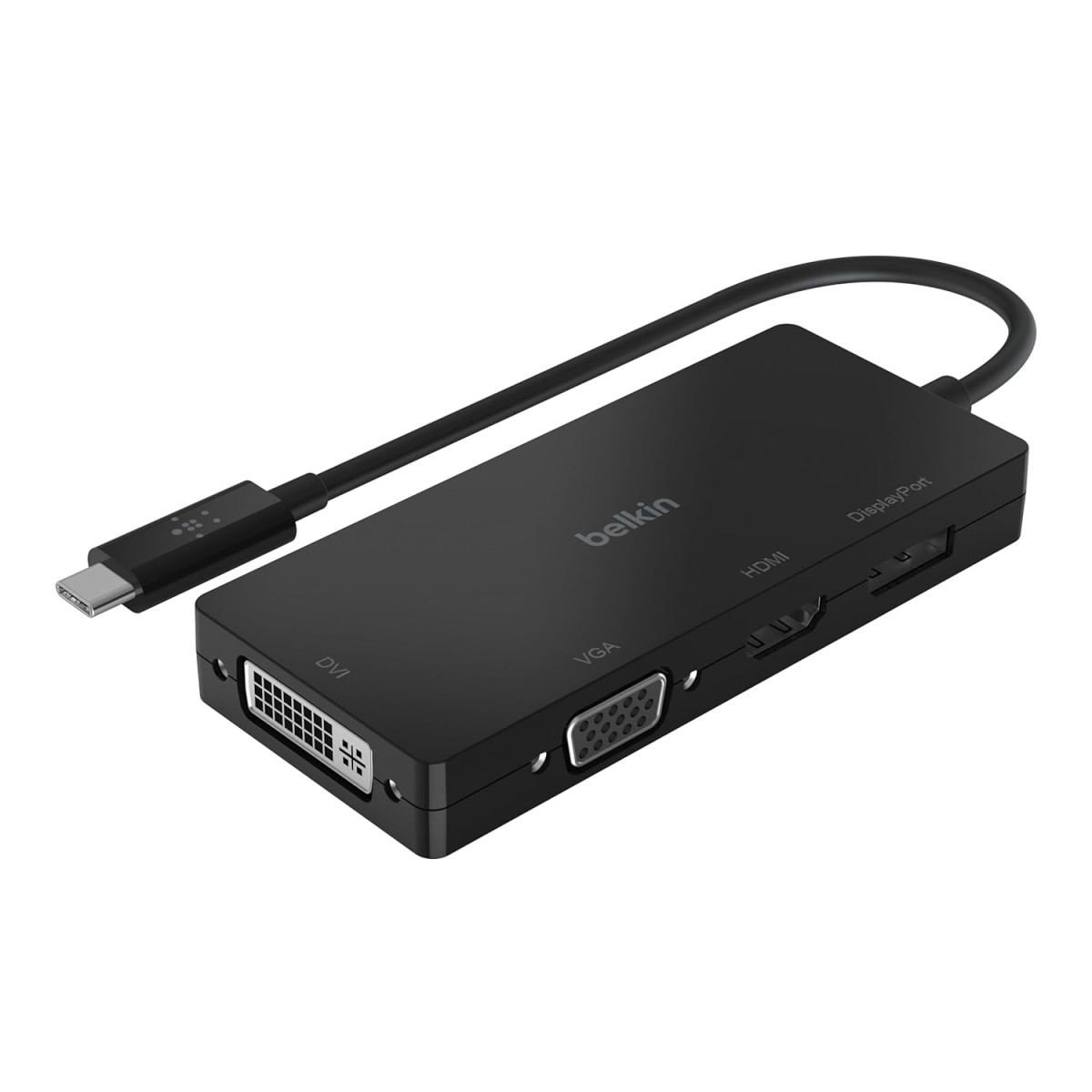
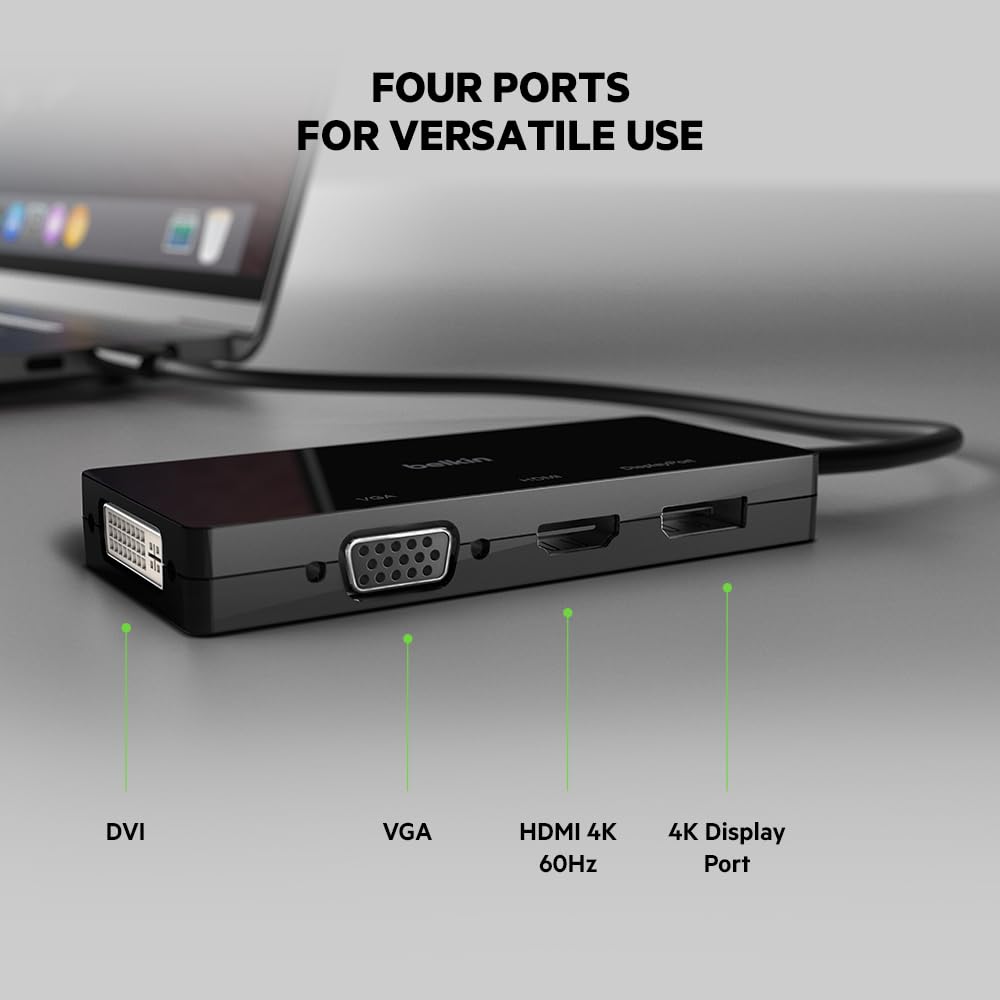
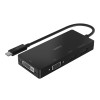
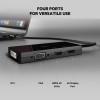
The USB-C display adapter Belkin AVC003btBK connects compatible devices to HDMI, DVI or VGA displays through a tethered USB-C cable. It supports HDMI up to 4K at 60 Hz and DVI/VGA up to 1920 × 1200, depending on the host and device. It suits Mac and Windows users whose USB-C devices support DisplayPort Alt Mode.
Key Highlights
- HDMI output up to 4K at 60 Hz
- DVI and VGA outputs up to 1920 × 1200
- Tethered USB-C cable
- Works with DisplayPort Alt Mode devices
- Polycarbonate housing with reinforced cable strain relief
Product Overview
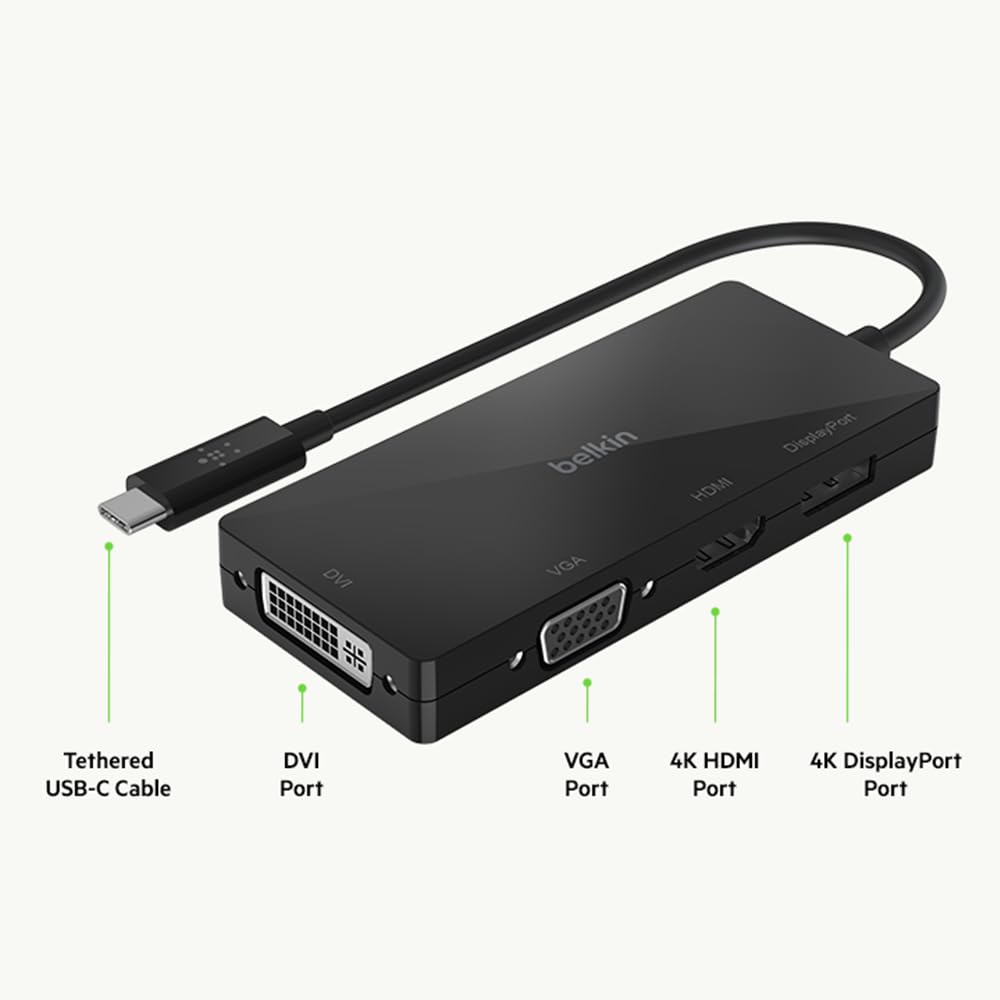
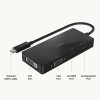
This Belkin adapter provides HDMI, DVI and VGA video outputs from a USB-C connection. HDMI supports up to 4K at 60 Hz on compatible hosts, while DVI and VGA support up to 1920 × 1200, depending on the host and connected device. It is compatible with Mac and Windows laptops, tablets and other USB-C devices that support DisplayPort Alt Mode.
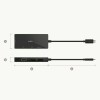
The USB-C cable is attached to the adapter, so there is no separate video cable to connect to the host. The adapter uses a polycarbonate housing with reinforced cable strain relief. Video output is plug-and-play, and drivers are typically not required; legacy operating systems may need device-manufacturer guidance. The box includes the adapter with its tethered cable and a quick start guide.
Features and Benefits
- HDMI output – Supports up to 4K at 60 Hz on compatible hosts.
- DVI and VGA outputs – Connects to legacy display types, up to 1920 × 1200 depending on host and device.
- Tethered USB-C cable – Keeps the host connection attached to the adapter.
- DisplayPort Alt Mode – Works with compatible USB-C laptops, tablets and devices.
- Plug-and-play video – Typically requires no drivers.
- Reinforced cable strain relief – Supports the attached cable at its connection point.
- Polycarbonate housing – Forms the adapter body.
- Power limitation – Does not provide USB Power Delivery passthrough.
Technical Specifications
| Specification | Details |
|---|---|
| Brand | Belkin |
| Model | AVC003btBK |
| Product Type | USB-C multi-port display adapter |
| Colour | Matte Black / Grey Trim |
| Connector | Integrated / tethered USB-C cable with USB-C plug |
| Video Outputs | HDMI, DVI, VGA |
| HDMI Resolution | Up to 4K at 60 Hz on compatible hosts |
| DVI/VGA Resolution | Up to 1920 × 1200, dependent on host and device |
| Compatibility | Mac and Windows laptops, tablets and USB-C devices supporting DisplayPort Alt Mode |
| Performance | Plug-and-play video output with low latency; supports common refresh rates |
| Drivers | Typically not required; check device manufacturer for legacy OS support |
| Materials / Build | Polycarbonate housing with reinforced cable strain relief |
| Power Delivery | No USB Power Delivery passthrough; power via host |
| Country of Origin | China |
Who Should Buy This?
- Presenters – Connect compatible USB-C devices to HDMI, DVI or VGA displays.
- Mac laptop users – Use the adapter with a USB-C device supporting DisplayPort Alt Mode.
- Windows laptop users – Connect to supported HDMI, DVI or VGA displays.
- Tablet users – Add video output when the USB-C tablet supports DisplayPort Alt Mode.
Compatibility
- Mac and Windows laptops, tablets and other USB-C devices that support DisplayPort Alt Mode.
- HDMI, DVI and VGA displays.
How to Set Up
- Connect the adapter's tethered USB-C plug to a compatible device.
- Connect the display using its HDMI, DVI or VGA connection.
- Video output is plug-and-play; drivers are typically not required.
What's in the Box
- Belkin USB-C Multi Port Display Adapter with tethered cable
- Quick start guide
Pros and Limitations
Pros
- Provides HDMI, DVI and VGA video outputs.
- Supports HDMI up to 4K at 60 Hz on compatible hosts.
- Has an attached USB-C cable.
- Typically works without drivers.
Limitations
- USB-C devices must support DisplayPort Alt Mode.
- USB Power Delivery passthrough is not supported.
- Maximum resolution depends on the host and device.
Frequently Asked Questions
Which display connections does this adapter provide?
It provides HDMI, DVI and VGA outputs. HDMI supports up to 4K at 60 Hz on compatible hosts, while DVI and VGA support up to 1920 × 1200 depending on the host and device.
Will it work with my USB-C laptop?
It works with Mac and Windows laptops whose USB-C ports support DisplayPort Alt Mode. A USB-C connection without that support is not listed as compatible.
Can I use it with a tablet?
Yes, if the tablet has USB-C and supports DisplayPort Alt Mode. The adapter also works with compatible Mac and Windows laptops.
Does the adapter require drivers?
Drivers are typically not required for plug-and-play video output. For legacy operating systems, check the device manufacturer's guidance.
Does it pass power through to my laptop?
No, it does not provide USB Power Delivery passthrough. Power comes from the host device.
What is included in the box?
The box includes the Belkin USB-C multi-port display adapter with its tethered cable and a quick start guide.
Which devices or systems does the Belkin USB-C Multi Port Display Adapter work with?
It is listed for Mac and Windows laptops, tablets and USB-C devices supporting DisplayPort Alt Mode. If your device is not mentioned, check the connection type and specifications before ordering.
What warranty does the Belkin USB-C Multi Port Display Adapter have?
It comes with 1 year manufacturer warranty warranty. Keep your invoice, as it is needed for any warranty claim.
Warranty
1 year manufacturer warranty
| Country and Manufacturer | |
| Country of Origin | China |