

Monitors
-44%
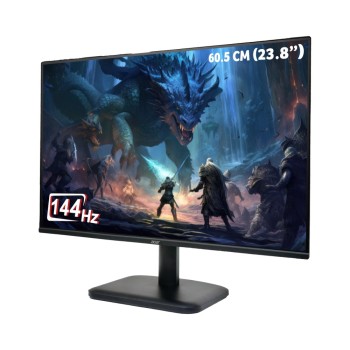
Brand: Acer
Model: EK240Y
The Acer EK240Y is a 24 inch Full HD IPS gaming monitor featuring a 14..
₹5,039.00 ₹8,999.00
-37%
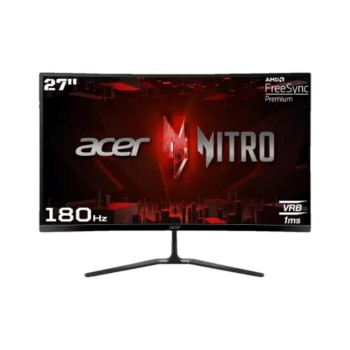
Brand: Acer
Model: ED270R S3
The Acer ED270R S3 is a 27 inch curved gaming monitor featuring a Full..
₹9,599.00 ₹15,299.00
-41%
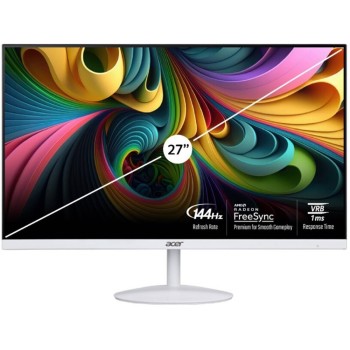
Brand: Acer
Model: SA272
The Acer SA272 P1 is a 27-inch Full HD IPS monitor with a 144Hz refres..
₹7,031.00 ₹11,999.00
-35%
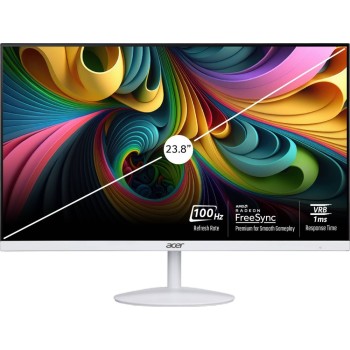
Brand: Acer
Model: SA242Y
The Acer SA2 Series SA242Y is a 24 inch Full HD IPS monitor featuring ..
₹6,159.00 ₹9,499.00
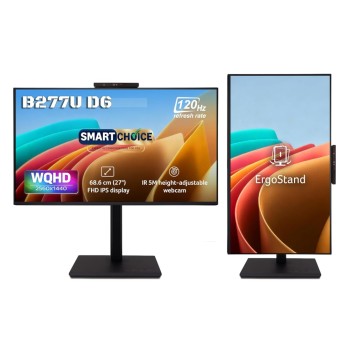
New
-37%
Brand: Acer
Model: UM.HB7SI.602
The Acer B277U D6 is a 27-inch WQHD IPS monitor with 120Hz refresh rat..
₹15,072.00 ₹24,000.00
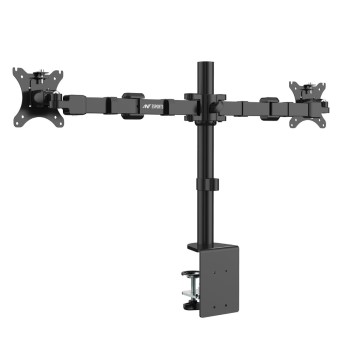
-75%
Brand: Ant Esports
Model: B0CVL9LBR3
The Ant Esports B0CVL9LBR3 is a dual monitor desk mount with articulat..
₹1,134.00 ₹4,499.00
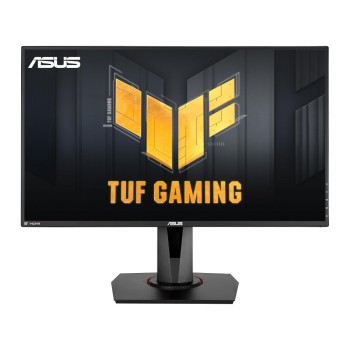
-54%
Brand: ASUS
Model: VG279QR
The ASUS VG279QR is a 27-inch IPS gaming monitor featuring Full HD 192..
₹15,999.00 ₹34,999.00
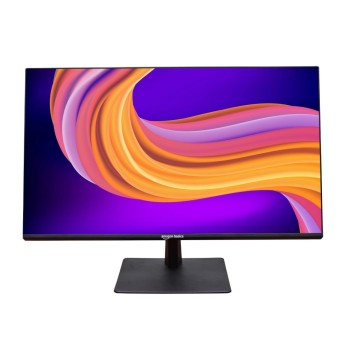
-63%
Brand: generic
Model: AB26PM27
The Generic AB26PM27 is a 27-inch Full HD IPS monitor featuring a 120H..
₹7,411.00 ₹19,778.00
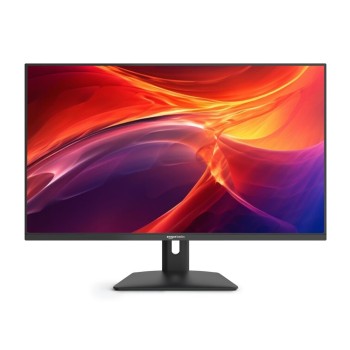
-70%
Brand: generic
Model: ABFHD13
The Generic ABFHD13 is a 32-inch Full HD monitor featuring a VA panel,..
₹8,903.00 ₹29,999.00
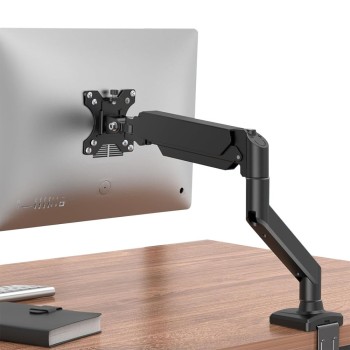
-25%
Brand: generic
Model: B0H1M3TZXS
The Generic Ergonomic Single Monitor Arm is a black, full-motion VESA ..
₹2,240.00 ₹2,999.00
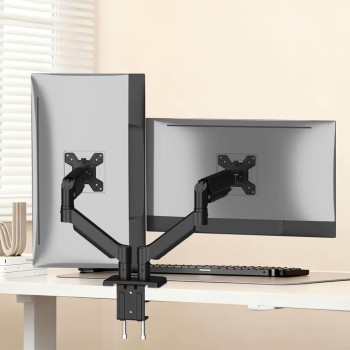
-64%
Brand: generic
Model: AB-MS-05
The Generic AB-MS-05 is a heavy duty dual monitor arm designed for 13 ..
₹2,538.00 ₹6,999.00
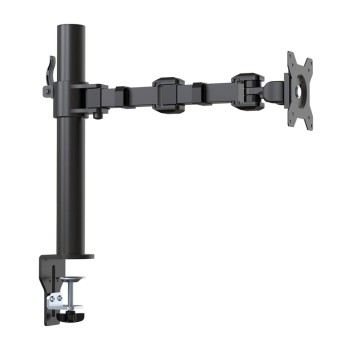
-72%
Brand: generic
Model: DLB111-US290
The Generic DLB111-US290 is a single monitor arm designed for 13 to 30..
₹1,400.00 ₹4,999.00
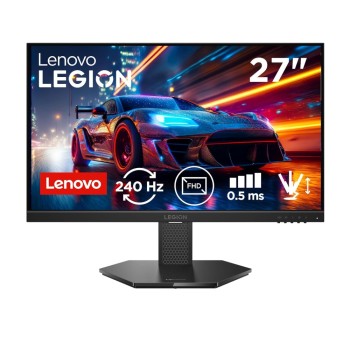
-37%
Brand: Lenovo
Model: 27-10
The Lenovo Legion 27-10 is a 27-inch FHD IPS gaming monitor featuring ..
₹10,622.00 ₹16,790.00
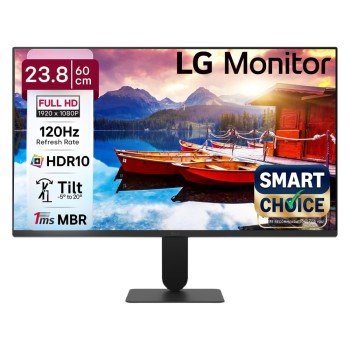
-66%
Brand: LG
Model: 24U411A-BN
The LG 24U411A-BN is a 24-inch Full HD IPS monitor featuring a 120Hz r..
₹5,778.00 ₹17,000.00
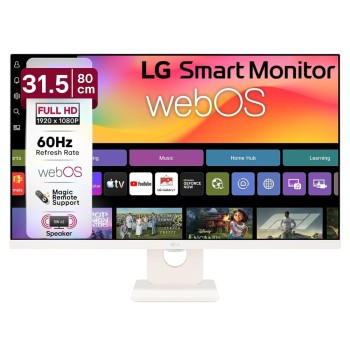
-50%
Brand: LG
Model: 32SR50F-W.ATR
The LG Smart Monitor 32SR50F-W is a 31.5 inch FHD IPS display with HDR..
₹14,126.00 ₹28,500.00
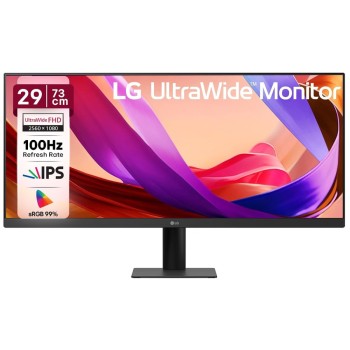
-39%
Brand: LG
Model: 29U511A-B.BTR
The LG 29U511A is a 29-inch UltraWide WFHD IPS monitor with a resoluti..
₹12,147.00 ₹20,000.00
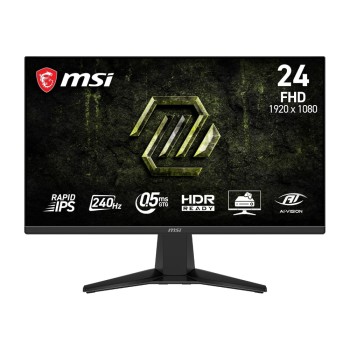
-68%
Brand: MSI
Model: MAG 245F X24
The MSI MAG 245F X24 is a 24-inch gaming monitor with 1920x1080 FHD re..
₹7,607.00 ₹23,999.00
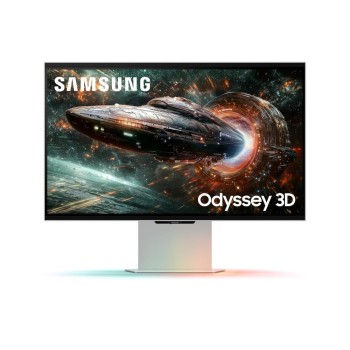
--13324%
Brand: Samsung
Model: LS27FG900XWXXL
The Samsung LS27FG900XWXXL is a 27-inch 4K UHD IPS gaming monitor with..
₹66,986.00 ₹499.00
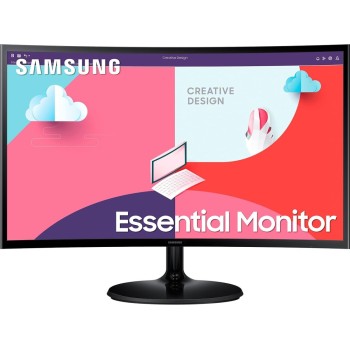
New
-28%
Brand: Samsung
Model: LS24C360EAWXXL
This is the Samsung 60.96. The Samsung LS24C360EAWXXL is a 24-inch cur..
₹11,920.00 ₹16,500.00
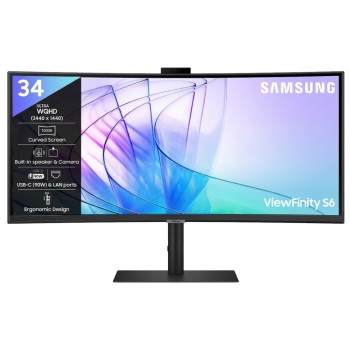
-78%
Brand: Samsung
Model: LS34C650VAWXXL
Samsung LS34C650VAWXXL is a 34-inch curved ultrawide monitor with Ultr..
₹19,359.00 ₹88,400.00