
Epson EcoTank Monochrome M2120 All-in-One InkTank WiFi Printer, Black
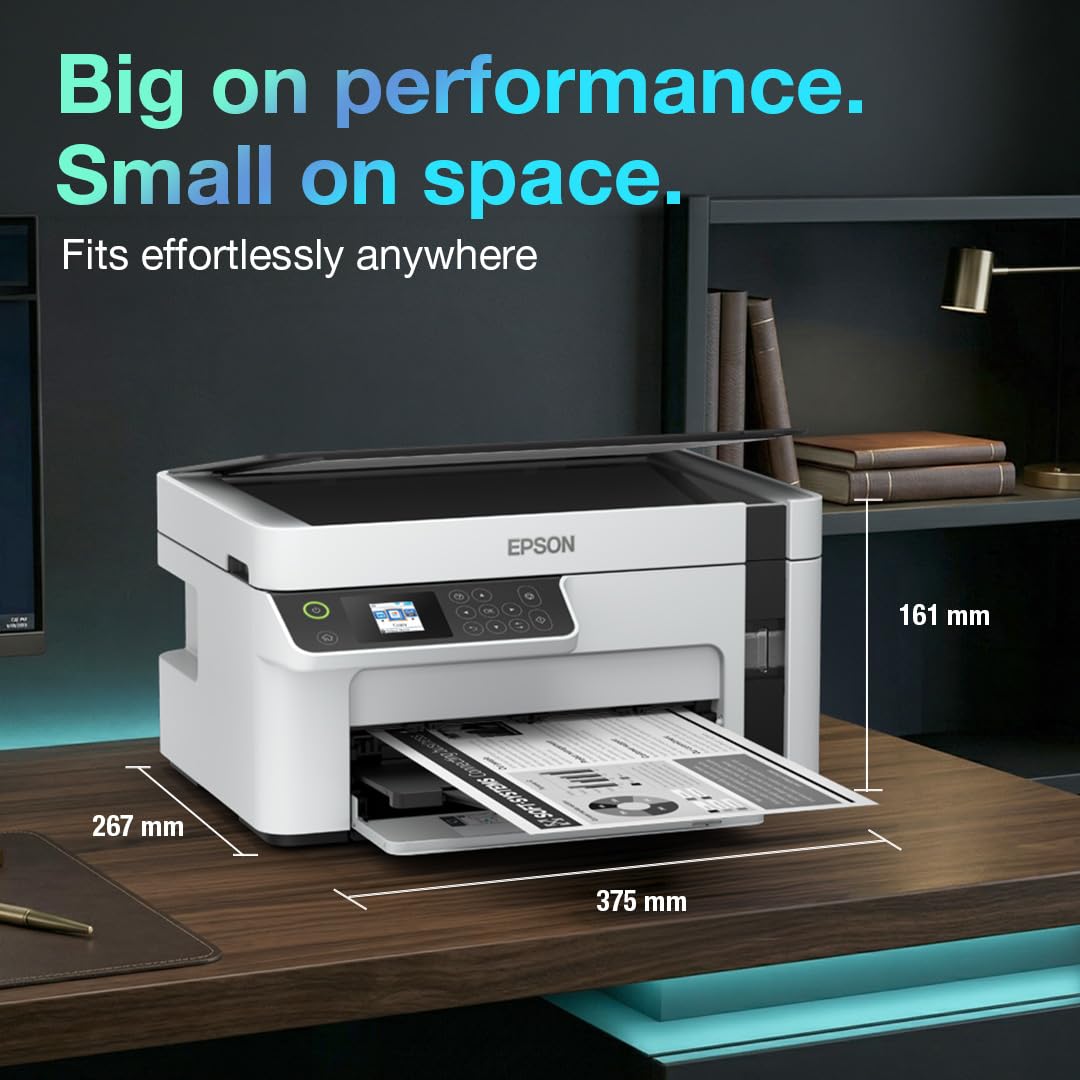


- Stock: In Stock
- Brand: EPSON
- Model: M2120
- SKU: B08QD5GNQL
🎉 Our Customer Benefits 🎉
| 💸 12% Instant Discount | Use code VLE12 at checkout to get 12% Flat Discount |
| 🎁 ₹100 Wallet Credit | Get ₹100 credited to your wallet after successful order completion |
| 💼 GST Credit Available | Add your GST number at checkout to claim tax benefits. Update Now |
| ✅ Warranty Included | All products come with warranty for your peace of mind |
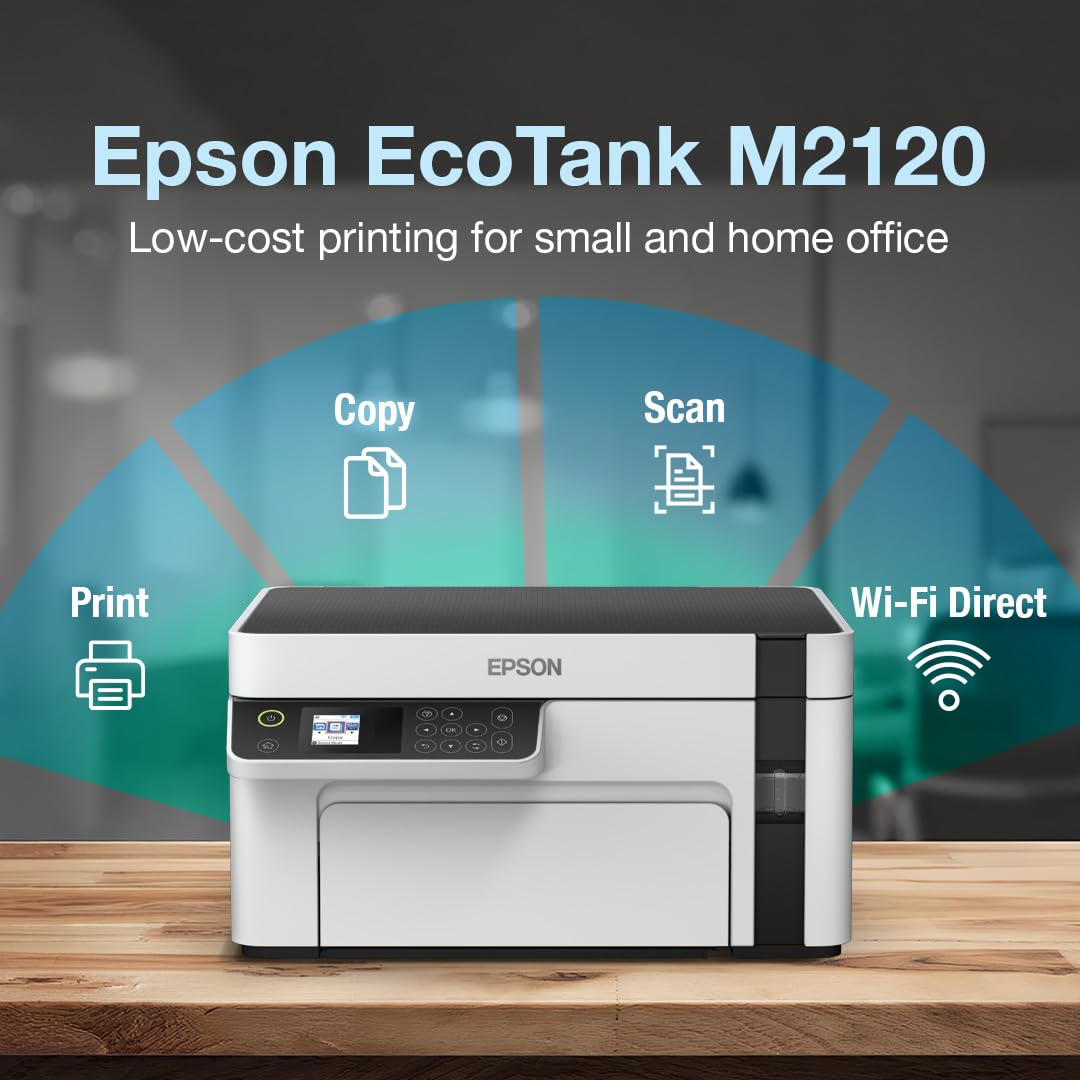
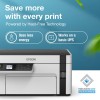
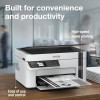
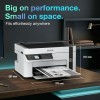
The Epson M2120 is a monochrome all-in-one EcoTank printer with print, scan and copy functions, Wi-Fi connectivity and a refillable black ink system. It suits home offices, students and small businesses that need black-and-white document printing with wireless options and USB 2.0 connectivity.
Key Highlights
- Prints, scans and copies
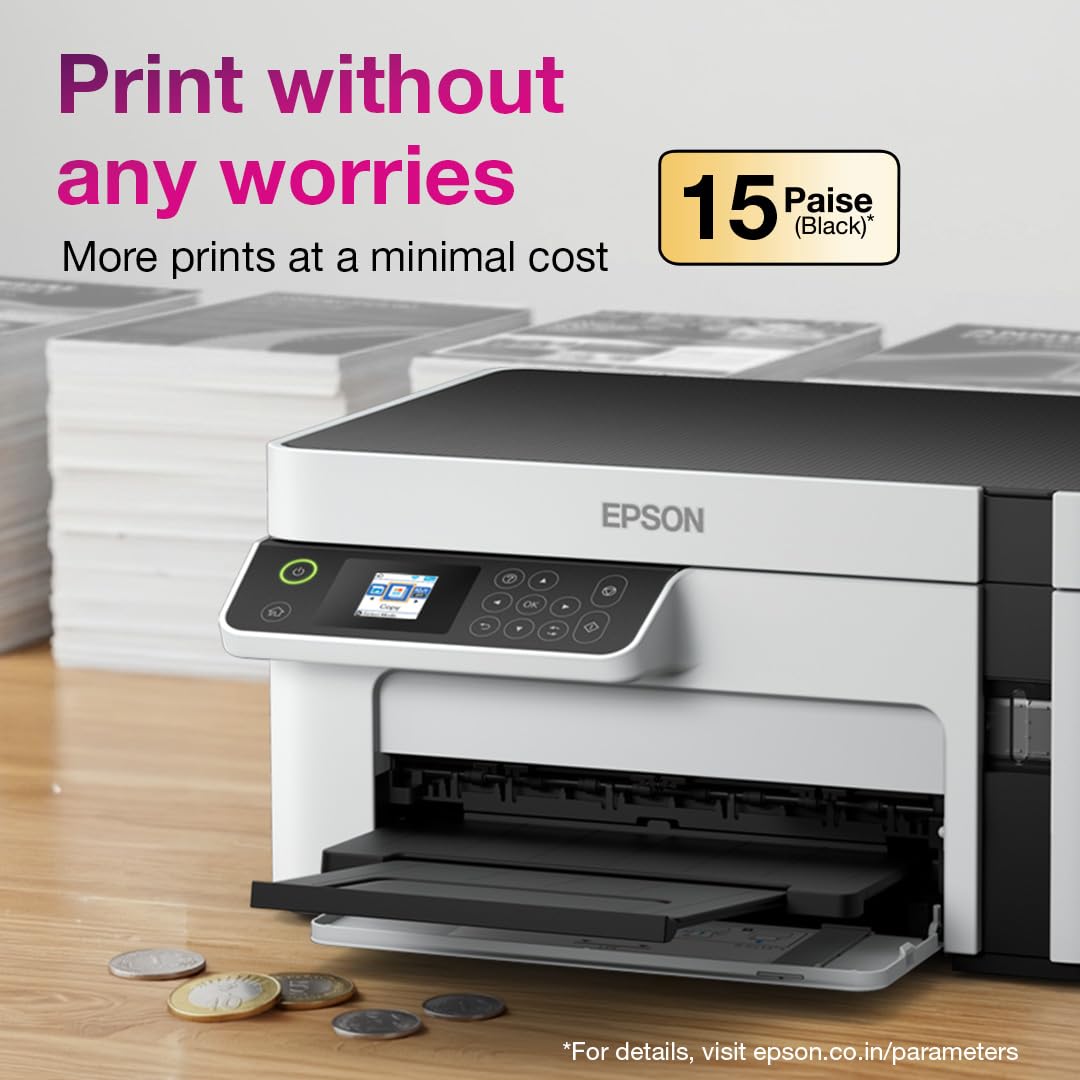
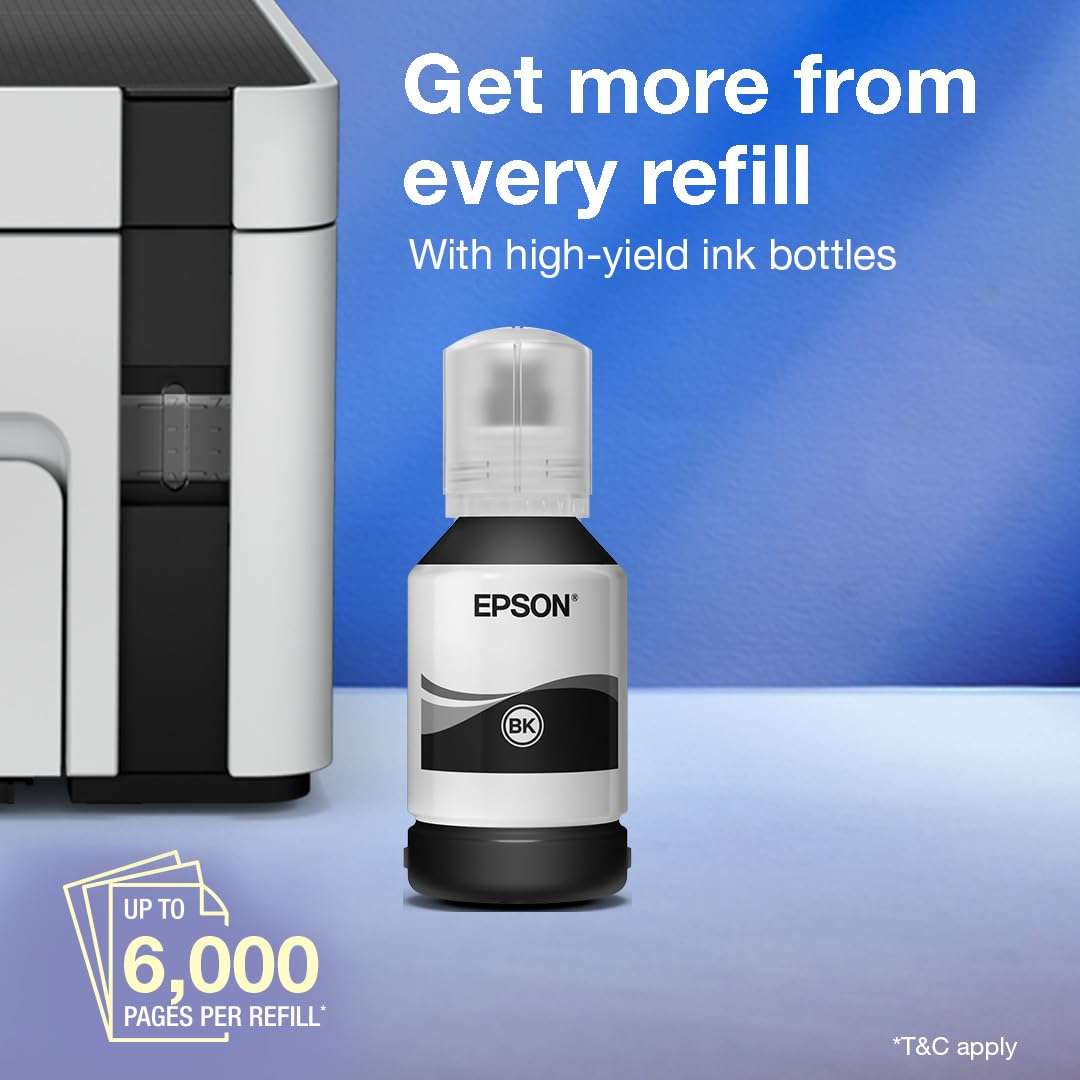
- Refillable black EcoTank bottle
- Wi-Fi and Wi-Fi Direct
- USB 2.0 connectivity
- Print resolution up to 1200 x 600 dpi
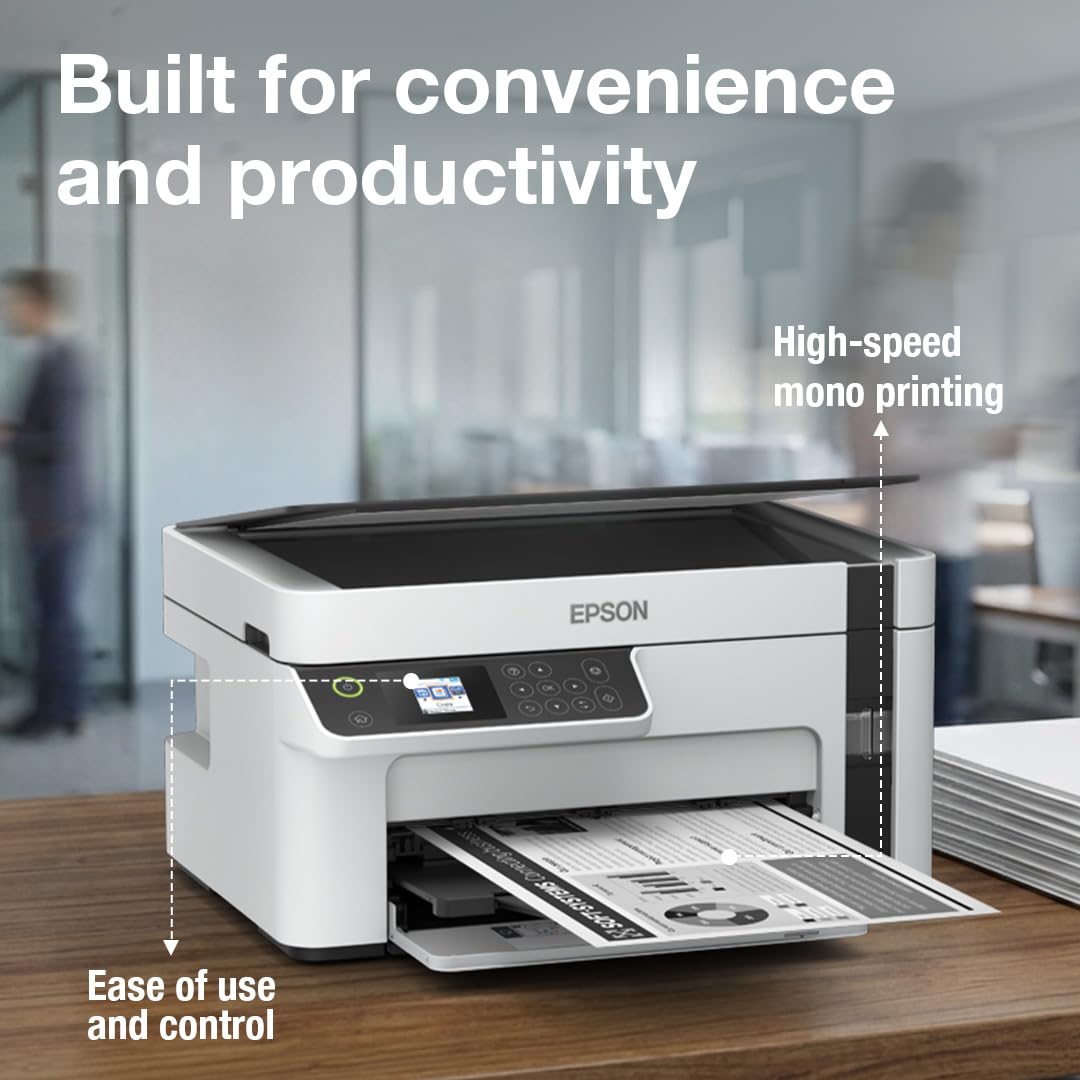
- LCD control panel
Product Overview
The Epson EcoTank Monochrome M2120 combines monochrome printing, flatbed scanning and copying in one printer. Its refillable black EcoTank bottle supports ink refills, while Wi-Fi, Wi-Fi Direct and USB 2.0 provide connection options. An LCD control panel provides setup and status information.
For mobile printing, the M2120 supports Epson iPrint, Apple AirPrint and Mopria. Its flatbed CIS scanner is designed for document scanning, and supported paper sizes include A4, A5, A6, B5, Letter and Legal. It is suited to home-office users, students, freelancers and small businesses handling black-and-white documents such as invoices, receipts and reports. The box includes the printer, a starter black ink bottle, power cord, setup guide and installation software.
Features and Benefits
- All-in-one functions – Print, scan and copy with one device.
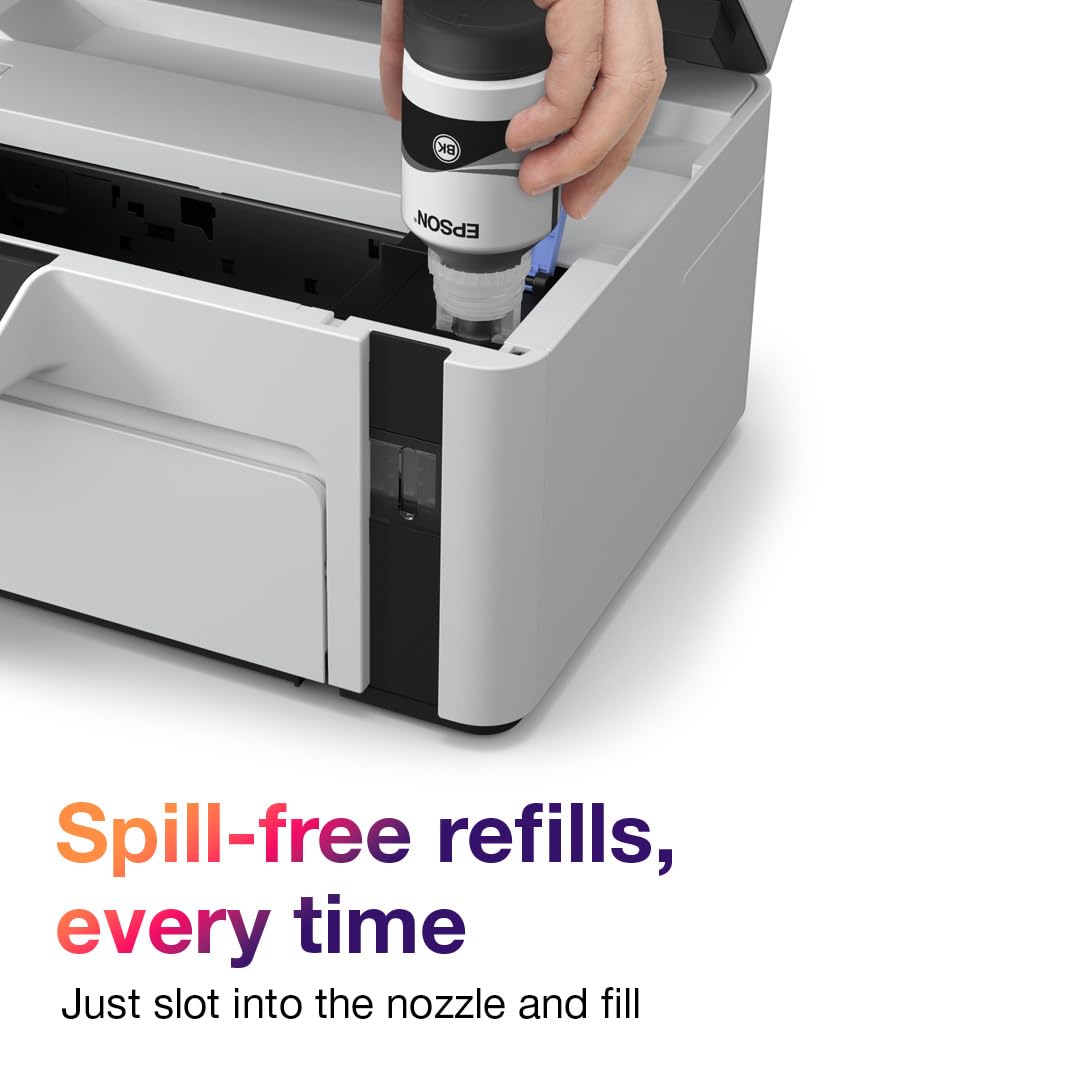
- EcoTank ink system – Refill the printer using a black EcoTank bottle.
- Monochrome printing – Produce black-and-white documents.
- Print resolution – Up to 1200 x 600 dpi for text-focused printing.
- Wireless connectivity – Connect using Wi-Fi or Wi-Fi Direct.
- USB connection – Use the USB 2.0 interface.
- Mobile printing – Supports Epson iPrint, Apple AirPrint and Mopria.
- Flatbed scanning – CIS scanner for document scanning.
- LCD panel – View printer setup and status information.
- Paper support – Handles A4, A5, A6, B5, Letter and Legal sizes.
Technical Specifications
| Specification | Details |
|---|---|
| Brand | Epson |
| Model | Epson EcoTank Monochrome M2120 |
| Product Type | All-in-one printer |
| Functions | Print, scan and copy |
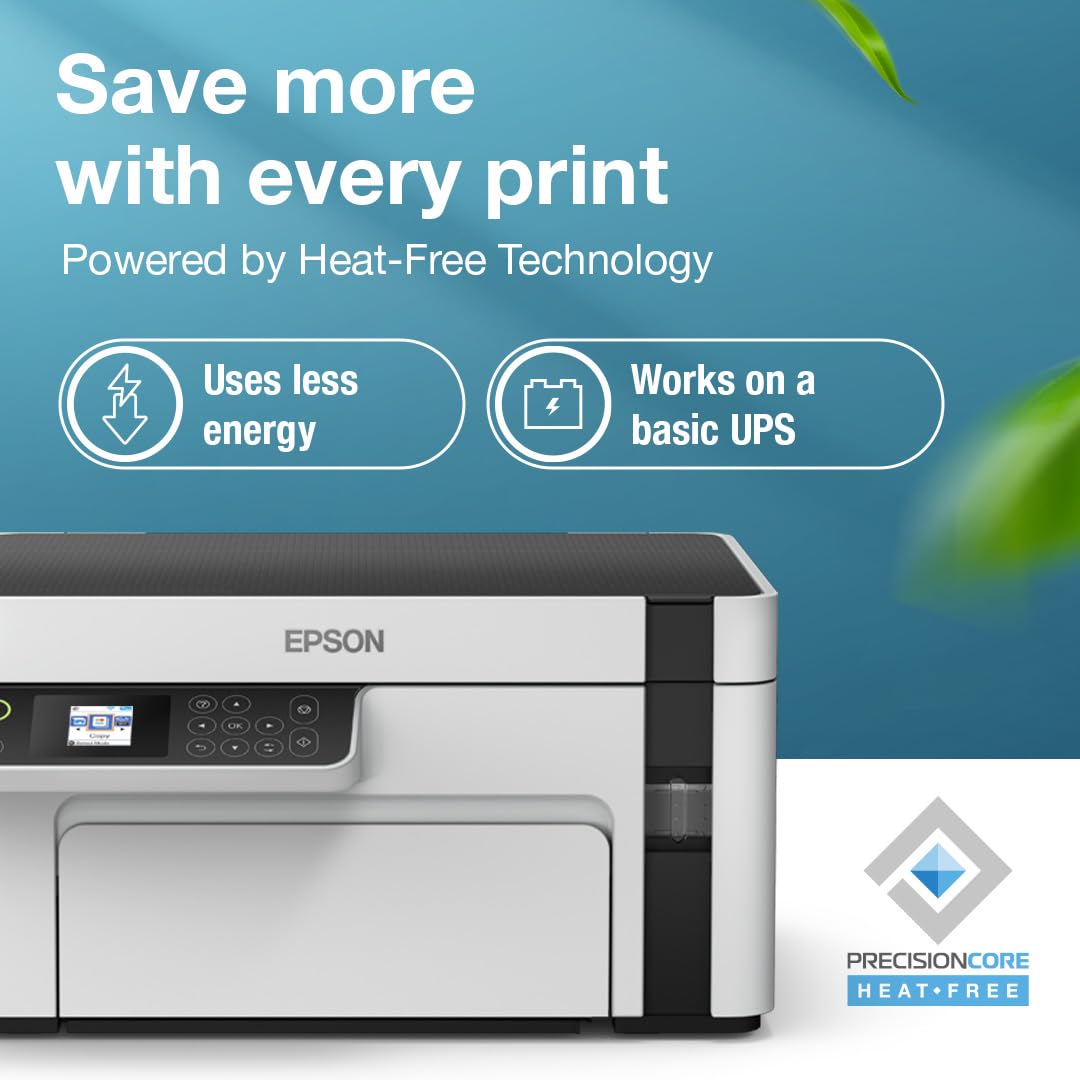
| Print Technology | Epson Micro Piezo inkjet (EcoTank, heat-free) |
| Print Type | Monochrome |
| Print Resolution | Up to 1200 x 600 dpi |
| Scanner | Flatbed CIS scanner |
| Supported Paper Sizes | A4, A5, A6, B5, Letter, Legal |
| Connectivity | Wi-Fi, Wi-Fi Direct, USB 2.0 |
| Mobile Printing | Epson iPrint, Apple AirPrint, Mopria |
| Display | LCD control panel |
| Ink System | Refillable black EcoTank bottle |
| Build Material | ABS plastic chassis |
| Power | Standard AC power; region-specific |
Who Should Buy This?
- Home-office users – The monochrome all-in-one functions suit everyday document tasks.
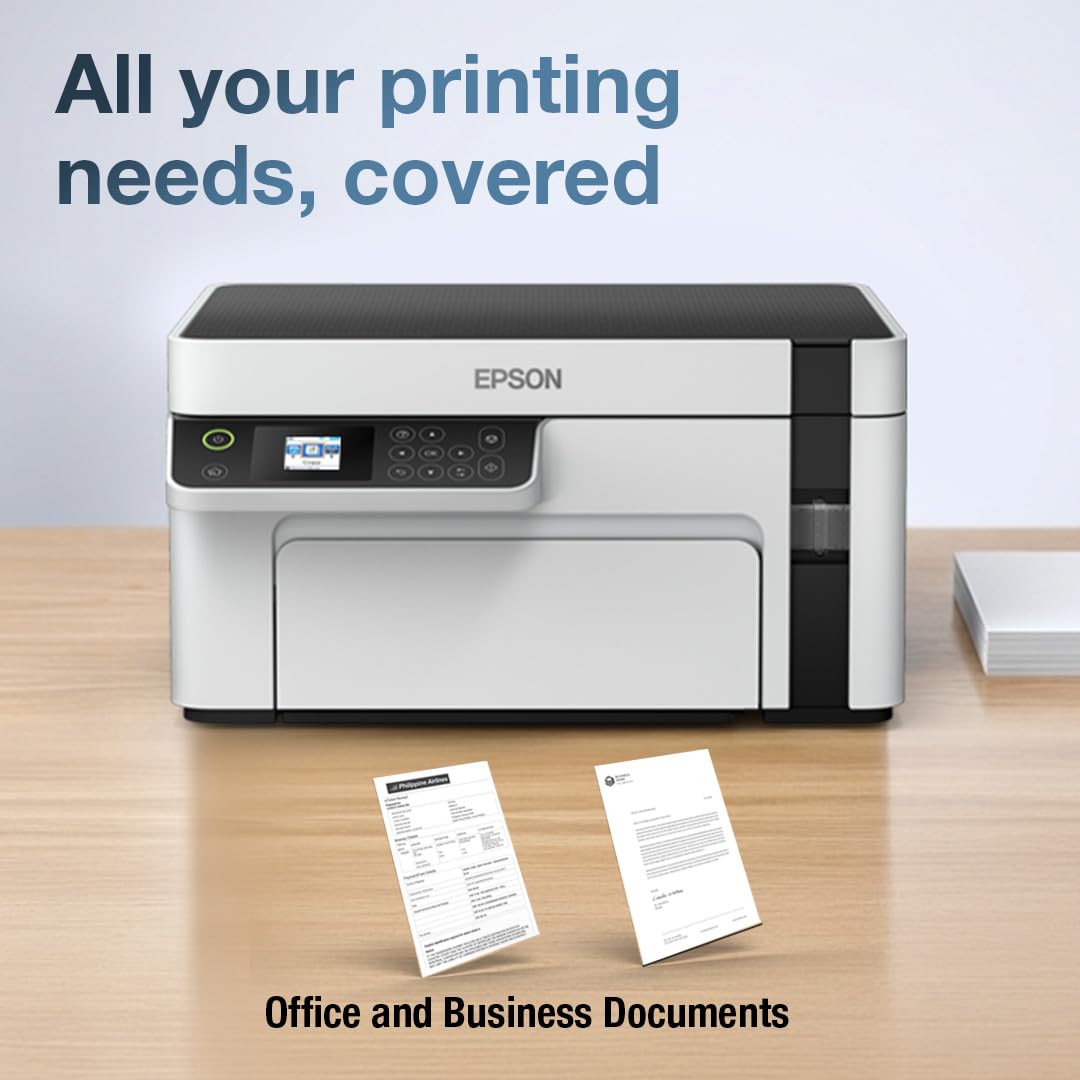
- Small businesses and shops – Print invoices, receipts and reports in black and white.
- Students – Scan, copy and print documents using one device.
- Freelancers – Wi-Fi, Wi-Fi Direct and USB 2.0 provide connection options.
- Mobile-device users – The printer supports Epson iPrint, Apple AirPrint and Mopria.
Compatibility
- Wireless connectivity through Wi-Fi and Wi-Fi Direct.
- USB 2.0 connection.
- Mobile printing support for Epson iPrint, Apple AirPrint and Mopria.
How to Set Up
- Use the included setup guide and installation software.
- Connect using Wi-Fi, Wi-Fi Direct or USB 2.0.
- The LCD control panel provides setup and status information.
What's in the Box
- Printer
- Starter black ink bottle
- Power cord
- Setup guide
- Installation software
Pros and Limitations
Pros
- Combines printing, scanning and copying.
- Uses a refillable black EcoTank bottle.
- Offers Wi-Fi, Wi-Fi Direct and USB 2.0 connectivity.
- Supports Epson iPrint, Apple AirPrint and Mopria.
Limitations
- The printer is monochrome, so the listed printing function is black-and-white.
- The provided supported paper-size list runs from A4 to Legal and does not name other sizes.
Frequently Asked Questions
Can the Epson M2120 scan and copy?
Yes. It is an all-in-one printer with print, scan and copy functions. Scanning uses a flatbed CIS scanner.
Does the M2120 support wireless printing?
Yes. It supports Wi-Fi and Wi-Fi Direct. USB 2.0 is also available as a connection option.
Can I print from a phone or tablet?
Yes. Mobile printing support includes Epson iPrint, Apple AirPrint and Mopria. Wi-Fi and Wi-Fi Direct are listed wireless connections.
What paper sizes does this printer support?
Supported sizes are A4, A5, A6, B5, Letter and Legal. No other paper sizes are included in the supported-size list.
What ink system does the M2120 use?
It uses a refillable black EcoTank bottle. A starter black ink bottle is included in the box.
What is the M2120 print resolution?
Its maximum listed print resolution is 1200 x 600 dpi. The printer is a monochrome model.
What comes in the box?
The box includes the printer, starter black ink bottle, power cord, setup guide and installation software.
How does the Epson EcoTank Monochrome M2120 connect?
It connects using Wi-Fi, Wi-Fi Direct, USB 2.0. Check that your device supports the same connection before buying.
Warranty
1-year manufacturer warranty.