
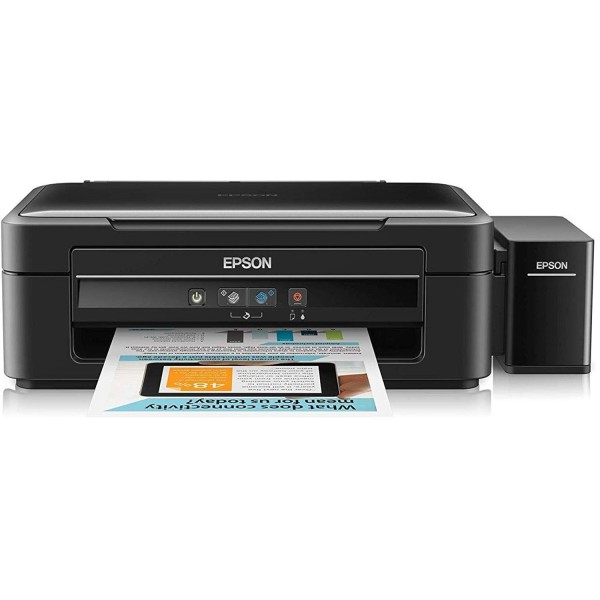
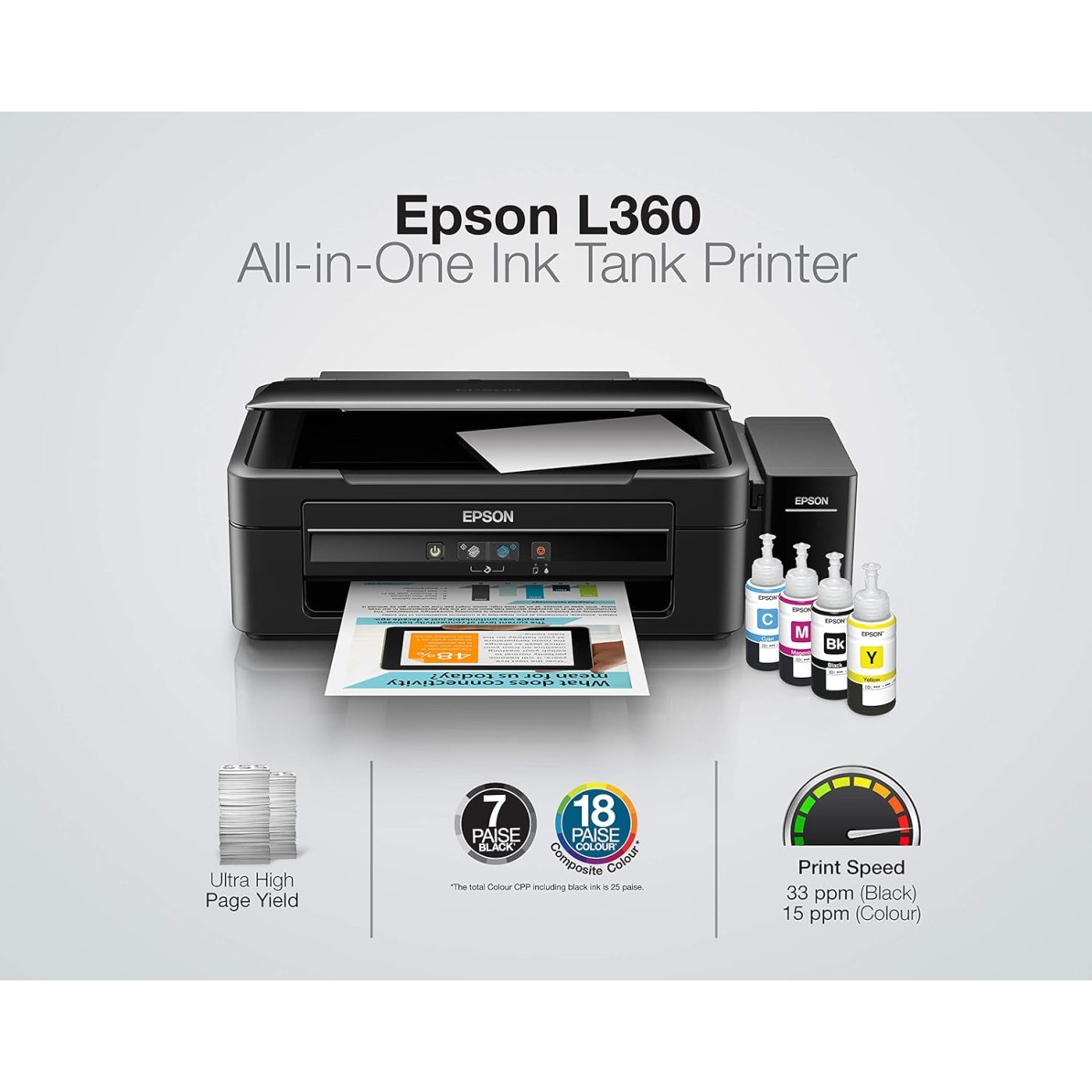
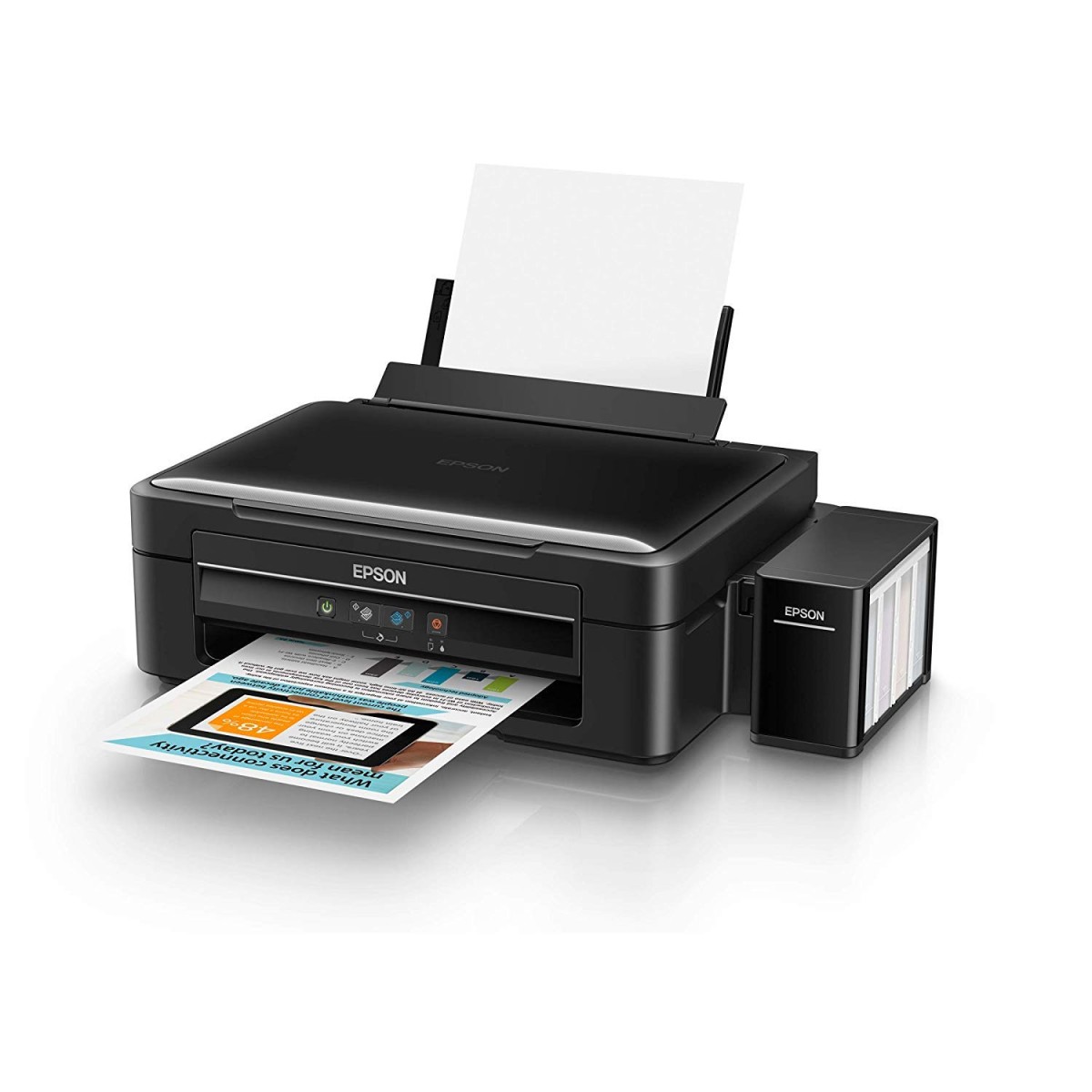
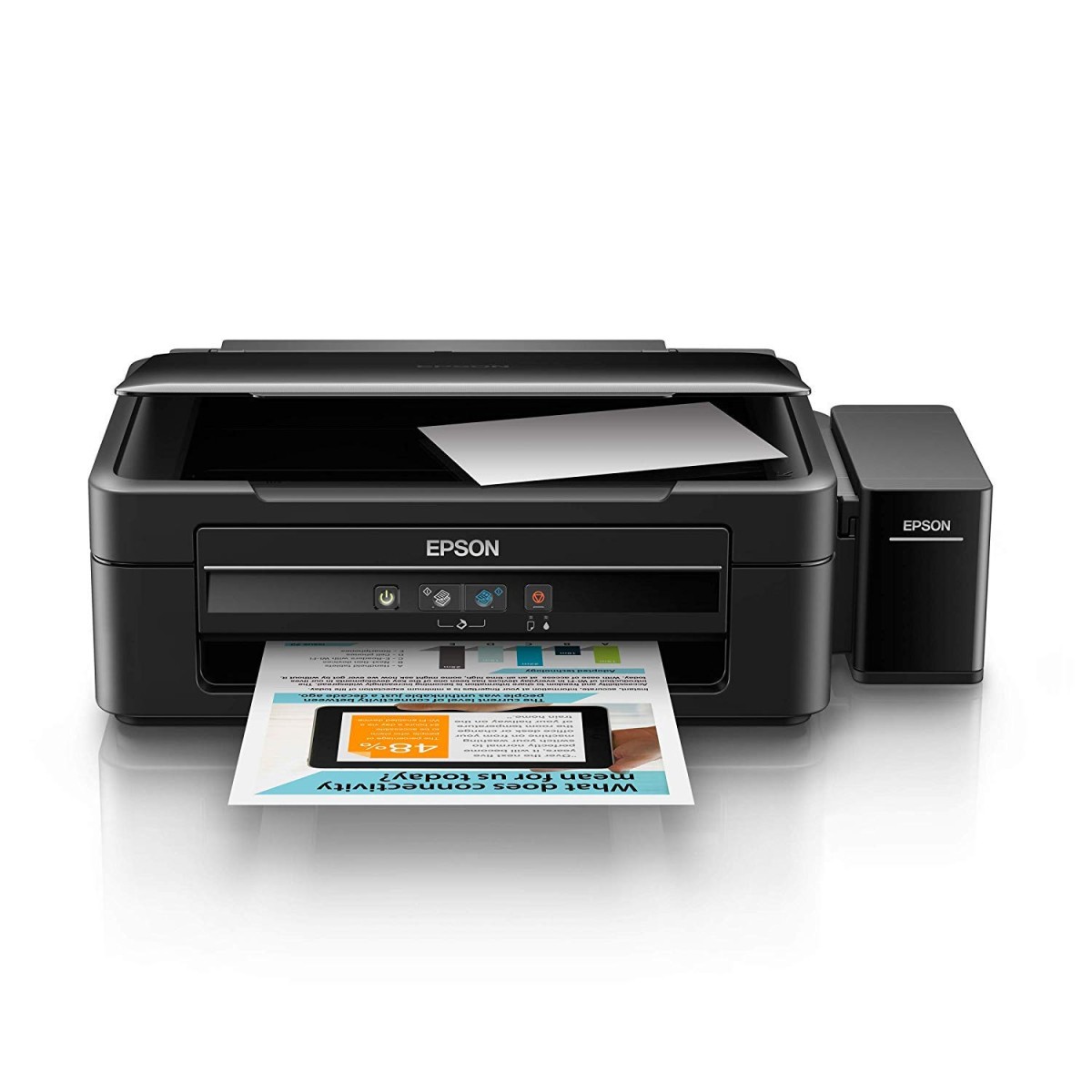
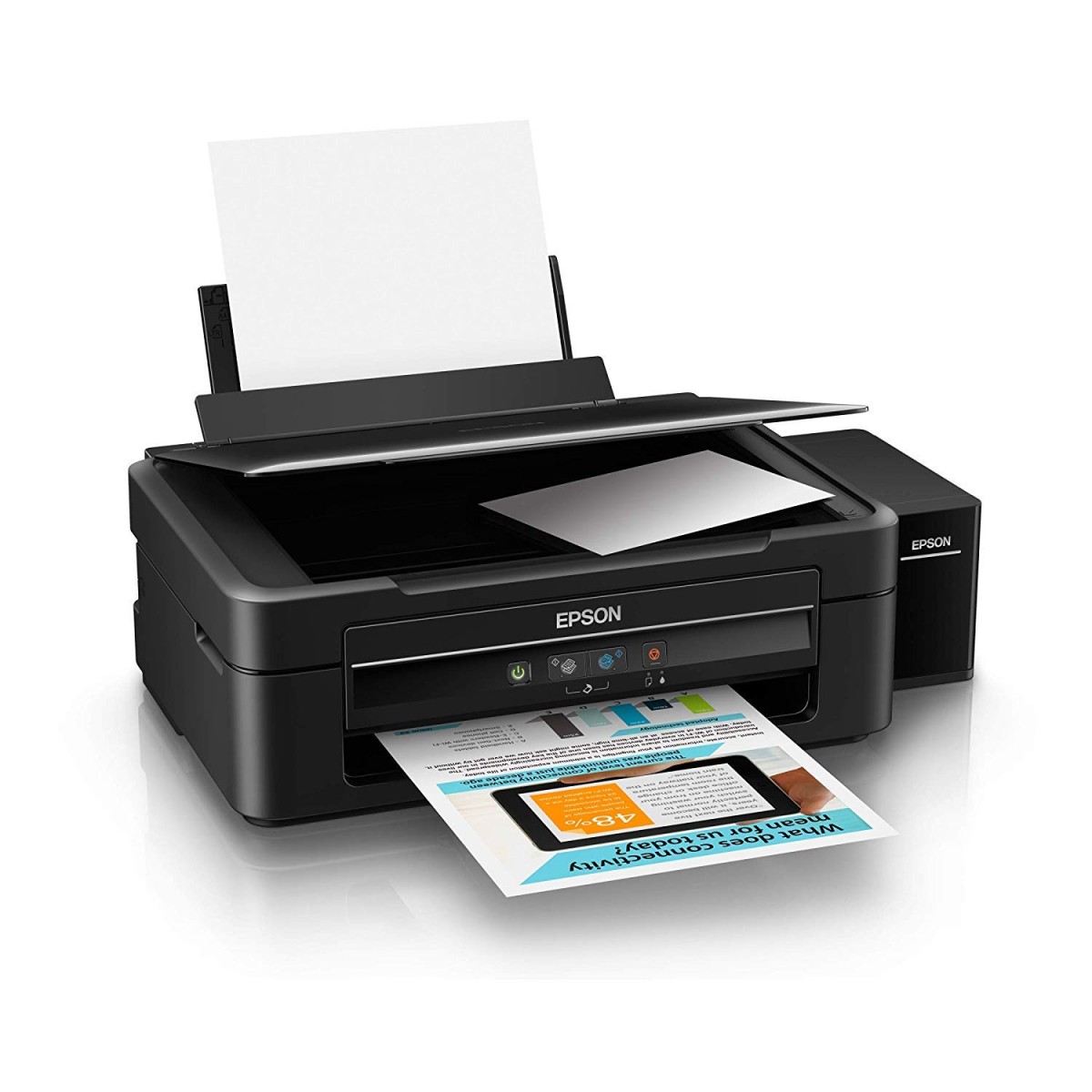
Epson L360 Multi-Function Ink Tank Colour Printer (Black)
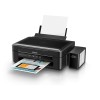
- Stock: In Stock
- Brand: EPSON
- Model: L 360
- SKU: B00WS2YXVA
🎉 Our Customer Benefits 🎉
| 💸 12% Instant Discount | Use code VLE12 at checkout to get 12% Flat Discount |
| 🎁 ₹100 Wallet Credit | Get ₹100 credited to your wallet after successful order completion |
| 💼 GST Credit Available | Add your GST number at checkout to claim tax benefits. Update Now |
| ✅ Warranty Included | All products come with warranty for your peace of mind |
The Epson L360 is a black ink tank multifunction printer with print, scan and copy functions, up to 5760 x 1440 dpi resolution and USB 2.0 connectivity. Its refillable four-colour ink system suits students, home users and small offices that need everyday document and colour printing.
Key Highlights
- Print, scan and copy functions
- Refillable cyan, magenta, yellow and black tanks
- Print resolution up to 5760 x 1440 dpi
- ISO speeds up to 8.5 ppm black
- USB 2.0 connectivity
- Supports A4, A5, A6, B5 and Legal paper
Product Overview
The Epson L360 combines printing, scanning and copying in one inkjet printer for home and personal-to-small-office use. Its integrated refillable tanks hold cyan, magenta, yellow and black ink, while the stated print resolution reaches 5760 x 1440 dpi. ISO print speeds are up to 8.5 pages per minute for black and up to 4.5 pages per minute for colour.
Connect the printer through USB 2.0 and use it with Windows or macOS, with drivers available from Epson. It supports A4, A5, A6, B5 and Legal paper, as well as envelopes. The package includes the printer, power cord, starter ink bottles. It is intended for buyers who want print, scan and copy functions with refillable ink tanks in a single unit.
Features and Benefits
- Print, scan and copy – handles three everyday document tasks in one unit.
- Refillable ink tanks – uses cyan, magenta, yellow and black ink.
- High print resolution – up to 5760 x 1440 dpi.
- Black print speed – ISO output up to 8.5 pages per minute.
- Colour print speed – ISO output up to 4.5 pages per minute.
- USB 2.0 – connects to compatible computers.
- Paper support – accepts A4, A5, A6, B5, Legal and envelopes.
- Transparent tanks – lets users see the ink tanks.
Technical Specifications
| Specification | Details |
|---|---|
| Brand | Epson |
| Model | L360 |
| Product Type | Inkjet multifunction printer |
| Functions | Print, scan and copy |
| Print Technology | Inkjet (Epson Micro Piezo) |
| Ink System | Refillable tanks: cyan, magenta, yellow and black |
| Print Resolution | Up to 5760 x 1440 dpi |
| Print Speed (ISO) | Up to 8.5 ppm black / up to 4.5 ppm colour |
| Paper Sizes | A4, A5, A6, B5, Legal and envelopes |
| Paper Capacity | Standard input tray |
| Connectivity | USB 2.0 (Hi-Speed) |
| Compatibility | Windows and macOS; drivers available on Epson site |
| Build | Plastic housing with transparent ink tanks |
| Power | AC power (mains powered) |
| Colour | Black |
| Recommended Use | Personal to small office use |
Who Should Buy This?
- Students – suits everyday printing, scanning and copying needs.
- Home users – combines three functions with refillable colour ink tanks.
- Freelancers – offers print, scan and copy functions for daily work.
- Small offices – is designed for personal to small-office use.
Compatibility
- Windows computers; drivers are available on the Epson site.
- macOS computers; drivers are available on the Epson site.
- USB 2.0 connection.
How to Set Up
- Connect the printer to AC mains power using the power cord.
- Connect it to a compatible computer through USB 2.0.
- Use the appropriate Windows or macOS driver available from Epson.
What's in the Box
- Printer
- Power cord
- Starter ink bottles
- User manual
- Warranty card
Pros and Limitations
Pros
- Print, scan and copy functions in one printer.
- Refillable tanks use four ink colours.
- Print resolution reaches up to 5760 x 1440 dpi.
- Supports several paper sizes, including A4 and Legal.
Limitations
- Connectivity is USB 2.0.
- The specified print speeds are up to 8.5 ppm for black and 4.5 ppm for colour.
Frequently Asked Questions
Does the Epson L360 print, scan and copy?
Yes, it supports printing, scanning and copying. These functions are combined in one printer.
What is the maximum print resolution?
The maximum print resolution is up to 5760 x 1440 dpi.
How fast does the Epson L360 print?
Its ISO print speeds are up to 8.5 pages per minute in black and up to 4.5 pages per minute in colour. Actual speeds are not specified.
Which paper sizes does it support?
It supports A4, A5, A6, B5 and Legal paper, along with envelopes. Its paper capacity is a standard input tray.
How does the Epson L360 connect to a computer?
It connects through USB 2.0 (Hi-Speed). Windows and macOS drivers are available from Epson.
Which ink colours does the printer use?
The refillable ink tank system uses cyan, magenta, yellow and black ink. Starter ink bottles are included.
Which devices or systems does the Epson L360 work with?
It is listed for Windows and macOS; drivers available on Epson site. If your device is not mentioned, check the connection type and specifications before ordering.
What is the power rating of the Epson L360?
Its power rating is AC power (mains powered). Use a supply that matches this rating.
Warranty
1 year manufacturer warranty