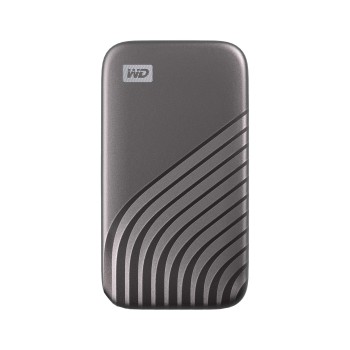

External Hard Drive
External Hard Drives at Vlebazaar are available from ₹1,569 to ₹19,999, with many options priced between ₹6,000 and ₹13,000. Browse models from Seagate, WD, Western Digital and Orico for extra space or file backups. Compare storage capacity, connection type and whether you need a portable drive or a desktop model before choosing.
Popular hard drives and SSDs by budget
₹7,500 and above
Faster NVMe and larger portable drives.
How to choose hard drives and SSDs
- Choose capacity based on the files you plan to store: photos and documents need less space than large video libraries or full computer backups.
- Check the connection type and your computer’s available ports. A compatible USB connection makes setup straightforward.
- Consider portability if you will carry the drive between home, work or college. Desktop models are generally intended to stay in one place.
- External HDDs offer a way to store larger amounts of data; SSDs are typically faster and more resistant to physical shock.
- Check the product listing for device compatibility and any required operating-system or formatting details.
- If you need to back up important files, keep another copy in a separate location or on another storage device.
- Compare the listed capacity and price across Seagate, WD, Western Digital, Orico and Sandisk options.
Hard drives and SSDs features explained
- Capacity - Capacity is the amount of data a drive can store, usually shown in gigabytes or terabytes.
- USB connection - USB connects an external drive to a compatible computer or device for transferring files.
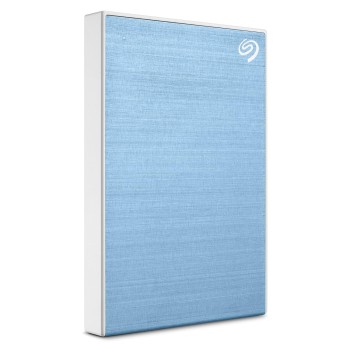
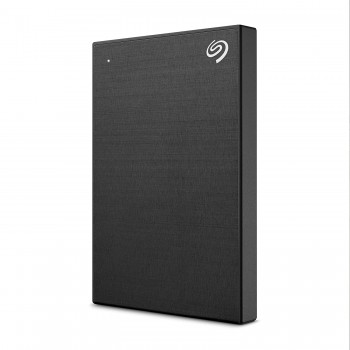
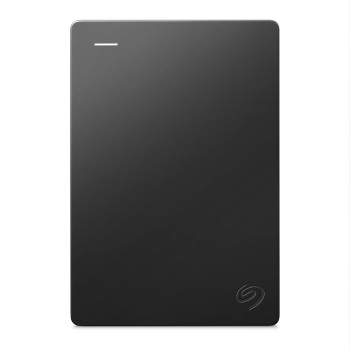
- Portable drive - A portable external drive is designed to be carried and used with compatible devices.
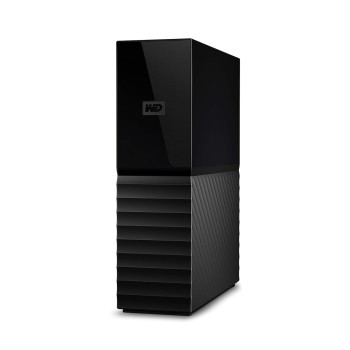
- Desktop drive - A desktop external drive is intended to stay set up in one place and can suit storage needs at home or work.
- HDD - An HDD stores data on spinning disks and is commonly chosen for storing files and backups.
Which hard drives and SSDs to buy for what
- For computer backups: Choose enough capacity for the files you want to copy and check connection compatibility.
- For photos and videos: Look for a capacity that leaves room for your existing collection and future files.
- For carrying files between places: Consider a portable model and confirm it works with the devices you use.
- For a fixed home or office setup: Compare desktop models and their listed capacity.
Popular hard drives and SSDs brands
Related categories
- Action Camera
- Antivirus
- Audio Mixer
- AV RCA to VGA Adapter
- Bag
- Bags
- Bumper Laptop
- Bumper Smartphone Accessories
Hard drives and SSDs: frequently asked questions
How much do external hard drives cost at Vlebazaar?
External Hard Drives at Vlebazaar range from ₹1,569 to ₹19,999. Many listed options fall between ₹6,000 and ₹13,000. The price varies across products, so compare each drive’s listed capacity and model before buying.
Which external hard drive is good under ₹7,500?
The Seagate Expansion 1TB External HDD is listed at ₹5,199, making it an option under ₹7,500. Check the product listing for its connection details and compatibility with your devices before ordering.
Which external hard drive should I consider above ₹7,500?
Options listed at ₹7,500 and above include the Seagate Expansion 4TB External HDD at ₹12,999, Seagate One Touch 1TB External HDD at ₹9,499, and Western Digital WD 8TB My Book Desktop External Hard Disk at ₹19,999.
Which brands of external hard drives are available?
The listed brands include Seagate, WD, Orico, Sandisk and Western Digital. Product options and prices differ, so compare the individual listings for capacity, connection details and whether the drive suits your intended use.
How much capacity do I need in an external hard drive?
Choose capacity according to the amount and type of data you plan to store. Documents take less space than large photo, video or backup collections. If your files are likely to grow, allow extra room rather than choosing only for your current needs.
Can I use an external hard drive with my laptop or PC?
Check that the drive’s connection is compatible with an available port on your laptop or PC. Also review the listing for operating-system or formatting details, particularly if you plan to use the drive with more than one device.
Is an external HDD suitable for backups?
An external HDD can be used to store backup copies of files. For important data, keep another copy on a separate device or in another location, since any storage drive can fail.