

Graphic Cards

-66%
Brand: ASUS
Model: DUAL-RX7600-O8G-V2
ASUS DUAL-RX7600-O8G-V2 is a Radeon RX 7600 V2 OC graphics card with 8..
₹22,399.00 ₹66,750.00
-30%
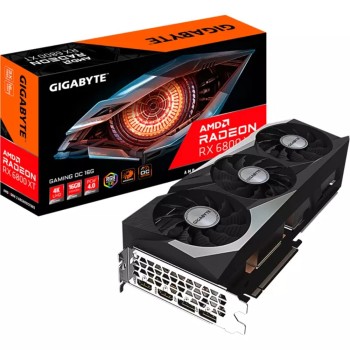
Brand: Gigabyte
Model: GV-R68XTGAMING OC-16GD
GIGABYTE AMD Radeon RX 6800 XT Gaming OC 16GB pci_e_x16 gddr6 Graphics Card (GV-R68XTGAMING OC-16GD)
The Gigabyte GV-R68XTGAMING OC-16GD is an AMD Radeon RX 6800 XT graphi..
₹79,999.00 ₹114,423.00

-22%
Brand: Gigabyte
Model: B360M AORUS GAMING 3
The Gigabyte B360M AORUS Gaming 3 is a Micro-ATX motherboard with an I..
₹9,418.00 ₹12,000.00

-7%
Brand: Gigabyte
Model: E082177
Upgrade your aging desktop with the Gigabyte GeForce GT 710 2GB DDR5 —..
₹4,189.00 ₹4,500.00

-1%
Brand: Gigabyte
Model: GV-N1650WF2OC-4GD
The Gigabyte GV-N1650WF2OC-4GD is a GeForce GTX 1650 Windforce OC grap..
₹21,989.00 ₹22,100.00
-35%
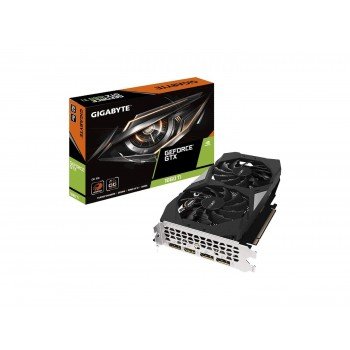
Brand: Gigabyte
Model: GV-N166TOC-6GD
Gigabyte GV-N166TOC-6GD is a GeForce GTX 1660 Ti OC 6G graphics card w..
₹24,989.00 ₹38,250.00

-60%
Brand: MSI
Model: V388-002R
The MSI GeForce RTX 3090 Ventus 3X 24G OC answers the demand for uncom..
₹135,999.00 ₹344,000.00

-76%
Brand: MSI
Model: RX 6400 AERO ITX 4G
The MSI RX 6400 AERO ITX 4G is a compact graphics card with 4 GB GDDR6..
₹12,799.00 ₹54,000.00
-61%
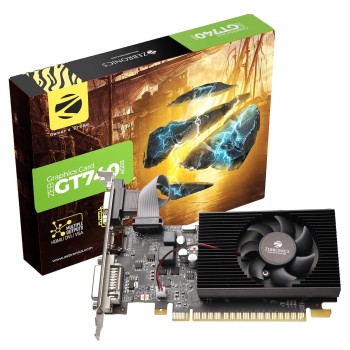
Brand: Zebronics
Model: ZEB-GT740-4GD3
The Zebronics ZEB-GT740-4GD3 is a desktop graphics card with 4GB GDDR3..
₹5,999.00 ₹15,499.00
-43%
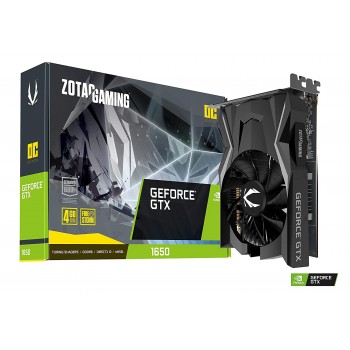
Brand: Zotac
Model: ZT-T16520F
The Zotac Gaming GeForce GTX 1650 OC (ZT-T16520F) delivers smooth 1080..
₹18,989.00 ₹33,115.00

-38%
Brand: NVIDIA
Model: ZT-T20620F
The Zotac Gaming GeForce RTX 2060 ZT-T20620F is a graphics card with 1..
₹29,599.00 ₹48,100.00

-30%
Brand: Zotac
Model: ZT-A30800J
Experience breakthrough gaming performance and ultra-smooth visuals wi..
₹75,999.00 ₹108,999.00
-41%
Out Of Stock
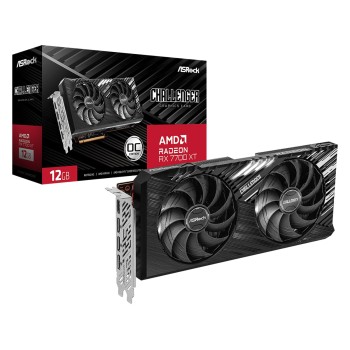
Brand: ASRock
Model: RX7700XT CL 12GO
The ASRock RX7700XT CL 12GO is a factory-overclocked graphics card wit..
₹32,499.00 ₹55,000.00

-51%
Out Of Stock
Brand: ASRock
Model: RX 7600 XT
The ASRock RX 7600 XT is an AMD Radeon graphics card with 16 GB GDDR6 ..
₹22,999.00 ₹47,000.00
-70%
Out Of Stock
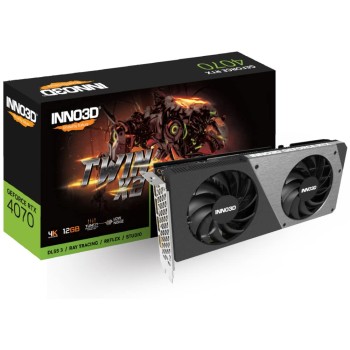
Brand: Inno3D
Model: N40702-126X-185252N
The INNO3D GeForce RTX 4070 Twin X2 N40702-126X-185252N is a graphics ..
₹28,999.00 ₹97,020.00
-61%
Out Of Stock
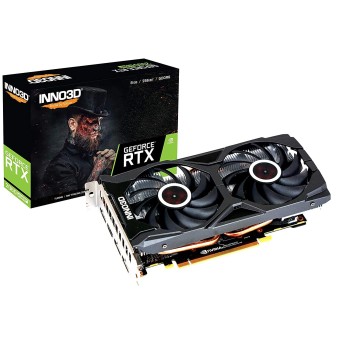
Brand: Inno3D
Model: N206S2-08D6X-1710VA15L
The Inno3D N206S2-08D6X-1710VA15L is a new GeForce RTX 2060 Super grap..
₹31,999.00 ₹81,600.00
-45%
SOLD OUT
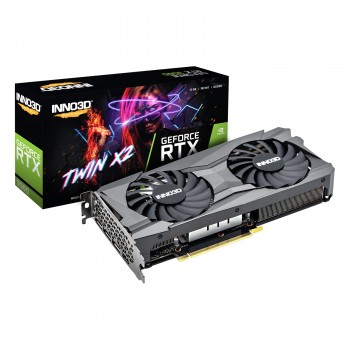
Brand: NVIDIA
Model: N30602-08D
The INNO3D GeForce RTX 3060 Twin X2 is a new graphics card with 8GB GD..
₹21,999.00 ₹39,999.00
-70%
Out Of Stock
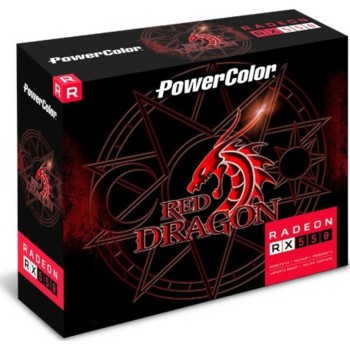
Brand: PowerColor
Model: AXRX 550 2GBD5-HLEV2
The PowerColor AXRX 550 2GBD5-HLEV2 is an AMD Radeon RX 550 graphics c..
₹2,999.00 ₹9,999.00
-35%
Out Of Stock
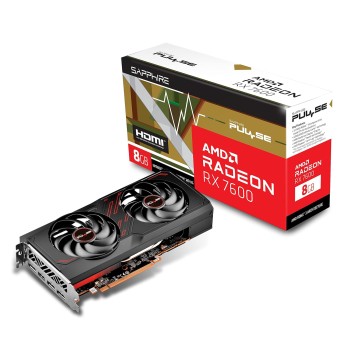
Brand: Sapphire
Model: 11324-01-20G
The Sapphire Radeon RX 7600 11324-01-20G is an 8GB GDDR6 graphics card..
₹22,999.00 ₹35,250.00
Showing 1 to 19 of 19 (1 Pages)