

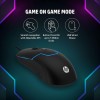
HP Gaming Optical Mouse 1600 DPI Black Wired Entry Level M100

- Stock: In Stock
- Brand: HP
- Model: HP M100
- SKU: B07BLS34LQ
🎉 Our Customer Benefits 🎉
| 💸 12% Instant Discount | Use code VLE12 at checkout to get 12% Flat Discount |
| 🎁 ₹100 Wallet Credit | Get ₹100 credited to your wallet after successful order completion |
| 💼 GST Credit Available | Add your GST number at checkout to claim tax benefits. Update Now |
| ✅ Warranty Included | All products come with warranty for your peace of mind |
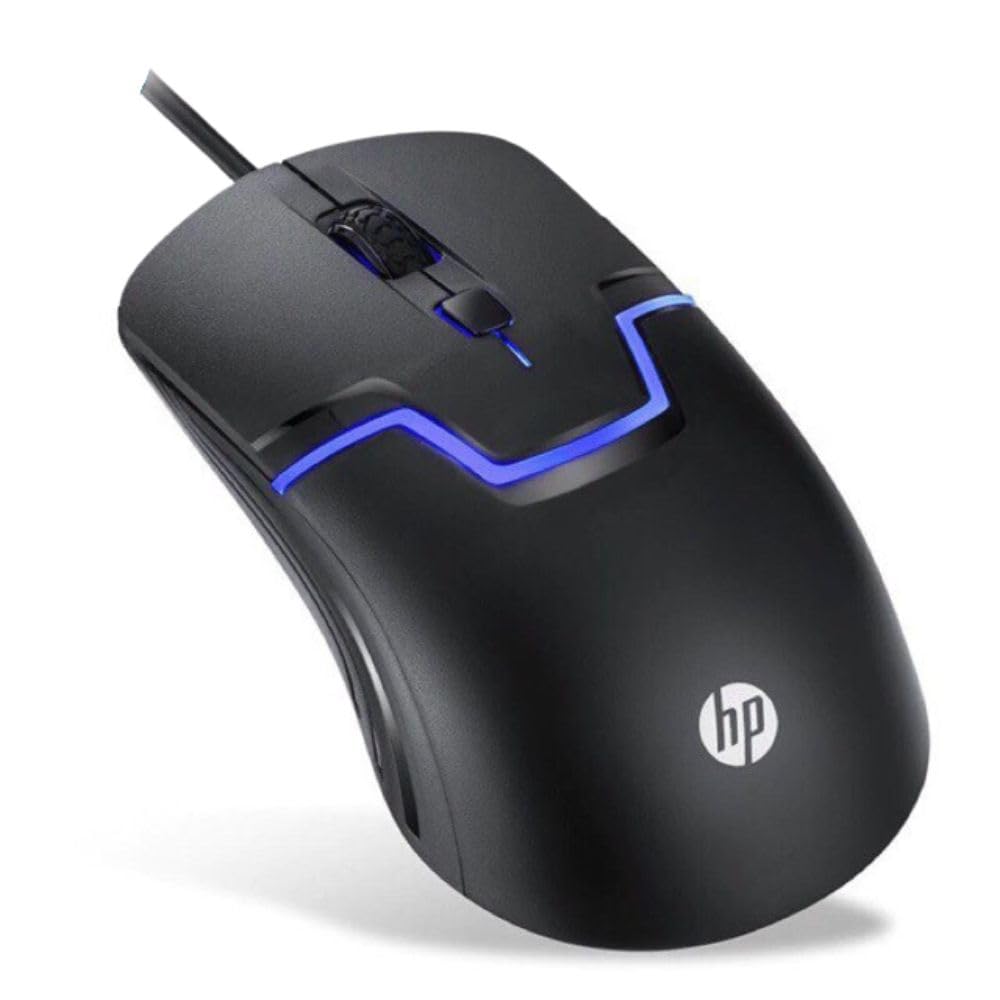
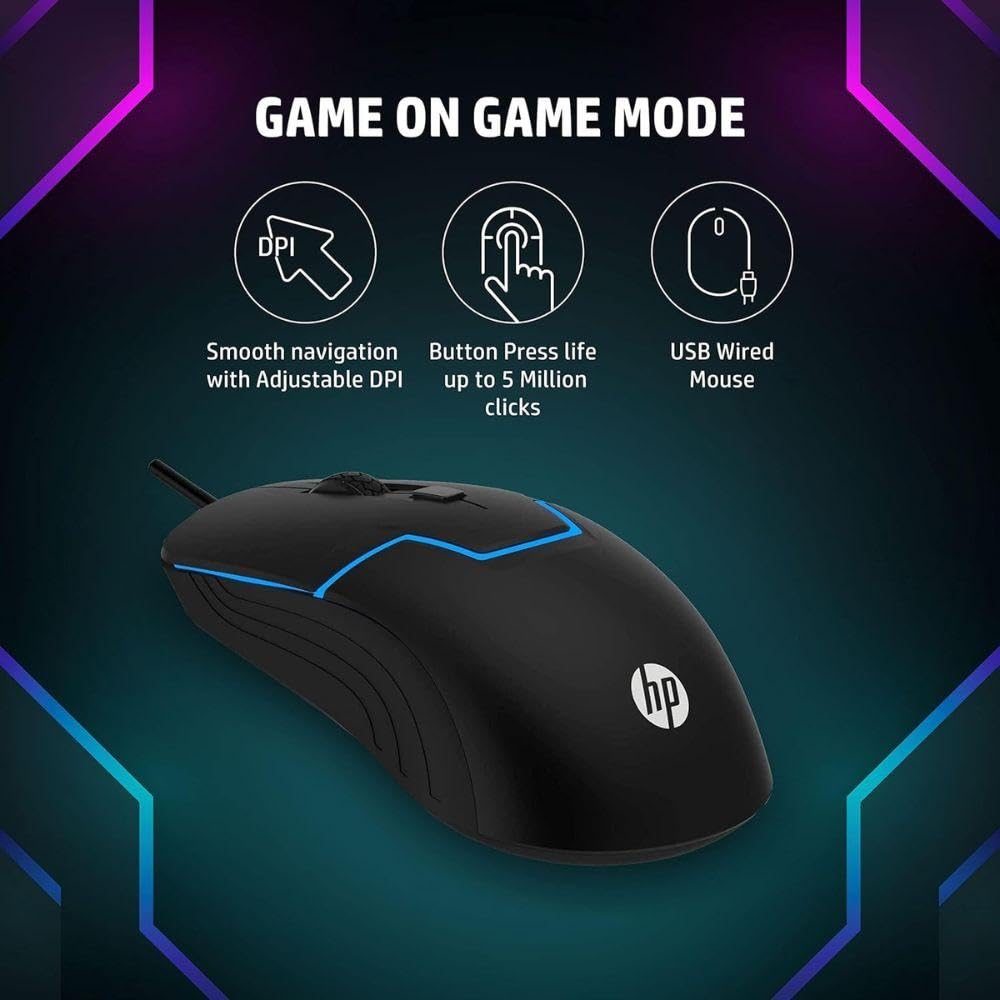
The HP M100 is a wired optical mouse with 1600 DPI tracking, USB connectivity and a textured grip. Its compact design and plug-and-play setup suit casual gaming, everyday computer work and laptop use. It has left, right and middle scroll-wheel buttons and draws power through USB.
Key Highlights
- 1600 DPI optical sensor
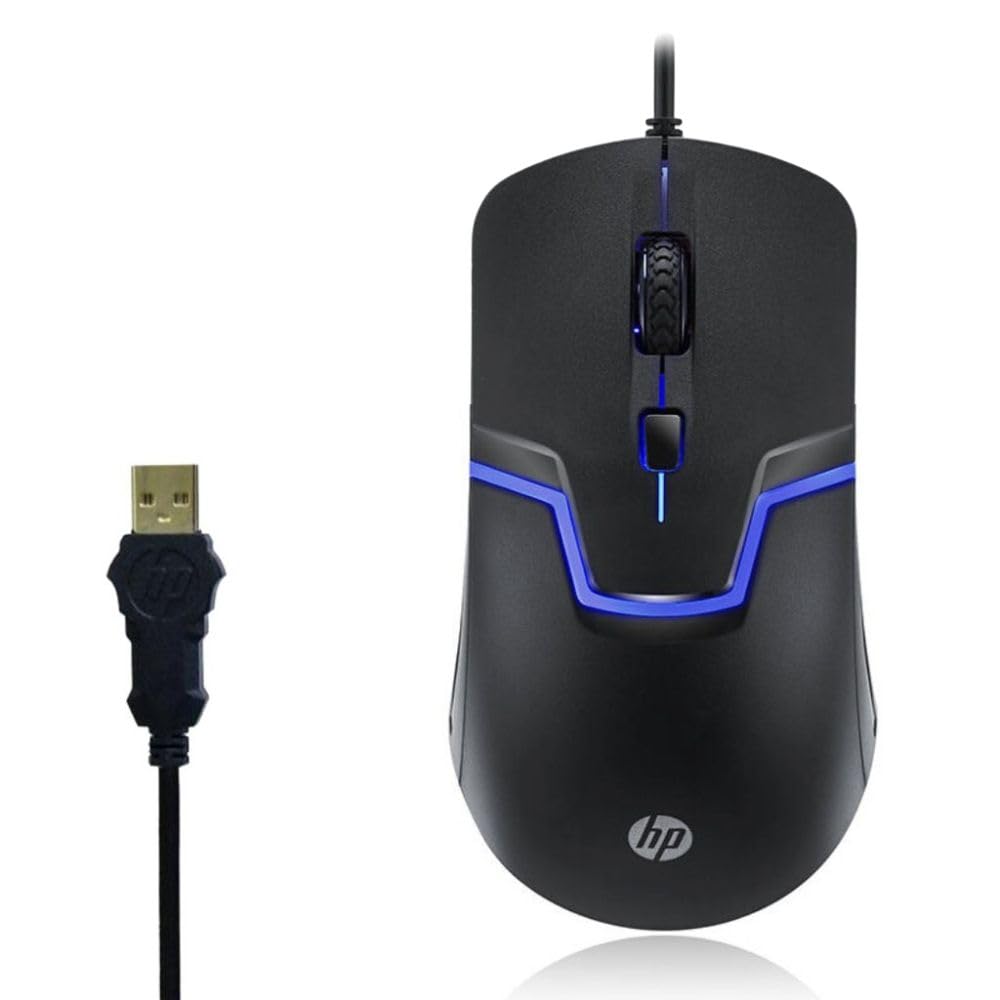
- Wired USB-A connection
- Textured grip
- Left, right and scroll-wheel buttons
- USB-powered; no battery required
- Compact design for laptop use
Product Overview
The HP M100 wired optical mouse provides cursor tracking at up to 1600 DPI for casual gaming and everyday computer tasks. It connects through USB-A and has left, right and middle scroll-wheel buttons. Its textured grip and ergonomic shape are designed for comfortable handling, while the compact form makes it easy to carry with a laptop.
The mouse is bus-powered through USB, so it does not require a separate battery. Plug it in to begin using it, with no additional software required for basic functionality. Compatibility includes Windows 7, 8, 10 and 11, macOS basic functions and Linux. The box contains the HP M100 optical mouse and a user leaflet.
Features and Benefits
- Optical tracking – Tracks movement at up to 1600 DPI.
- Wired USB – Connects through a USB-A interface.
- Textured grip – Helps improve handling and reduce slippage.
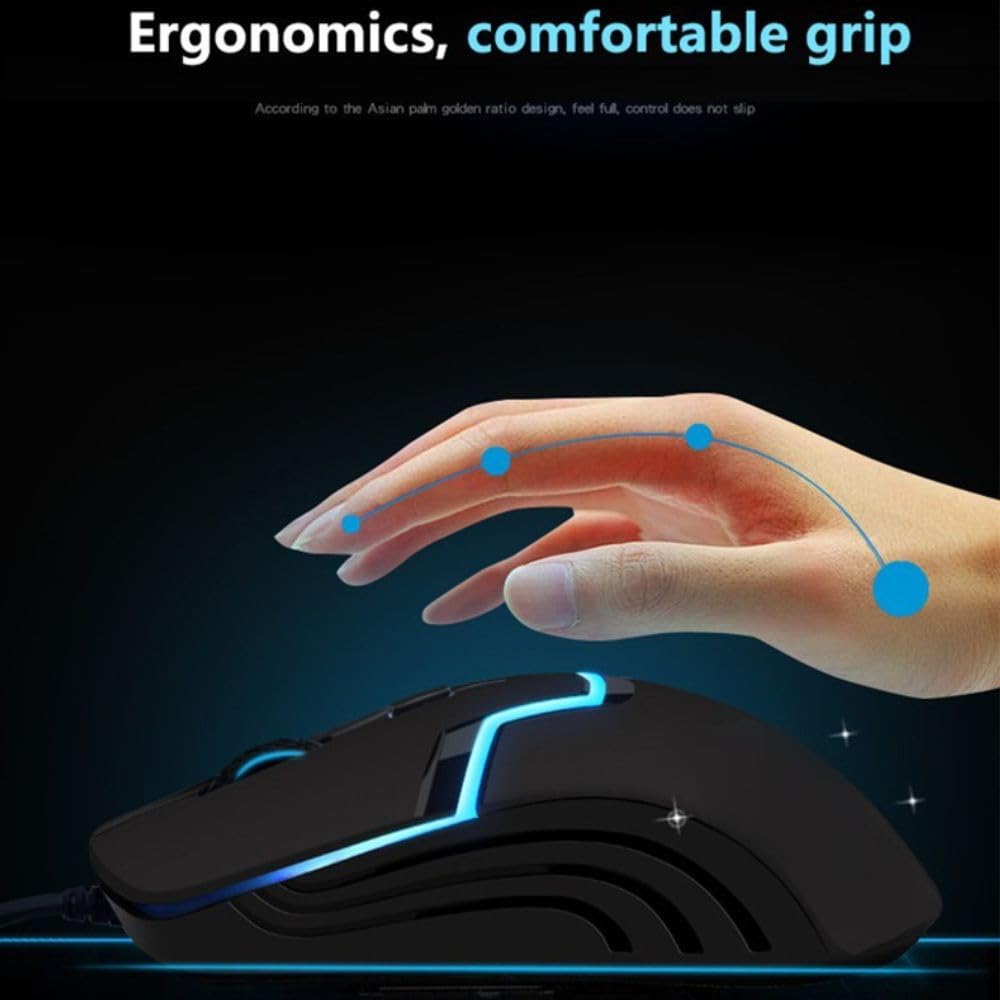
- Ergonomic shape – Designed for comfortable use during work or play.
- Three buttons – Includes left, right and middle scroll-wheel buttons.
- USB-powered – Draws power from the connection and needs no battery.
- Plug-and-play setup – Use basic functionality without additional drivers.
- Compact design – Convenient for carrying with a laptop.
Technical Specifications
| Specification | Details |
|---|---|
| Brand | HP |
| Model | HP M100 / Gaming Optical Mouse |
| Product Type | Wired optical mouse |
| Colour | Black |
| Sensor Type | Optical |
| Maximum DPI | 1600 DPI |
| Connectivity | Wired USB (USB-A) |
| Interface | USB 2.0/3.0 compatible |
| Buttons | Left, Right, Scroll Wheel (Middle) |
| Materials / Build | ABS plastic with textured grip |
| Power | Bus-powered via USB; no battery |
| Compatibility | Windows 7/8/10/11, macOS (basic functions), Linux |
Who Should Buy This?
- Casual gamers – 1600 DPI optical tracking supports gaming control.
- Students – A wired mouse for everyday computer use.
- Professionals – A mouse for routine work tasks.
- Laptop users – Compact design and USB plug-and-play setup suit portable use.
Compatibility
- Windows 7, 8, 10 and 11
- macOS basic functions
- Linux
- USB-A connection; USB 2.0/3.0 compatible
How to Set Up
- Connect the mouse to a USB port.
- Begin using it; no additional software is required for basic functionality.
What's in the Box
- HP M100 Optical Mouse
- User leaflet
Pros and Limitations
Pros
- Optical tracking up to 1600 DPI.
- USB-powered operation requires no battery.
- Textured grip and ergonomic shape.
- Works with the listed Windows versions, macOS basic functions and Linux.
Limitations
- The mouse uses a wired USB connection.
- macOS compatibility is specified for basic functions.
Frequently Asked Questions
What is the maximum DPI of the HP M100?
Its optical sensor supports up to 1600 DPI. This is the maximum DPI specified for the mouse.
How does the HP M100 connect to a computer?
It connects through a wired USB-A interface. The interface is compatible with USB 2.0 and USB 3.0.
Does the HP M100 need a battery?
No, it is bus-powered through USB. It does not require a separate battery.
Which buttons does the mouse have?
It has left and right buttons and a middle scroll-wheel button.
Which operating systems are compatible?
Compatibility includes Windows 7, 8, 10 and 11, macOS basic functions and Linux. macOS functionality is basic.
Does the HP M100 require driver installation?
No additional software is required for basic functionality. Connect it to a USB port to begin using it.
What comes in the box?
The box contains an HP M100 optical mouse and a user leaflet.
What warranty does the HP M100 have?
It has a 1-year manufacturer warranty. The warranty period is one year.
Warranty
1 year manufacturer warranty.
| Specifications | |
| Warranty | 1 year manufacturer warranty |