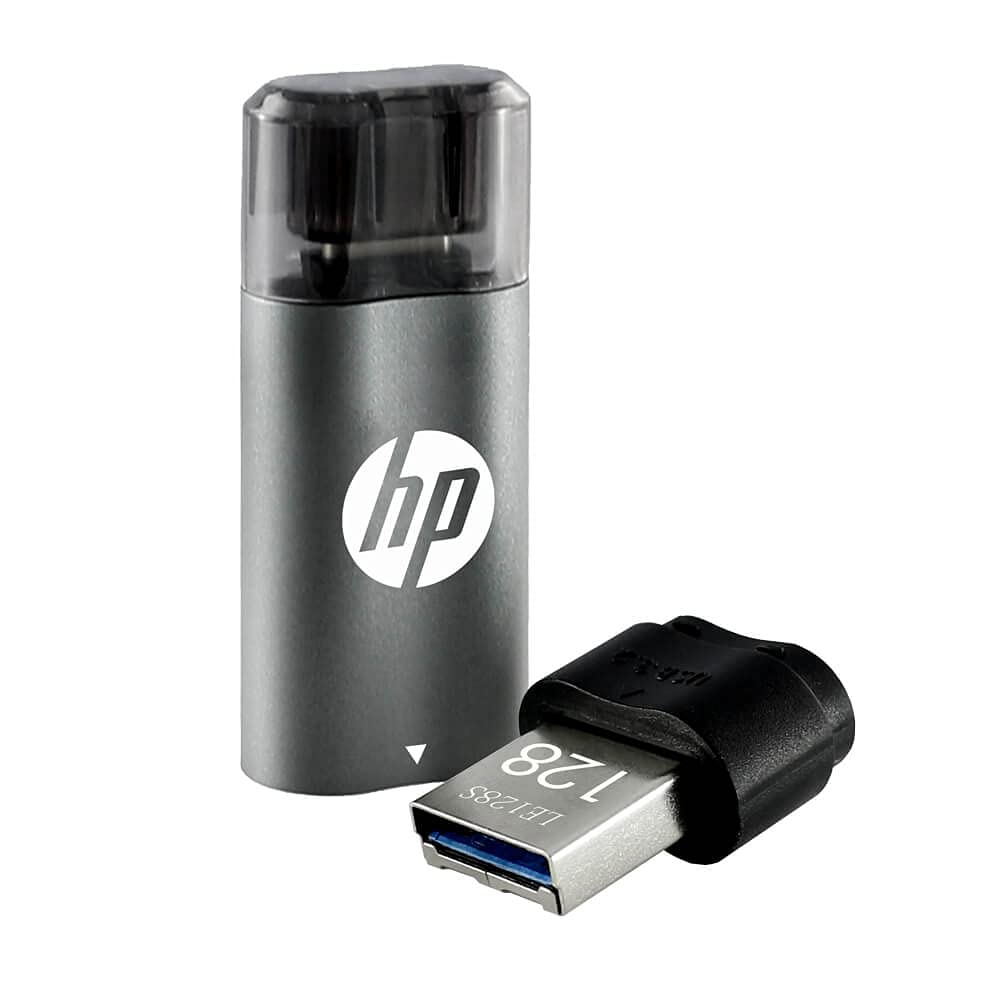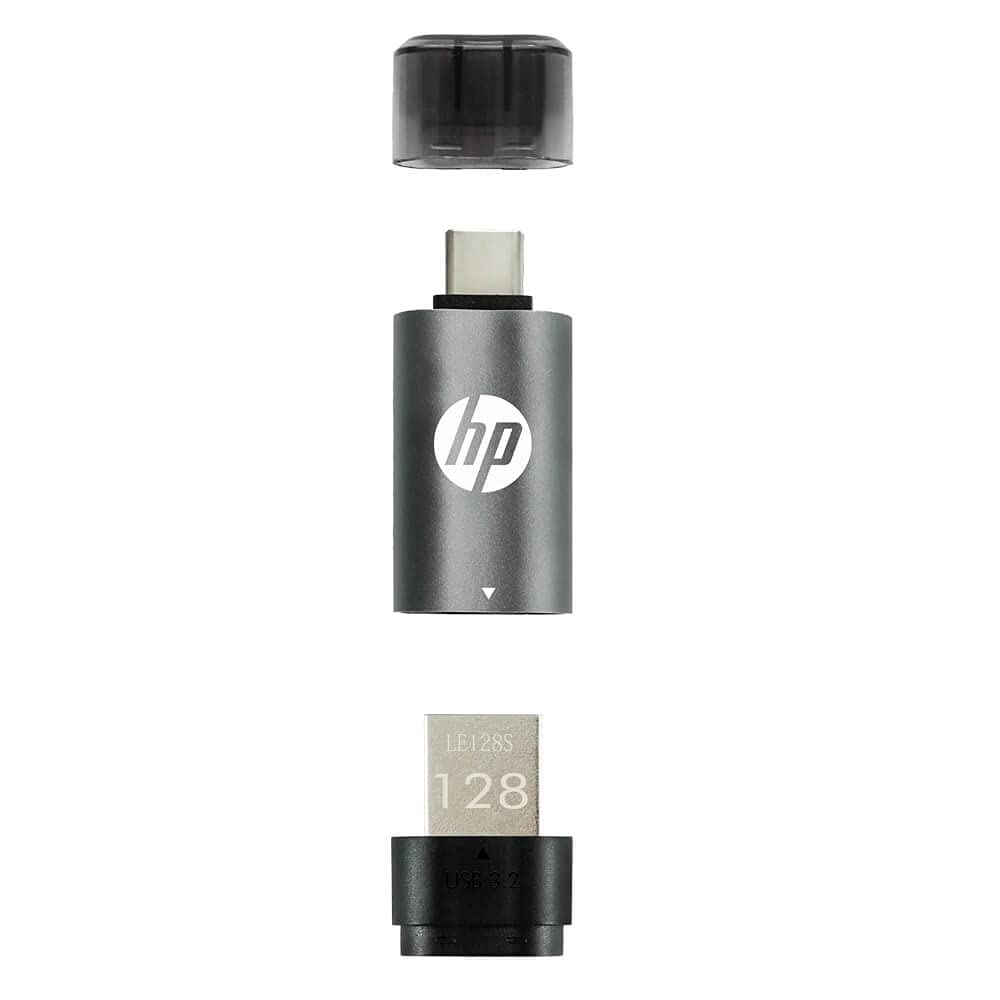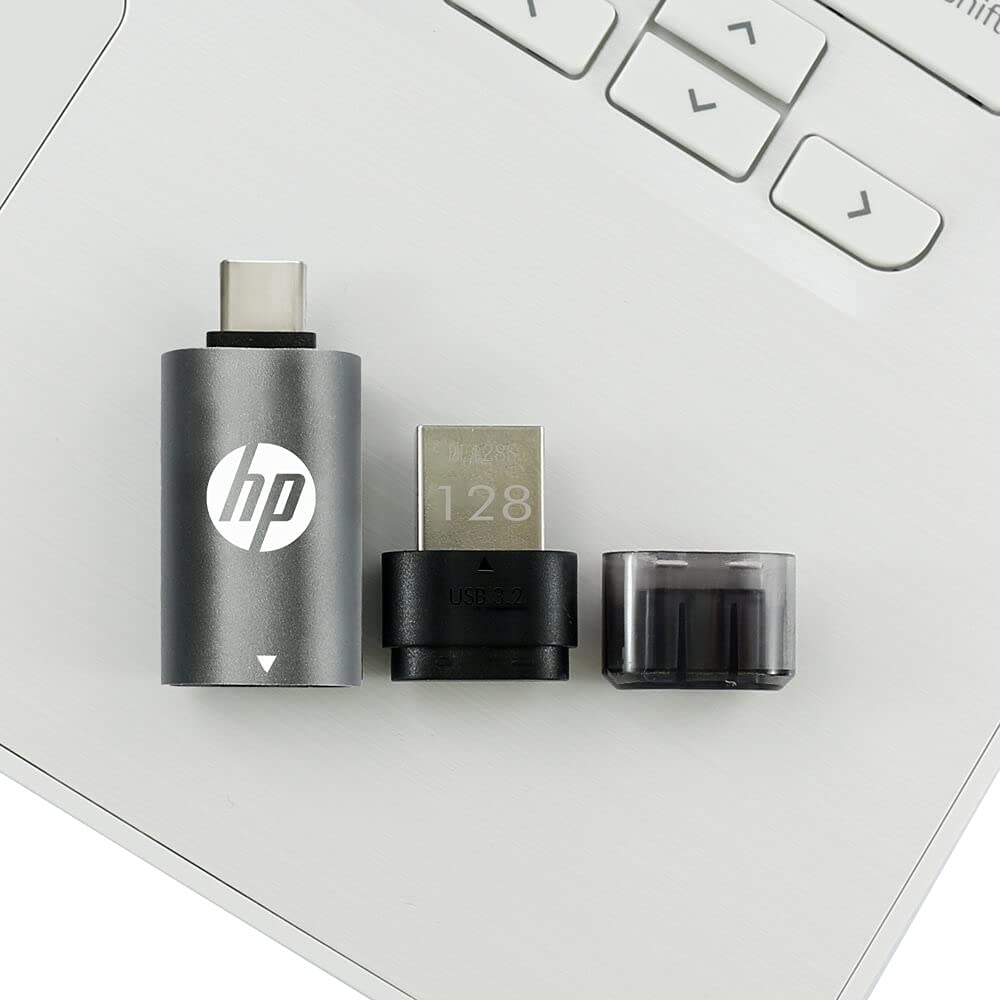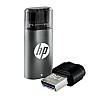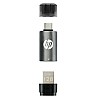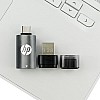

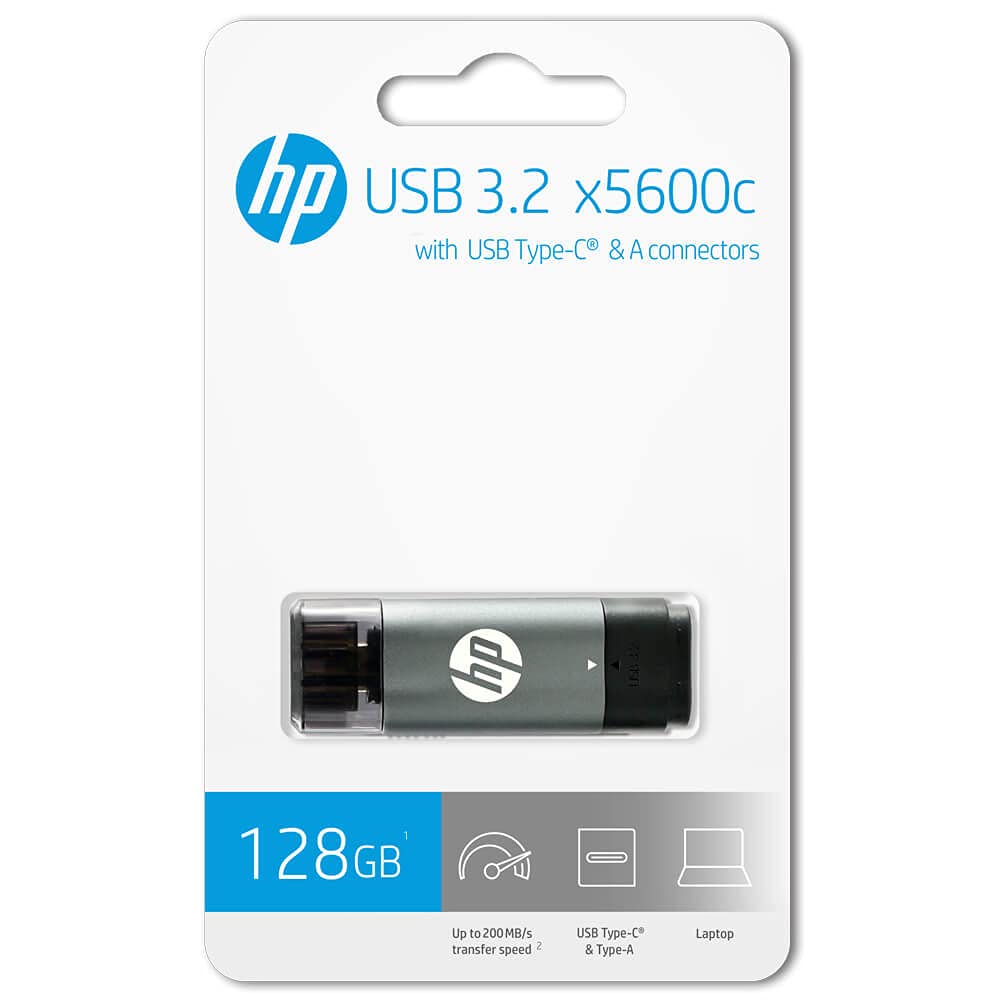
HP - HPFD5600C-128 USB Type C 128GB 3.2 Pen Drive, Grey & Black


- Stock: SOLD OUT
- Brand: HP
- Model: HPFD5600C-128
🎉 Our Customer Benefits 🎉
| 💸 12% Instant Discount | Use code VLE12 at checkout to get 12% Flat Discount |
| 🎁 ₹100 Wallet Credit | Get ₹100 credited to your wallet after successful order completion |
| 💼 GST Credit Available | Add your GST number at checkout to claim tax benefits. Update Now |
| ✅ Warranty Included | All products come with warranty for your peace of mind |
Top Features
- USB Type‑C plug for modern phones, tablets and laptops — direct connection without adapters.
- USB 3.2 performance for noticeably faster transfers — saves time on big files.
- 128GB capacity to store photos, videos and documents with room to spare.
- Slim, pocketable design — carries comfortably in a pocket or laptop bag.
- Durable two‑tone metal and polycarbonate build — looks premium and resists daily wear.
- Plug‑and‑play compatibility — easy access on Android, macOS and Windows devices.
- Low‑power operation — preserves mobile battery while transferring files.
- Secure file portability — move sensitive work files without cloud dependence.
- Reliable brand backing — HP quality control minimizes failures and data risk.
Technical Specifications
| Specification | Details |
|---|---|
| Model | HPFD5600C-128 |
| Brand | HP |
| Capacity | 128 GB |
| Interface | USB Type‑C (USB 3.2 compatible) |
| Performance | USB 3.2 class performance — high‑speed file transfers |
| Colour | Grey & Black |
| Materials / Build | Metal housing with polycarbonate accents for durability |
| Dimensions | Compact, pocketable form factor (manufacturer nominal dimensions) |
| Weight | Lightweight — easy to carry |
| Compatibility | USB‑C smartphones, tablets, laptops, desktops; OTG support on compatible Android devices |
| Battery | Not applicable (powered by host device) |
| Connectivity | Direct USB Type‑C connection; backward compatible with adapters |
| Box Contents | HP USB Type‑C 128GB pen drive, user guide and warranty information |
| Warranty | HP manufacturer warranty; Vlebazaar after‑sales support and assistance |
| Operating Temperature | Typical USB flash drive operating range (refer to manufacturer guide) |
Why Buy From Vlebazaar?
- 100% genuine HP products sourced from authorised distributors.
- Secure payment options and safe packaging for damage‑free delivery.
- Fast shipping across India with reliable tracking updates.
- Dedicated customer support for setup, warranty claims and returns.
- Transparent product listings and responsive service to resolve queries quickly.
Who Should Buy This?
- Students needing easy transport of assignments, projects and media.
- Professionals who transfer large presentations, reports and backups between devices.
- Photographers and content creators who need extra portable storage on the go.
- Smartphone users who want quick OTG file access without cloud subscriptions.
- Frequent travellers who require compact, reliable offline storage.
Smart FAQs
- Will this work with my Android phone?
Yes — devices with a USB‑C port and OTG support can read and write to this pen drive. Check your phone’s OTG compatibility in settings or the manufacturer manual.
- Do I need an adapter for laptops without USB‑C?
If your laptop only has USB‑A ports you can use a USB‑C to USB‑A adapter. For best performance use a high‑quality adapter rated for USB 3.x speeds.
- What kind of warranty support is available?
Product comes with HP manufacturer warranty; Vlebazaar provides support for warranty claims and after‑sales assistance. Refer to the warranty card in the box for details.
- How fast will file transfers be?
Transfers leverage USB 3.2 class speeds — you’ll see significantly faster copy times versus USB 2.0. Actual speeds depend on host device and file types.
- Can I use it for backups and long‑term storage?
Yes — it’s suitable for daily backups and portability. For critical long‑term archival, consider keeping multiple copies and using additional backup solutions.
- What if my device doesn’t recognise the drive?
Try reconnecting, using another port or device, and ensure your device supports OTG for phones. Contact Vlebazaar support for troubleshooting help.