

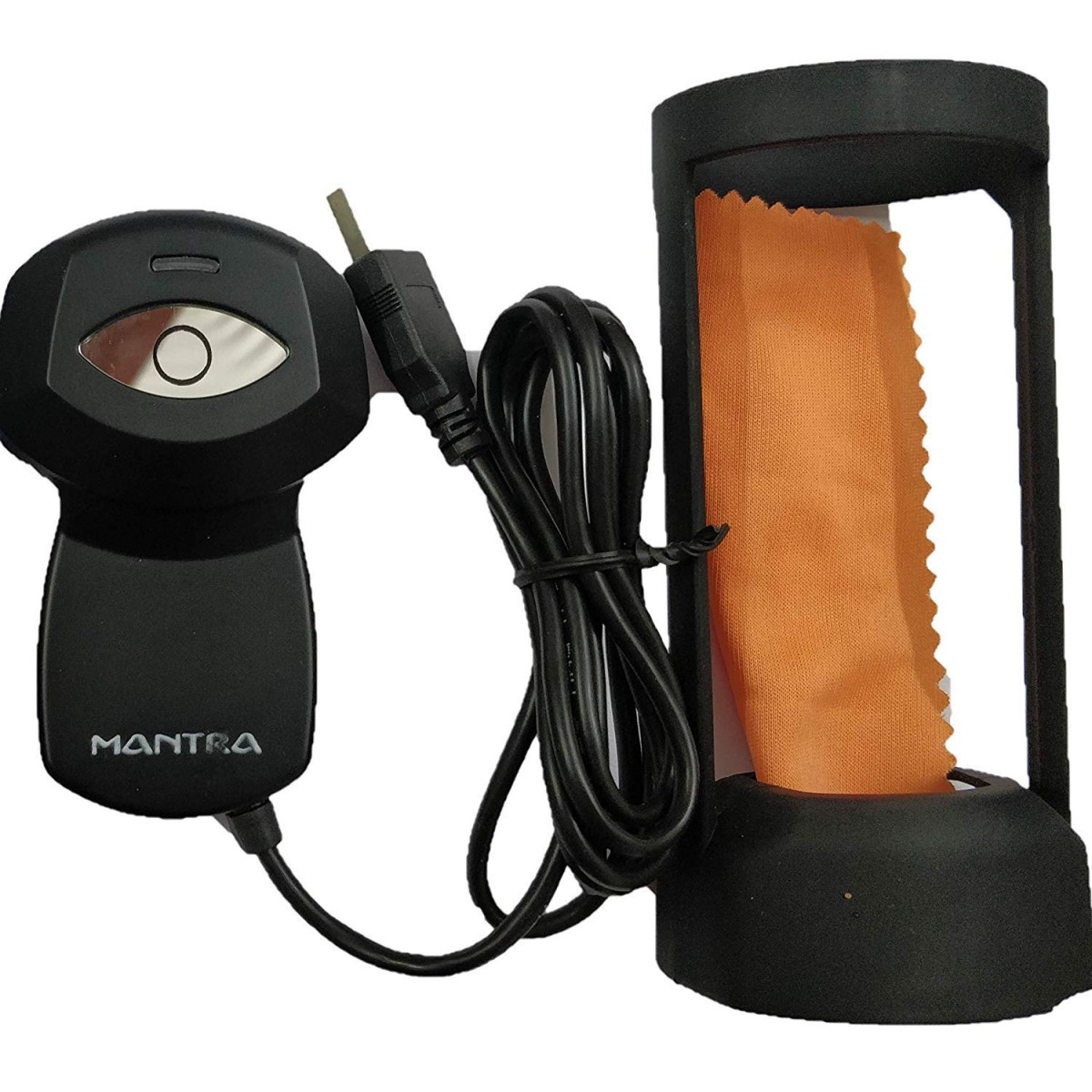
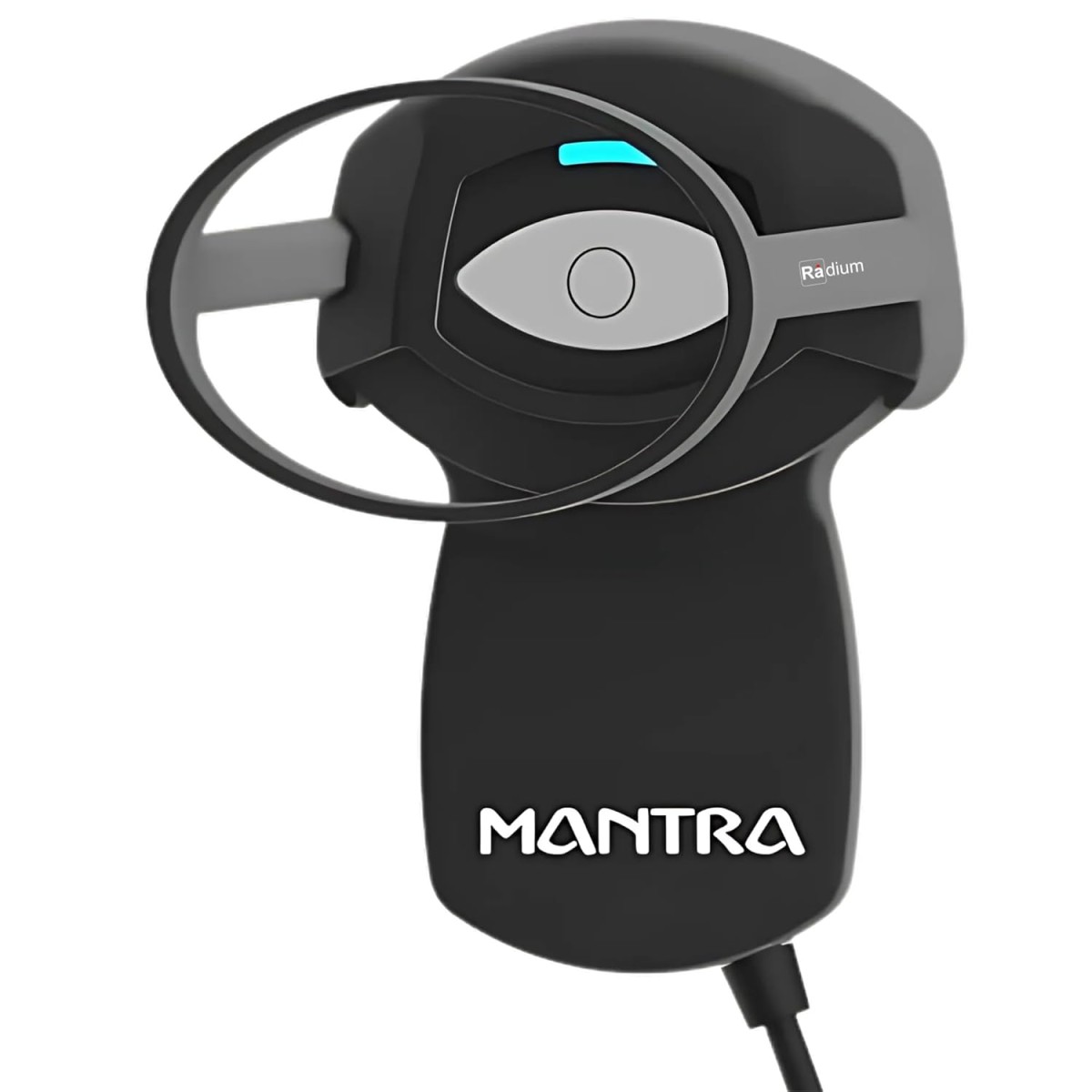
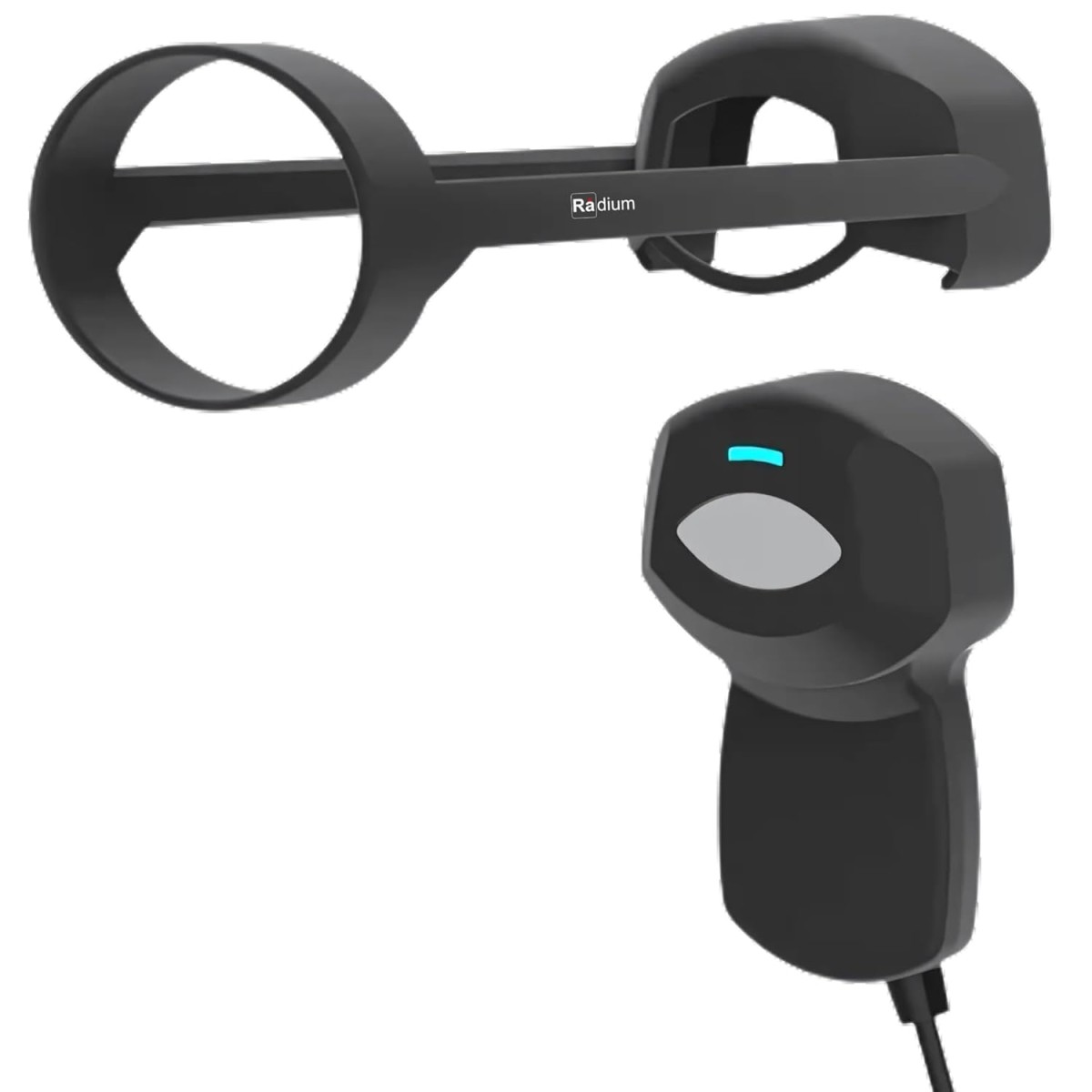
Mantra MIS100 V2 - USB Single Iris Scanner for Ayushman Bharat Yojana
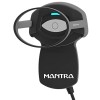
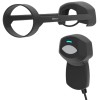
- Stock: In Stock
- Brand: Mantra
- Model: MIS100 V2
- SKU: B085Y9VM2D
🎉 Our Customer Benefits 🎉
| 💸 12% Instant Discount | Use code VLE12 at checkout to get 12% Flat Discount |
| 🎁 ₹100 Wallet Credit | Get ₹100 credited to your wallet after successful order completion |
| 💼 GST Credit Available | Add your GST number at checkout to claim tax benefits. Update Now |
| ✅ Warranty Included | All products come with warranty for your peace of mind |
The Mantra MIS100 V2 is a single iris scanner with near-infrared imaging, 640 × 480 grayscale resolution and USB 2.0 connectivity. It captures each iris typically in under 2 seconds and is intended for Ayushman Bharat enrolment, healthcare authentication and identity verification with compatible computers or Android devices with OTG.
Key Highlights
- Near-infrared iris sensor
- 640 × 480 grayscale imaging
- Typically under 2 seconds per iris
- USB 2.0, 5V bus-powered
- Rugged ABS plastic housing
- SDK available for application integration
Product Overview
The Mantra MIS100 V2 is a single iris scanner for biometric workflows, including Ayushman Bharat enrolment, healthcare authentication and identity verification. Its near-infrared sensor captures grayscale iris images at 640 × 480 resolution, typically in under 2 seconds per iris. The scanner connects through USB 2.0 and draws 5V power from the USB connection, so it does not need an external power adapter.
It works with Windows 7, 8, 10 and 11, Linux, and Android devices with OTG. The rugged ABS plastic housing, approximately 140 g weight and operating temperature range of 0°C to 50°C make it suitable for clinic, enrolment and field workflows. An SDK is available for application integration. The box includes the scanner, USB cable, Quick Start Guide and driver and SDK download instructions. The product is new.
Features and Benefits
- Near-infrared sensor – Captures iris images for biometric workflows.
- 640 × 480 imaging – Produces grayscale iris images.
- Fast capture – Typically captures each iris in under 2 seconds.
- USB 2.0 interface – Connects to a compatible host device.
- USB bus power – Operates on 5V USB power without an external adapter.
- ABS housing – Rugged plastic construction for frequent field use.
- SDK availability – Supports integration into custom applications.
- Low-light design – Intended for captures in varied lighting.
Technical Specifications
| Specification | Details |
|---|---|
| Brand | Mantra |
| Model | Mantra MIS100 V2 |
| Product Type | Single iris scanner |
| Sensor | Near-Infrared (NIR) iris sensor |
| Image Resolution | 640 × 480, grayscale |
| Capture Speed | Typically under 2 seconds per iris |
| Interface | USB 2.0 |
| Power | USB bus-powered, 5V |
| Compatibility | Windows 7/8/10/11, Linux, Android (OTG) |
| SDK | Available |
| Housing | Rugged ABS plastic |
| Dimensions | Approx. 130 × 60 × 40 mm |
| Weight | Approx. 140 g |
| Operating Temperature | 0°C to 50°C |
| Connector Type | USB |
| Batteries | Not included; not required |
| Country of Origin | India |
| Batteries Included | NO |
| Batteries Required | NO |
Who Should Buy This?
- Ayushman Bharat enrolment teams – The scanner is designed for Ayushman Bharat workflows.
- Healthcare centres and clinics – It supports healthcare authentication and enrolment.
- Government field teams – It is intended for identity verification and government workflows.
- System integrators and developers – An SDK is available for application integration.
- Mobile outreach teams – USB bus power and an approximately 140 g weight suit portable deployments.
Compatibility
- Windows 7, 8, 10 and 11
- Linux
- Android devices with OTG
How to Set Up
- Connect the scanner to a compatible host device through its USB interface.
- Use the included driver and SDK download instructions.
What's in the Box
- Scanner
- USB cable
- Quick Start Guide
- Driver and SDK download instructions
Pros and Limitations
Pros
- Captures each iris typically in under 2 seconds.
- Uses 5V USB power and does not require an external adapter.
- Supports Windows, Linux and Android devices with OTG.
- SDK is available for custom application integration.
Limitations
- Connection is through USB 2.0.
Frequently Asked Questions
What is the Mantra MIS100 V2 used for?
It captures iris images for biometric workflows. Its intended uses include Ayushman Bharat enrolment, healthcare authentication and identity verification.
What image resolution does this iris scanner support?
It produces 640 × 480 grayscale images. The sensor uses near-infrared imaging.
How quickly does it capture an iris?
Capture typically takes under 2 seconds per iris. The speed is specified per iris.
Which operating systems are compatible?
It is compatible with Windows 7, 8, 10 and 11, Linux, and Android devices with OTG. Android compatibility requires an OTG-capable device.
Does the scanner need a separate power adapter?
No, it is USB bus-powered at 5V. It does not require an external power adapter.
What comes in the box?
The box includes the scanner, a USB cable and a Quick Start Guide. Driver and SDK download instructions are also included.
Can developers integrate the scanner into an application?
An SDK is available for application integration. The scanner is designed to connect to compatible host devices through USB 2.0.
What is the battery of the Mantra MIS100 V2?
The Mantra MIS100 V2 has a battery rated at Not included; not required. Actual battery life depends on usage, brightness or volume and network conditions.
Warranty
1 year manufacturer warranty.
| Country and Manufacturer | |
| Country of Origin | India |
| General | |
| Brand | Mantra |
| Condition | New |
| Technical Details | |
| Connector Type | USB |