
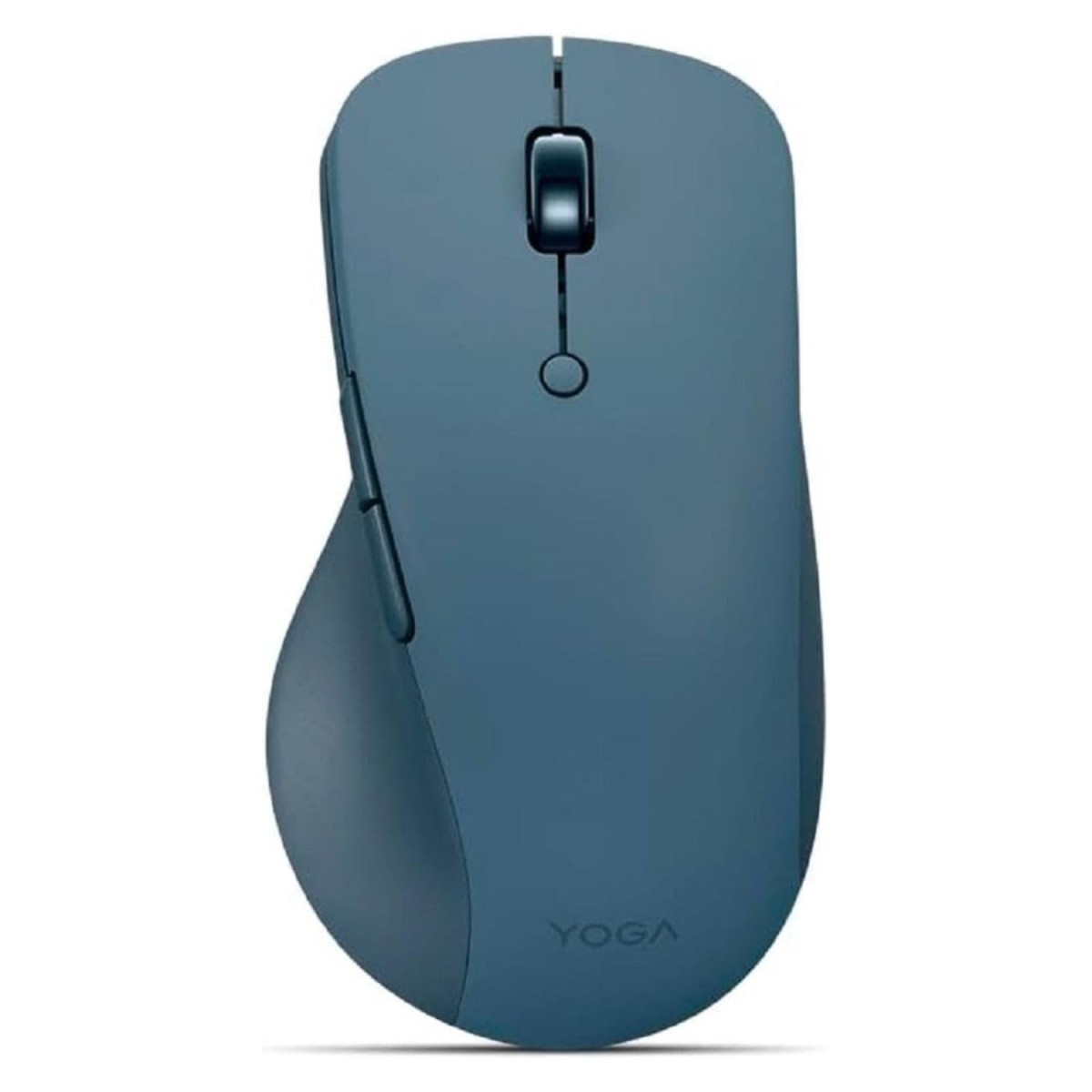
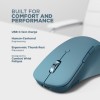
Lenovo Yoga Pro Mouse | Custom-programmable Buttons, Dual Device Connectivity, Dynamic Scroll Wheel, Righthanded Efficiency, Blue Optical Sensor Technology, USB-C, BT 5.0 | 3Yr Warranty, Tidal Teal


- Stock: In Stock
- Brand: Lenovo
- Model: GY51P14335
- SKU: B0D5HVD8G6
🎉 Our Customer Benefits 🎉
| 💸 12% Instant Discount | Use code VLE12 at checkout to get 12% Flat Discount |
| 🎁 ₹100 Wallet Credit | Get ₹100 credited to your wallet after successful order completion |
| 💼 GST Credit Available | Add your GST number at checkout to claim tax benefits. Update Now |
| ✅ Warranty Included | All products come with warranty for your peace of mind |
The Lenovo Yoga Pro Mouse GY51P14335 is a right-handed wireless mouse with adjustable sensitivity up to 4000 DPI, Bluetooth 5.0 and a USB-C receiver. It is designed for people who work across compatible devices and want programmable buttons, dynamic scrolling and USB-C charging in a Tidal Teal finish.
Key Highlights
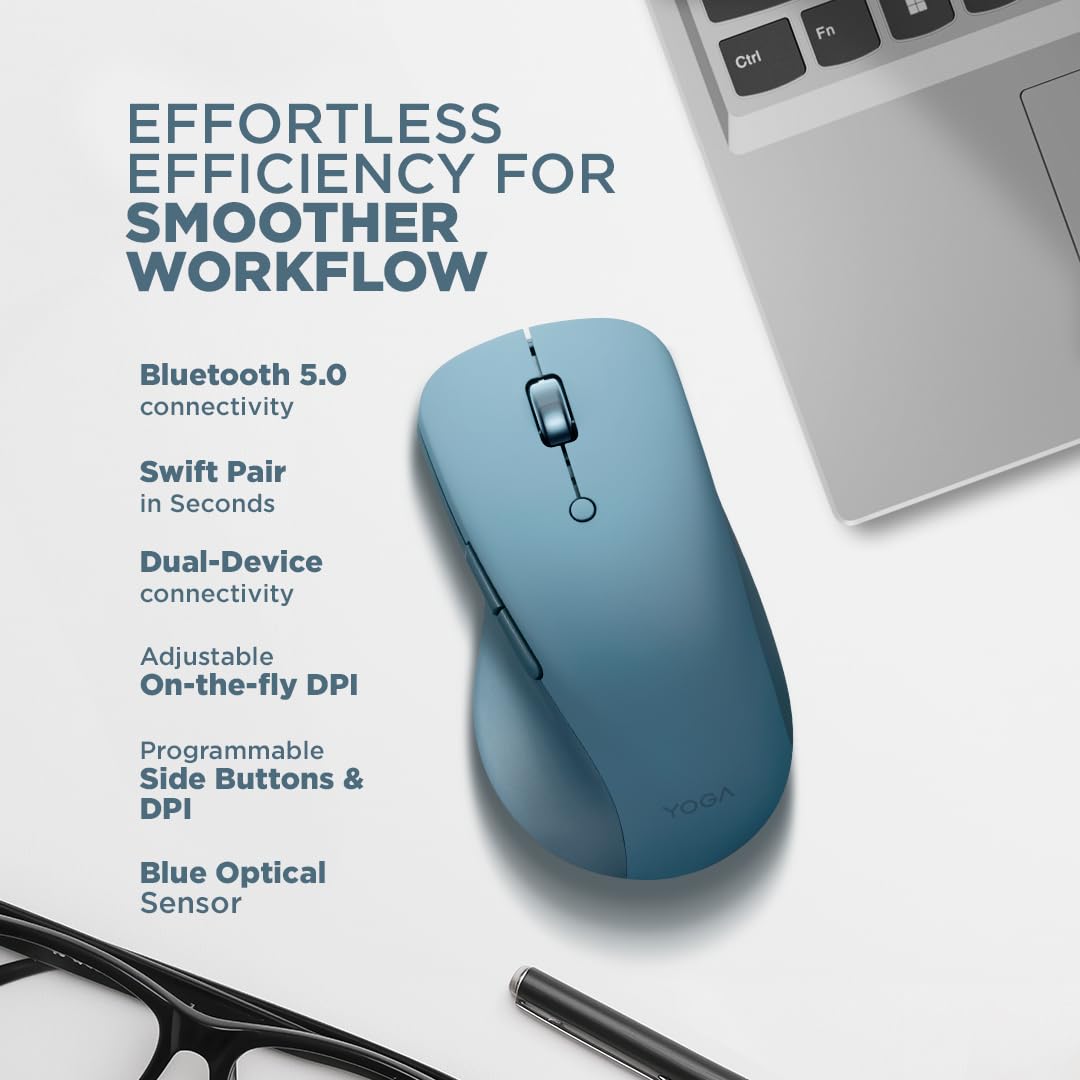
- Adjustable sensitivity up to 4000 DPI
- Bluetooth 5.0 and USB-C RF dongle
- Custom-programmable buttons
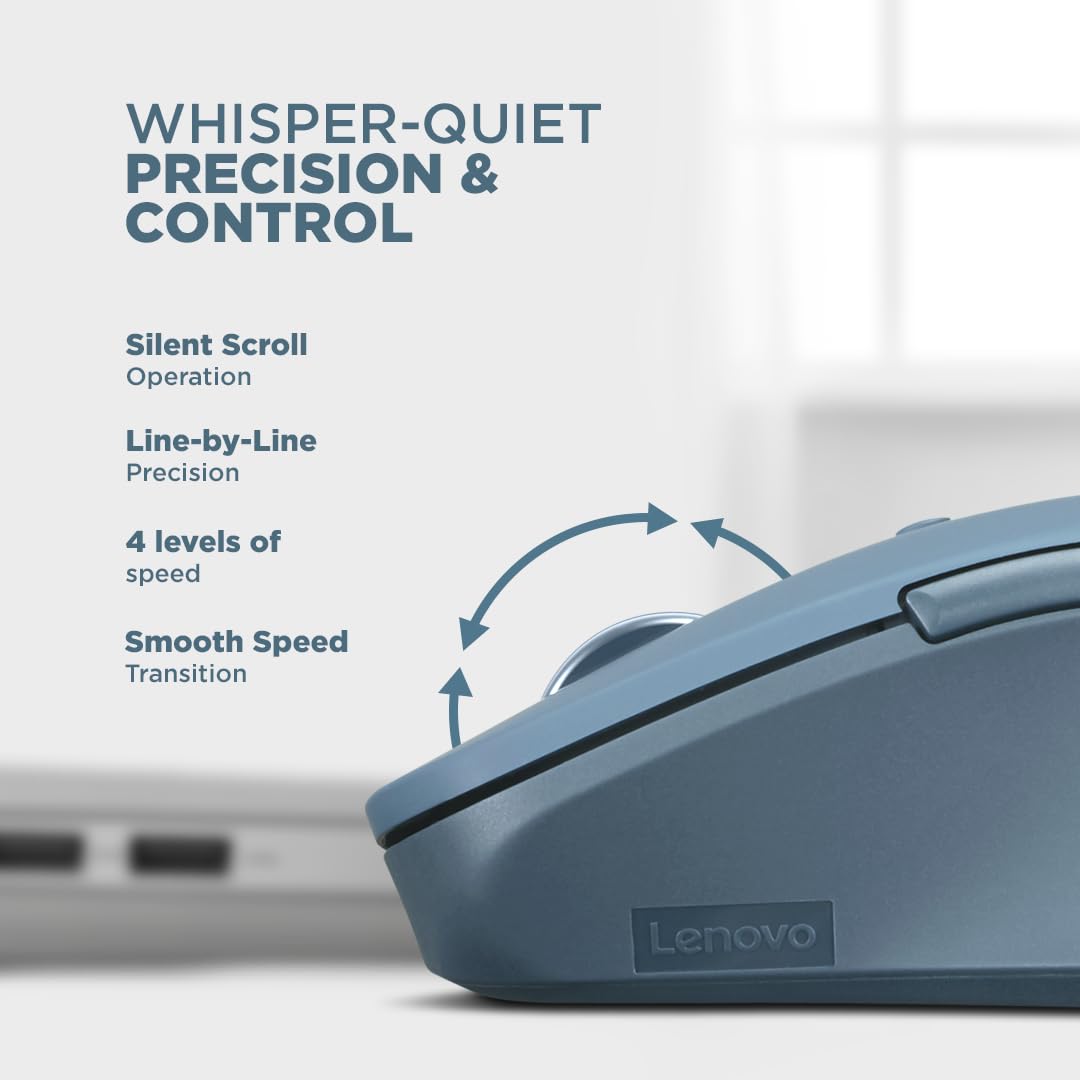
- Clickable dynamic scroll wheel
- Right-handed ergonomic shape
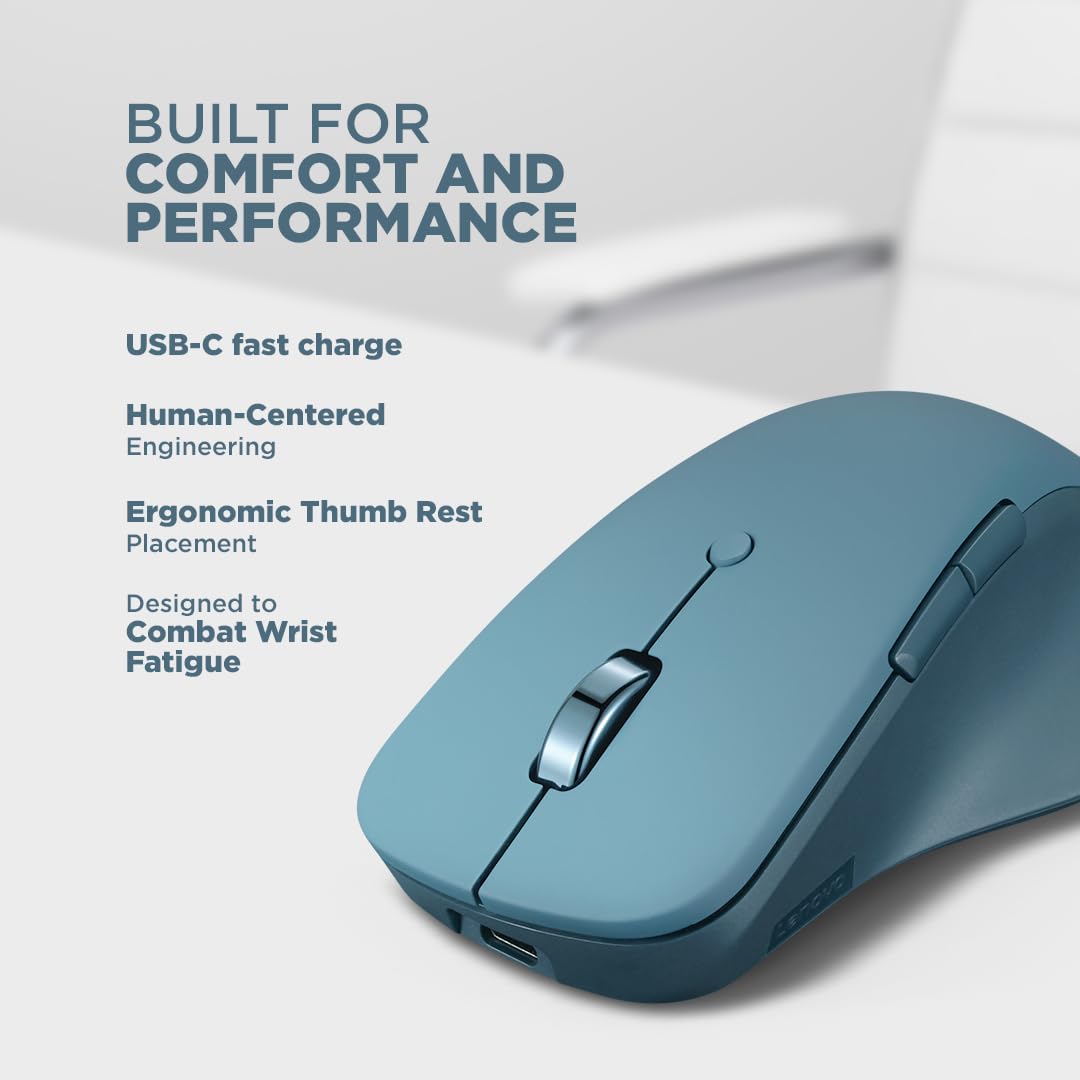
- USB-C fast charging
Product Overview
This Lenovo wireless mouse supports two connection options: Bluetooth 5.0 and a USB-C RF dongle operating at 2.4 GHz. Its Blue Optical Sensor has software-configurable sensitivity up to 4000 DPI. Custom-programmable buttons let users assign shortcuts, while the clickable dynamic scroll wheel supports fast scrolling and line-by-line control.
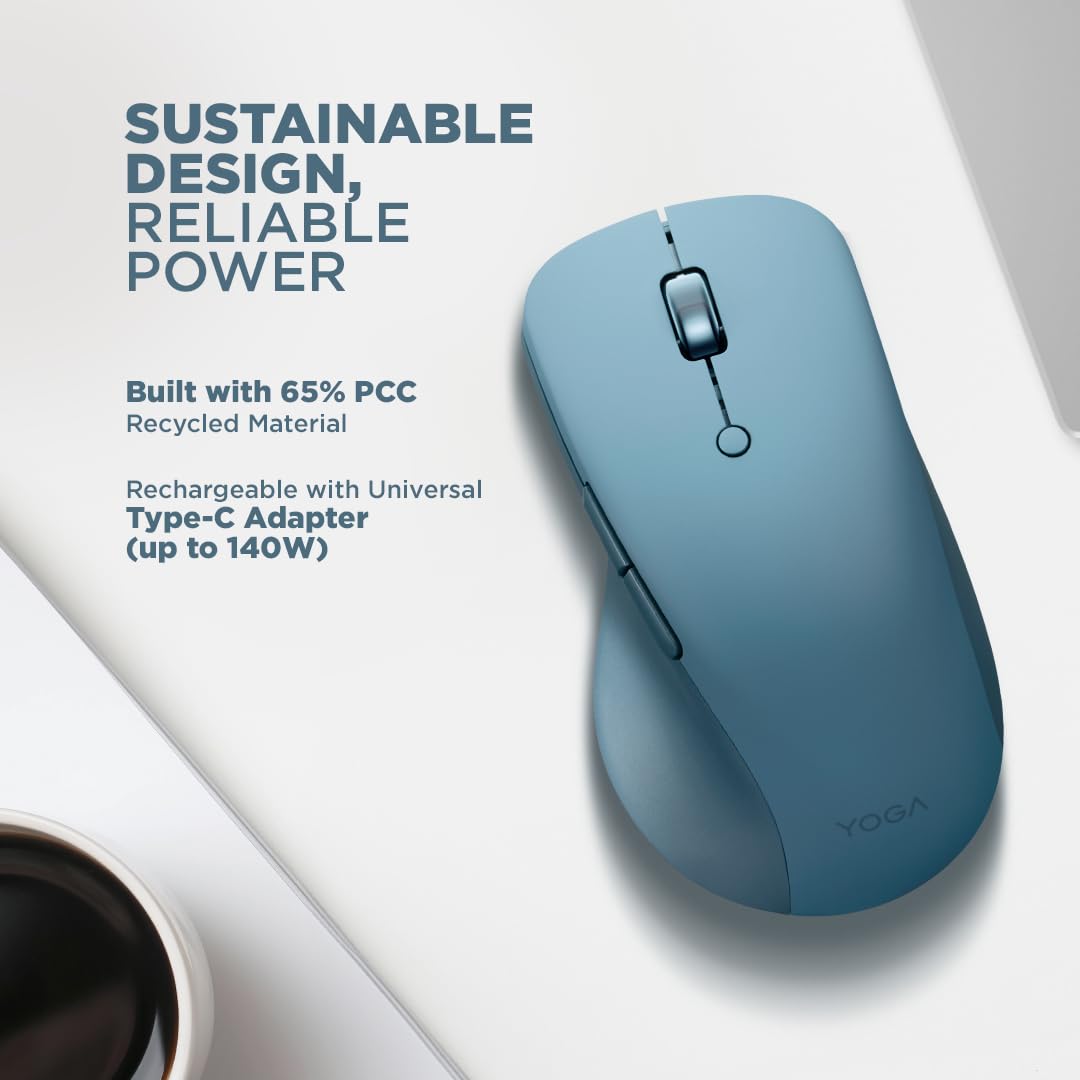
The right-handed ergonomic design has a matte finish and a durable polymer body. USB-C fast charging provides a way to recharge the mouse, and the package includes a USB-C charging cable. The mouse is compatible with Windows, macOS, Chrome OS and Android. Advanced features may require drivers when using Bluetooth or the USB-C dongle. Its Tidal Teal colour and compact design suit desk use as well as travel.
Features and Benefits
- Adjustable sensitivity – Configure the Blue Optical Sensor up to 4000 DPI using software.
- Dual connectivity – Connect using Bluetooth 5.0 or the 2.4 GHz USB-C RF dongle.
- Programmable buttons – Assign shortcuts to support frequently used tasks.
- Dynamic scroll wheel – Use fast scrolling or precise line-by-line control.
- Right-handed shape – Ergonomic form designed for right-handed use.
- USB-C charging – Recharge the mouse using its USB-C charging connection.
- Matte polymer body – Tidal Teal finish with a durable polymer build.
- Clickable scroll wheel – Use the wheel for clicking as well as scrolling.
Technical Specifications
| Specification | Details |
|---|---|
| Brand | Lenovo |
| Model | Lenovo Yoga Pro Mouse GY51P14335 |
| Product Type | Right-handed ergonomic wireless mouse |
| Colour | Tidal Teal |
| Sensor | Blue Optical Sensor Technology |
| Sensitivity | Adjustable up to 4000 DPI; software configurable |
| Connectivity | Bluetooth 5.0 and USB-C RF dongle (2.4 GHz) |
| Buttons | Custom-programmable buttons |
| Scroll Wheel | Clickable dynamic scroll wheel |
| Charging | USB-C fast charging |
| Materials and Build | Matte finish, durable polymer body |
| Compatibility | Windows, macOS, Chrome OS, Android |
| Country of Origin | China |
Who Should Buy This?
- Right-handed computer users – The mouse has a right-handed ergonomic shape.
- Shortcut-focused users – Custom-programmable buttons can be assigned shortcuts.
- People working across devices – It supports Bluetooth 5.0 and a USB-C RF dongle.
- Users who adjust pointer sensitivity – Software-configurable sensitivity reaches up to 4000 DPI.
- Frequent document readers – The dynamic wheel supports fast and line-by-line scrolling.
Compatibility
- Windows
- macOS
- Chrome OS
- Android
- Advanced features may require drivers when using Bluetooth or the USB-C dongle.
How to Set Up
- Connect using Bluetooth 5.0 or the USB-C RF dongle.
- Use the USB-C cable to charge the mouse.
- Configure sensor sensitivity through software, up to 4000 DPI.
What's in the Box
- Lenovo Yoga Pro Mouse
- USB-C dongle
- USB-C charging cable
- Quick start guide
Pros and Limitations
Pros
- Two connection options: Bluetooth 5.0 and USB-C RF dongle.
- Sensitivity is adjustable up to 4000 DPI.
- Includes programmable buttons and a clickable dynamic scroll wheel.
- USB-C charging cable is included.
Limitations
- Advanced features may require drivers when using Bluetooth or the USB-C dongle.
Frequently Asked Questions
How can I connect the Lenovo Yoga Pro Mouse?
It supports Bluetooth 5.0 and a USB-C RF dongle that uses 2.4 GHz. Advanced features may require drivers when using either connection.
What is the maximum sensitivity?
Sensitivity is adjustable up to 4000 DPI. The adjustment is software configurable.
Does this mouse have programmable buttons?
Yes, it has custom-programmable buttons. They can be assigned shortcuts.
What does the scroll wheel do?
The clickable dynamic scroll wheel supports fast scrolling and line-by-line control. It can also be clicked.
Which operating systems are compatible?
Compatibility includes Windows, macOS, Chrome OS and Android. Advanced features may require drivers when connecting through Bluetooth or the USB-C dongle.
How does the mouse charge?
It charges through USB-C and supports fast charging. A USB-C charging cable is included.
What comes in the box?
The box includes the mouse, a USB-C dongle, a USB-C charging cable and a quick start guide.
Which devices or systems does the Lenovo Yoga Pro Mouse work with?
It is listed for Windows, macOS, Chrome OS, Android. If your device is not mentioned, check the connection type and specifications before ordering.
Warranty
3-year manufacturer warranty.
| Country and Manufacturer | |
| Country of Origin | China |