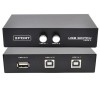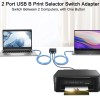

Swiztek USB 2.0 Switch 2-Port Selector for PC – Share Keyboard, Mouse, Printer & External Devices | Plug & Play USB Sharing Hub for Two Computers | Manual Button Control, No Power Required
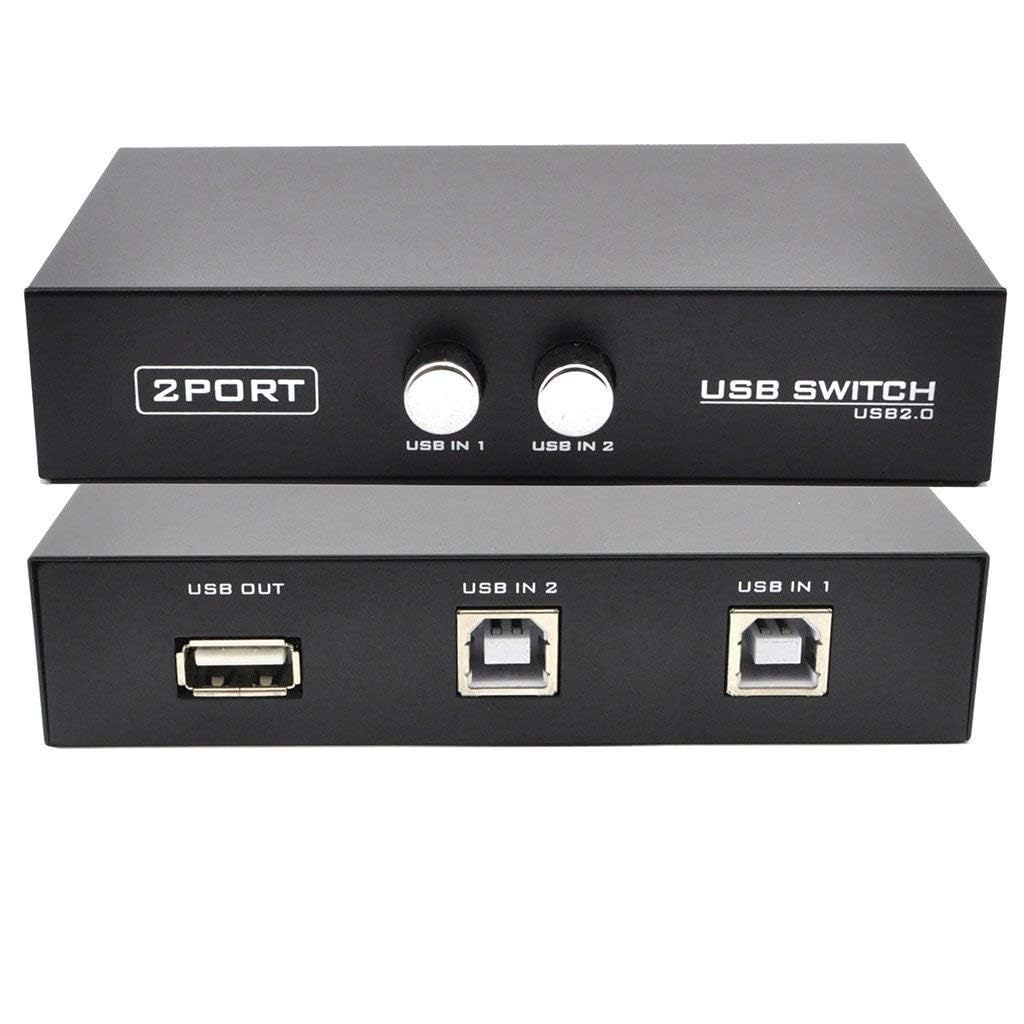
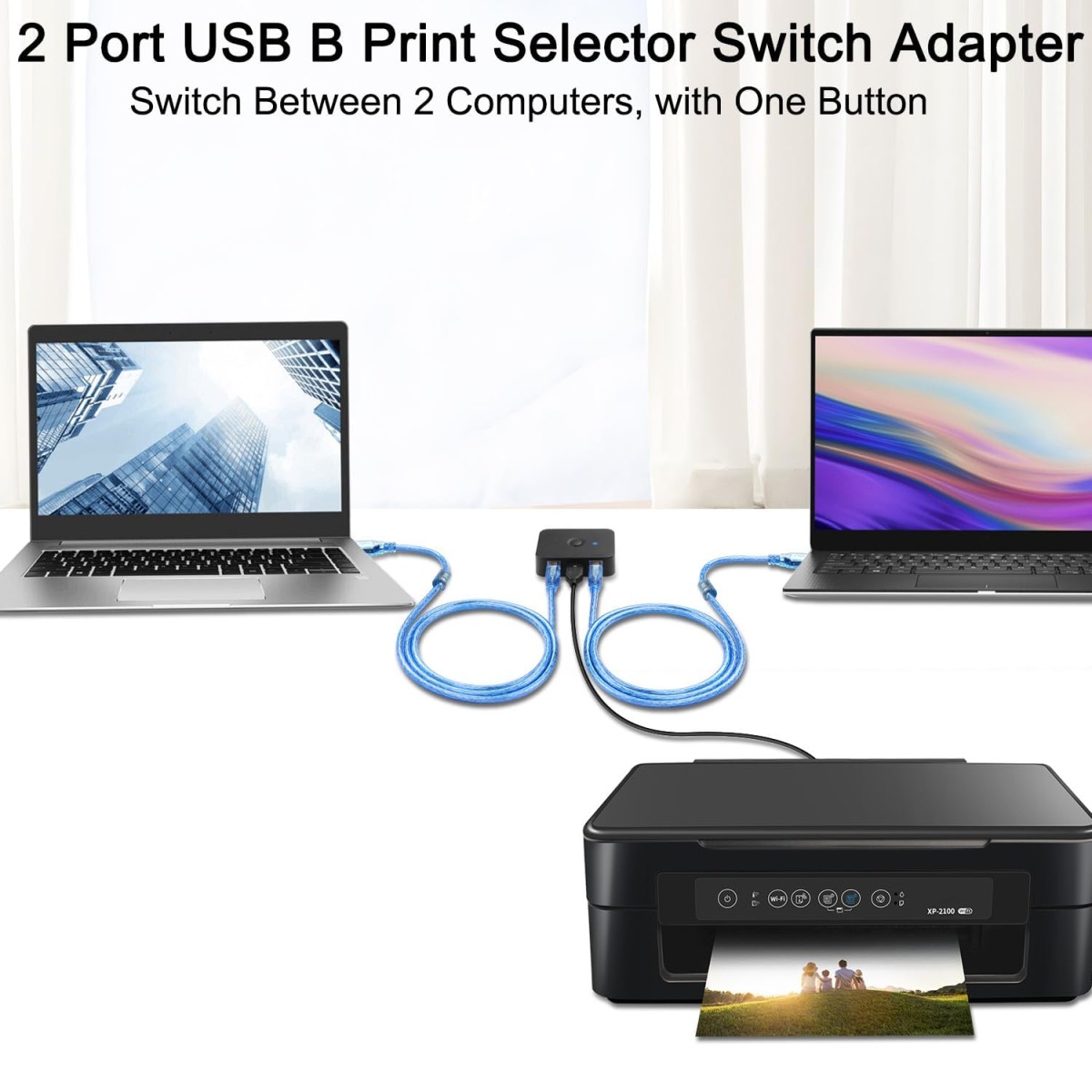
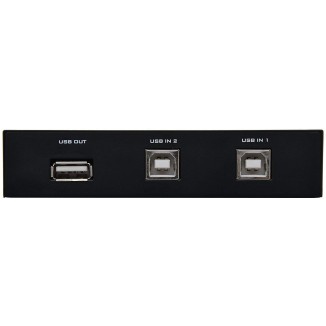


- Stock: In Stock
- Brand: Swiztek
- Model: swiztek2PortsUSBSwitch
- SKU: B0DRPDD4KM
🎉 Our Customer Benefits 🎉
| 💸 12% Instant Discount | Use code VLE12 at checkout to get 12% Flat Discount |
| 🎁 ₹100 Wallet Credit | Get ₹100 credited to your wallet after successful order completion |
| 💼 GST Credit Available | Add your GST number at checkout to claim tax benefits. Update Now |
| ✅ Warranty Included | All products come with warranty for your peace of mind |
Swiztek USB 2.0 Switch 2-Port Selector for PC
Powerful Summary
Simplify your workspace with the Swiztek USB 2.0 2-Port Switch — a compact, plug-and-play solution that lets two computers share keyboards, mice, printers and other USB peripherals without software or power adapters. Perfect for home offices, small businesses and multitaskers who crave clutter-free efficiency, it delivers reliable switching with a tactile manual button and stable USB 2.0 speeds. Backed by a 1-year warranty and Vlebazaar’s trusted customer service and fast delivery, you get confidence plus hands-on support for setup, returns and genuine product assurance.
Top Features
- Share peripherals between two PCs instantly — reduce clutter and double workstation flexibility.
- True plug & play — no drivers or configuration, so you’re productive immediately.
- Manual tactile button — satisfying, precise switching you can feel and trust.
- USB 2.0 speeds up to 480 Mbps — smooth keyboard/mouse response and reliable printing.
- Bus-powered — no external adapter required for simple, portable setup.
- Sturdy ABS housing — durable feel and long-lasting everyday reliability.
- Compact footprint — frees desk space and improves visual comfort and organization.
- Wide OS compatibility — works with Windows, macOS and Linux for versatile use.
- Low latency for peripherals — crisp input response for typing and navigation.
- Complete kit included — cables and manual for fast, hassle-free installation.
Technical Specifications
| Specification | Details |
|---|---|
| Model | STS-2P (Swiztek 2-Port USB Switch) |
| Brand | Swiztek |
| Dimensions | Approx. 90 x 54 x 25 mm |
| Weight | Approx. 80 g |
| Colour | Matte Black |
| Warranty | 1 year manufacturer warranty + Vlebazaar support |
| Compatibility | Windows 11/10/8/7, macOS, Linux (Plug & Play) |
| Materials / Build | ABS plastic body, metal switch contacts |
| Switch Type | Manual push-button selector |
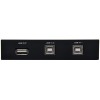
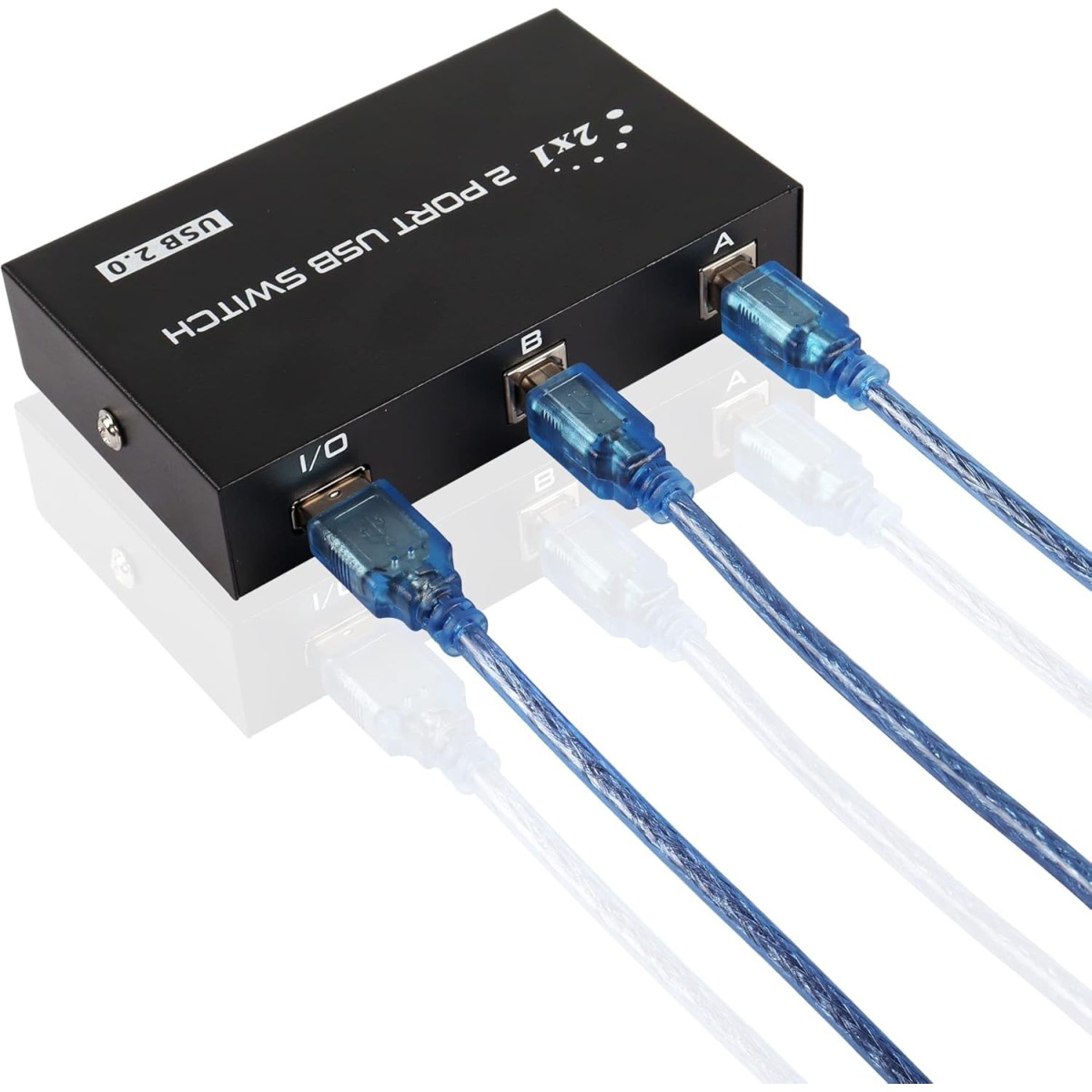
| Connectivity | USB 2.0 upstream x2 (to PCs), USB 2.0 downstream x4 (for peripherals) |
| Data Transfer Rate | Up to 480 Mbps (USB 2.0) |
| Power Requirement | Bus-powered (no external adapter); powered devices may need external power |
| Box Contents | Switch unit, 2 x USB A-B cables, user manual |
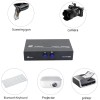
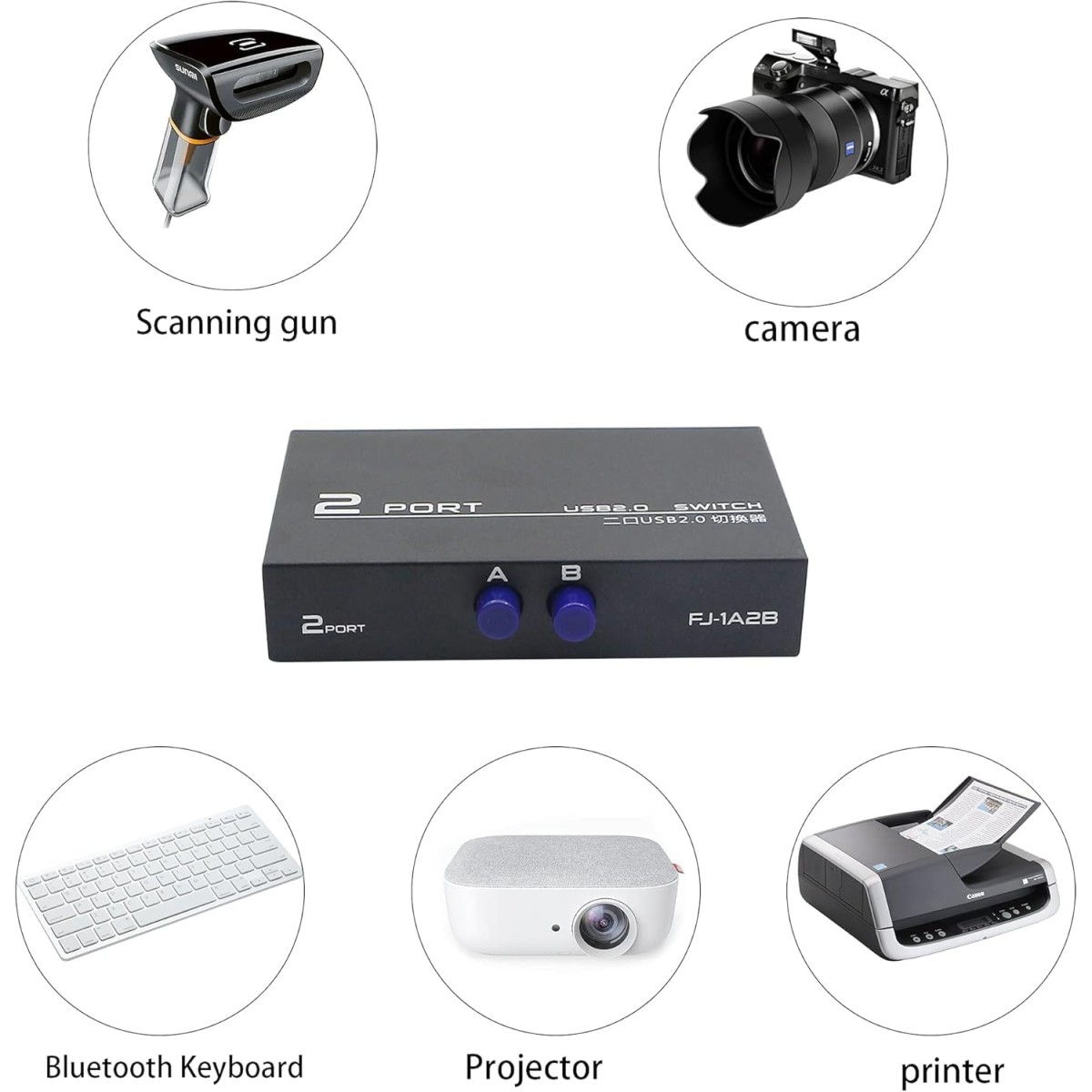
| Supported Devices | Keyboard, mouse, printer, scanner, webcam, USB flash drives, card readers |
| Country of Origin | China |
Why Buy From Vlebazaar?
- Genuine products with verified quality and manufacturer warranty support.
- Fast, reliable shipping across India and safe, secure packaging.
- Dedicated customer support to assist with setup, returns and warranty claims.
- Clear returns policy and trusted after-sales service for peace of mind.
- Secure payments and frequent deals — competitive pricing without compromise.
Who Should Buy This?
- Home office users who alternate between a work and personal PC.
- Small office teams sharing shared printers and scanners between two machines.
- Engineers and developers needing quick peripheral access on multiple PCs.
- Students juggling study and lab machines in limited desk space.
- IT technicians and support staff who need a compact, portable switch.
Frequently Asked Questions
1. Can I use this switch with USB 3.0 devices?
Yes, it is physically compatible with USB 3.0 devices, but the connection will operate at USB 2.0 speeds (up to 480 Mbps). For sustained high-speed external drives, use a USB 3.0 switch or a powered hub.
2. Do I need an external power adapter?
No external power is required for typical low-power peripherals (keyboard, mouse, printer). Power-hungry devices like some external HDDs may require their own power source or a powered USB hub.
3. How do I switch between computers?
Press the manual push-button on the unit to toggle which connected computer has access to the shared USB devices; LED indicators show the active PC.
4. Can multiple USB devices be used at the same time?
Yes — the unit provides multiple downstream ports so you can connect several peripherals; however all connected devices will switch together to the selected computer.
5. Is it compatible with macOS and Linux?
Yes. It follows standard USB protocols and is plug-and-play across Windows, macOS and Linux without installing drivers.
6. What if I need help after purchase?
Vlebazaar provides customer support for setup help, warranty claims and returns. Contact our support team through your Vlebazaar order page for fast assistance.