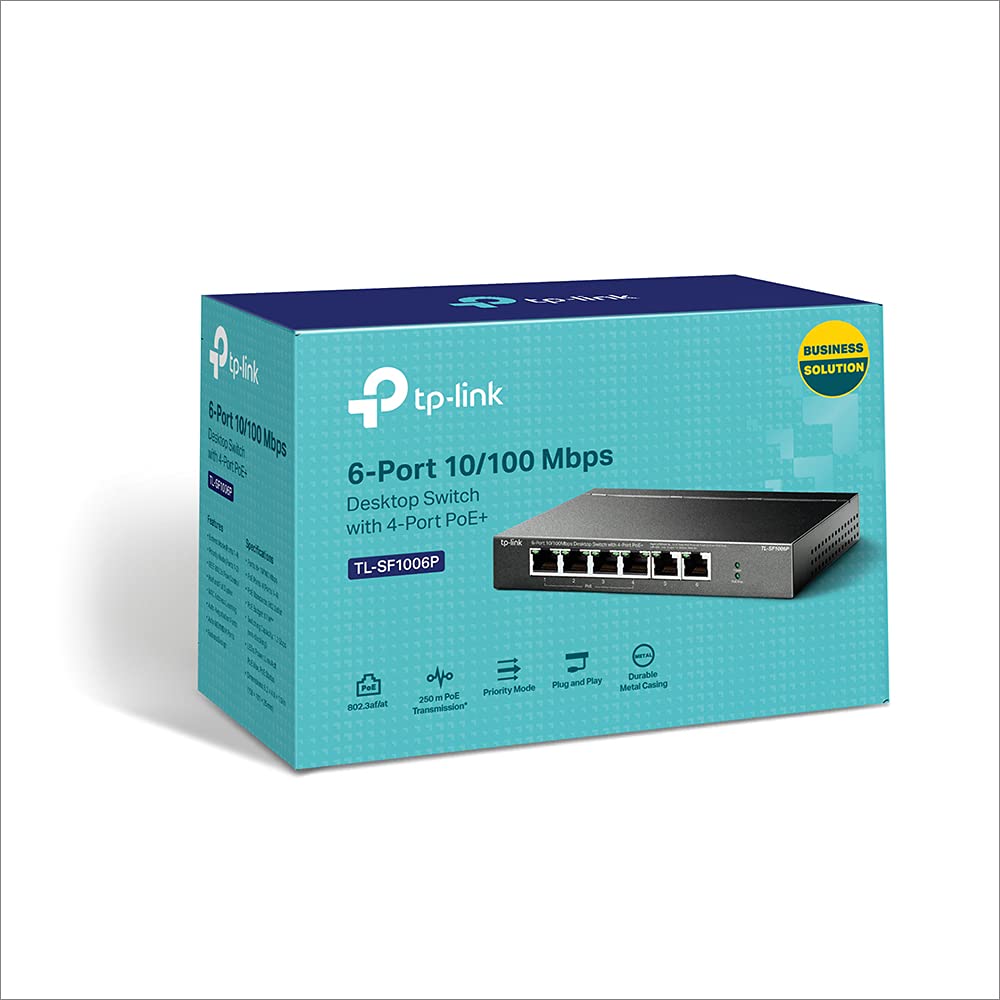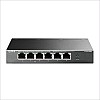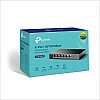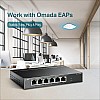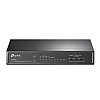

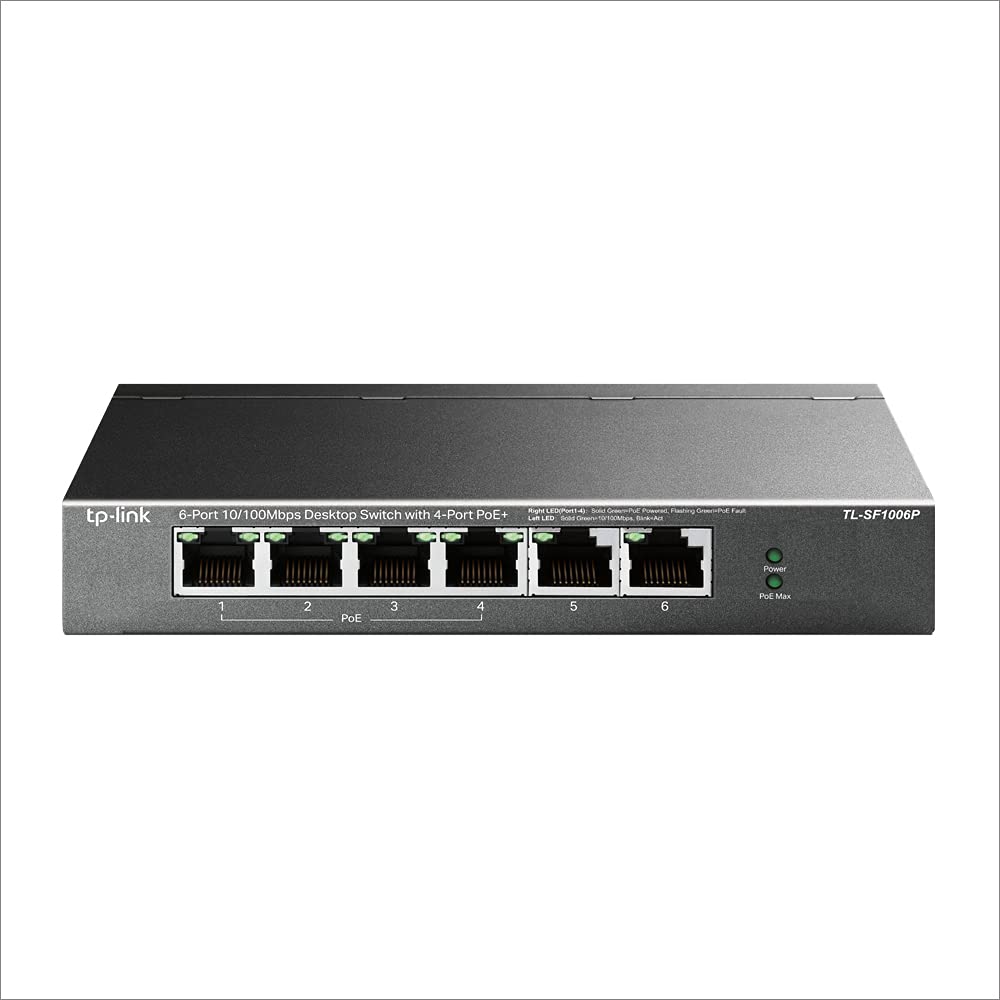
TP-Link 6 Port Fast Ethernet 10/100Mbps Desktop PoE Switch Priority Mode (TL-SF1006P)


- Stock: In Stock
- Brand: TP-LINK
- Model: TL-SF1006P
- SKU: HFQNJV
🎉 Our Customer Benefits 🎉
| 💸 8% Instant Discount | Use code VLE8 at checkout to get 8% Flat Discount |
| 🎁 ₹100 Wallet Credit | Get ₹100 credited to your wallet after successful order completion |
| 💼 GST Credit Available | Add your GST number at checkout to claim tax benefits. Update Now |
| ✅ Warranty Included | All products come with warranty for your peace of mind |
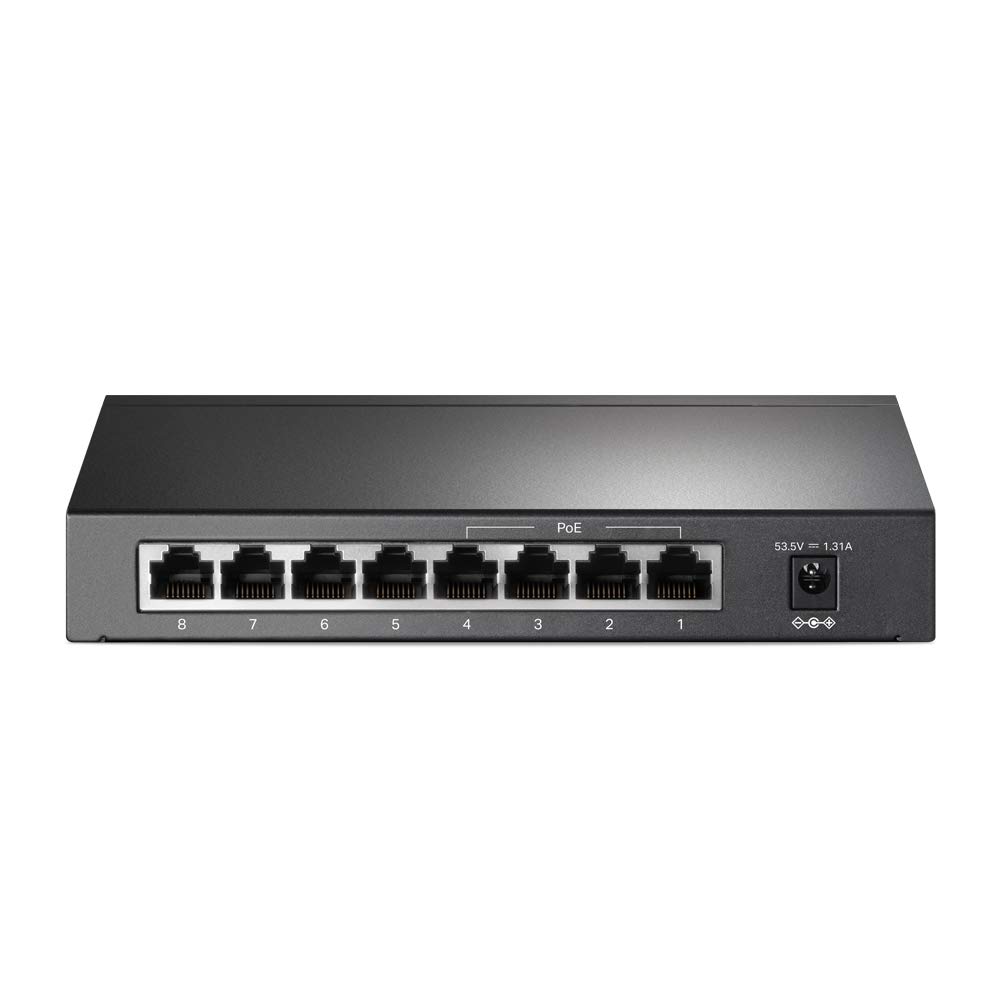
- 6x 10/100Mbps RJ45 ports — fast, consistent wired connectivity for small networks
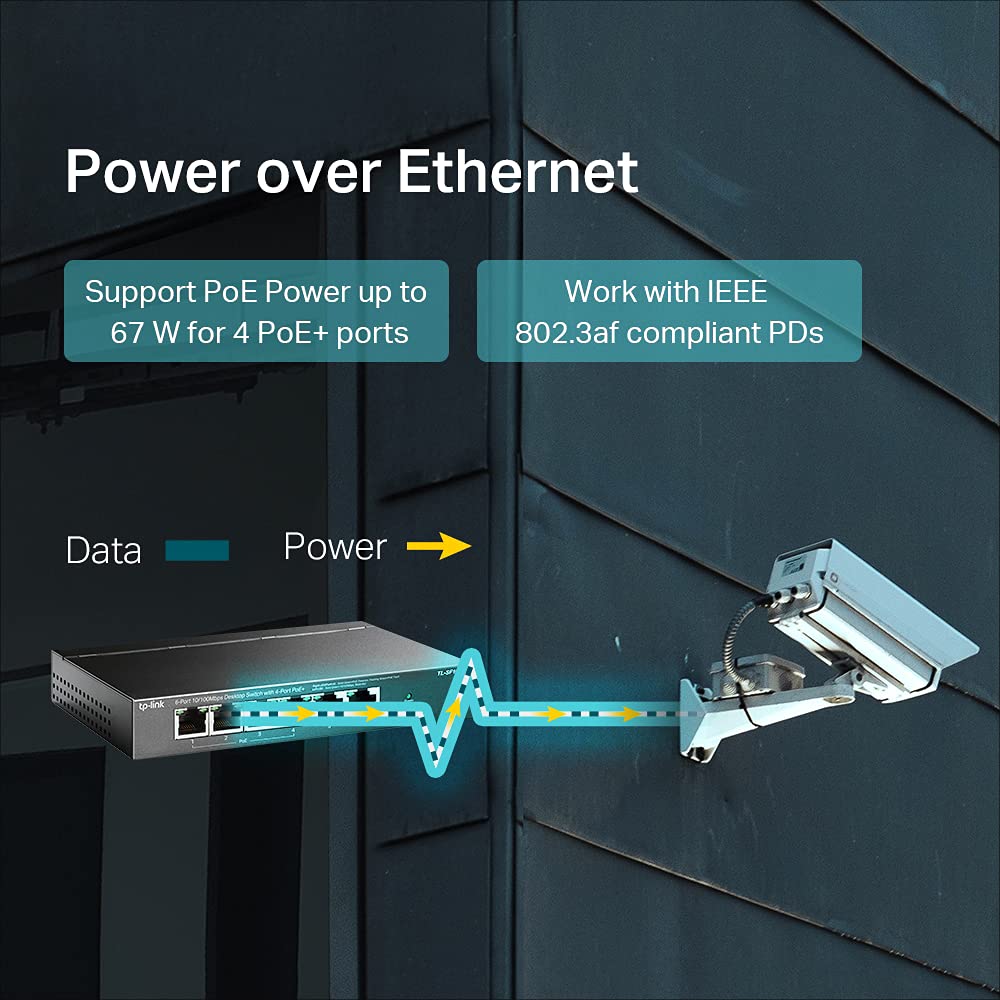
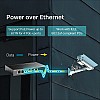
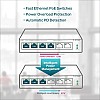
- 4 PoE-enabled ports (IEEE 802.3af) — power cameras and APs directly through Ethernet
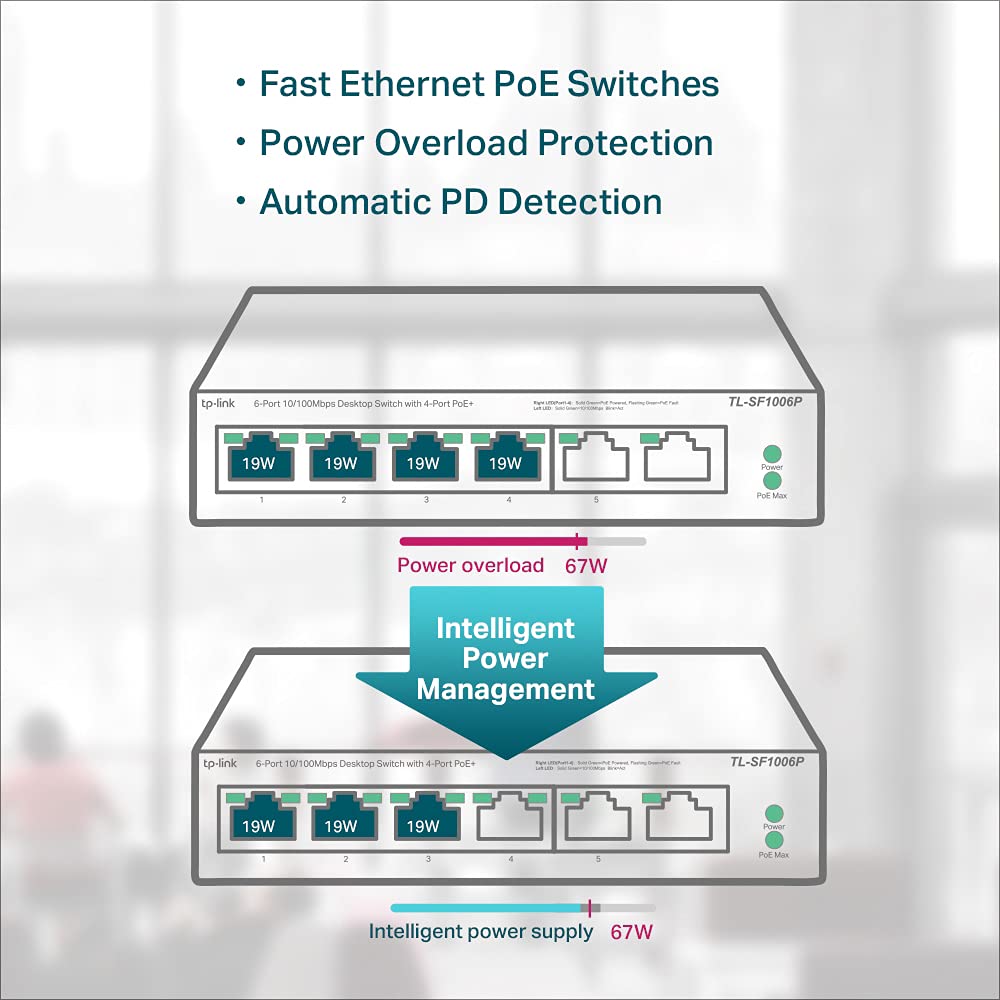
- Priority Mode — ensures essential devices keep running during peak power use
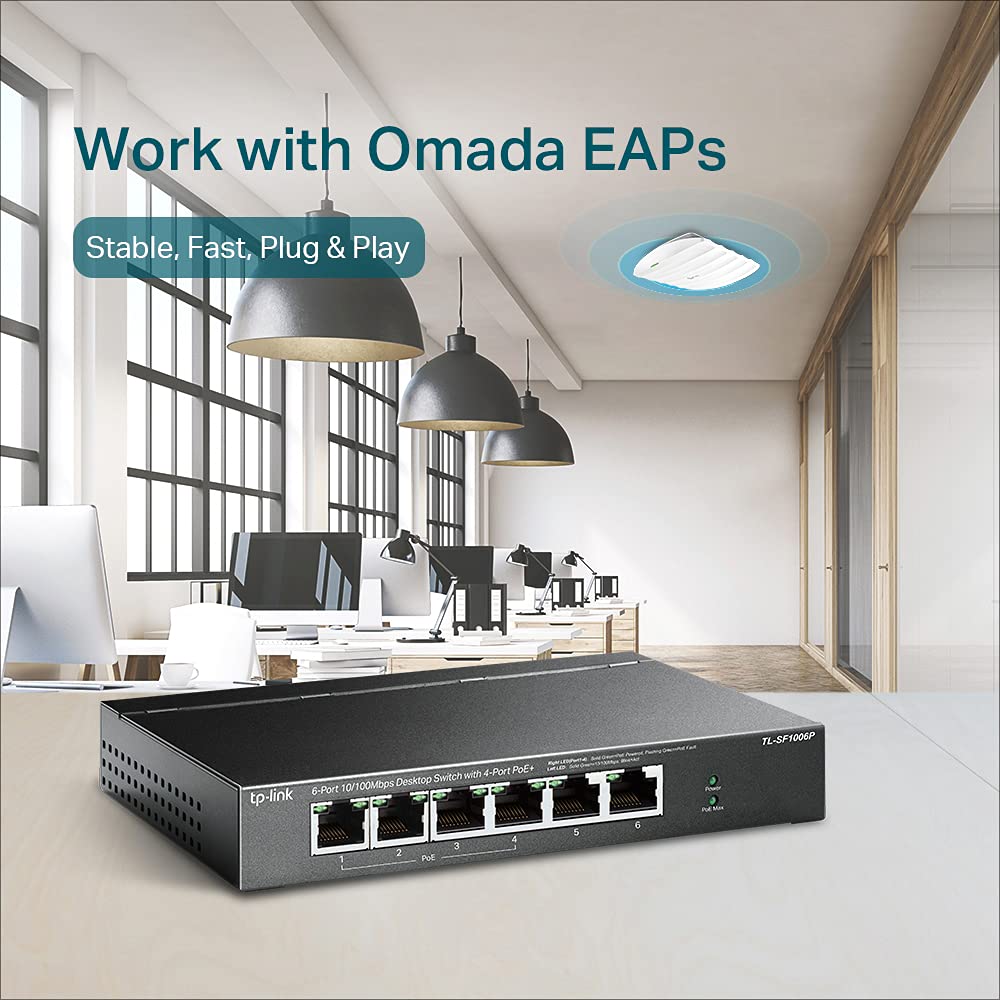
- Compact desktop design — saves space and blends into office or home setups
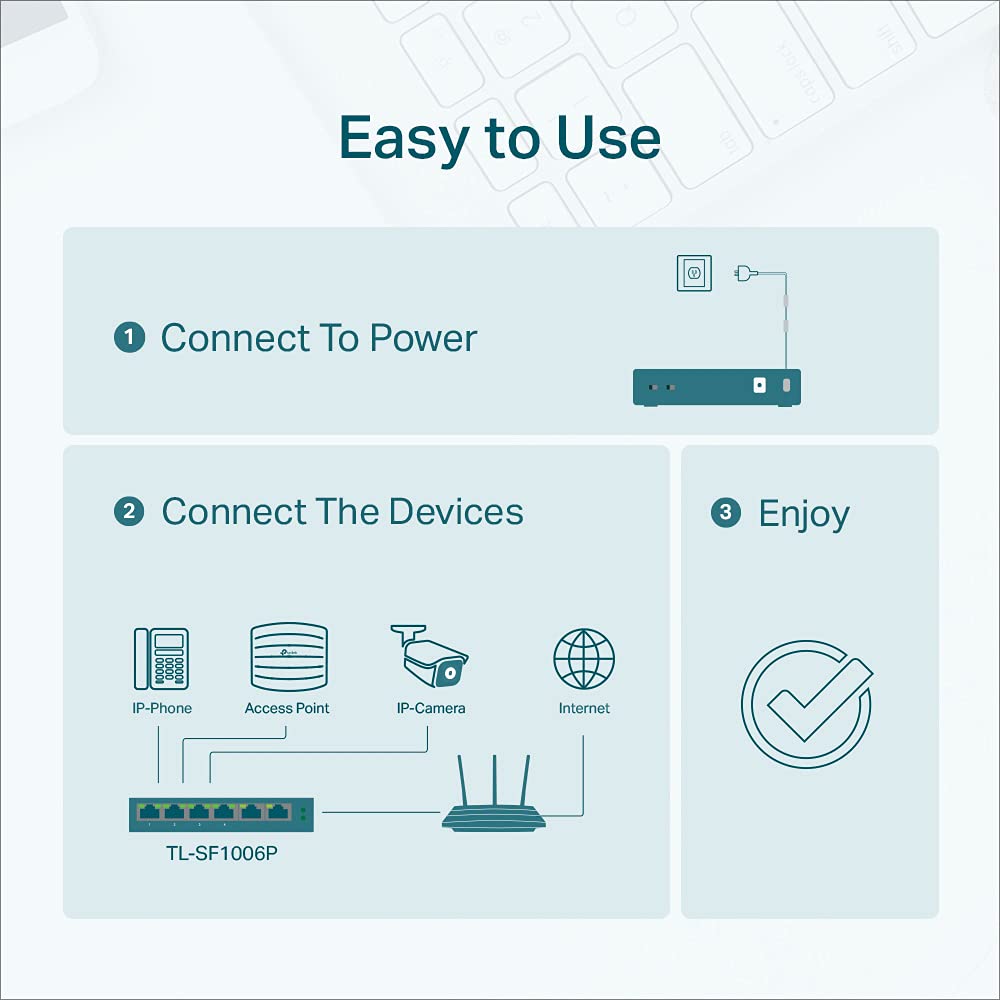
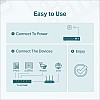
- Plug-and-play simplicity — no configuration needed; instant installation
- Auto-MDI/MDIX & Auto-Negotiation — easy pairing with any Ethernet device
- Durable housing — tactile, sturdy build for daily commercial use
- Energy-efficient operation — cooler, quieter, and lower power draw
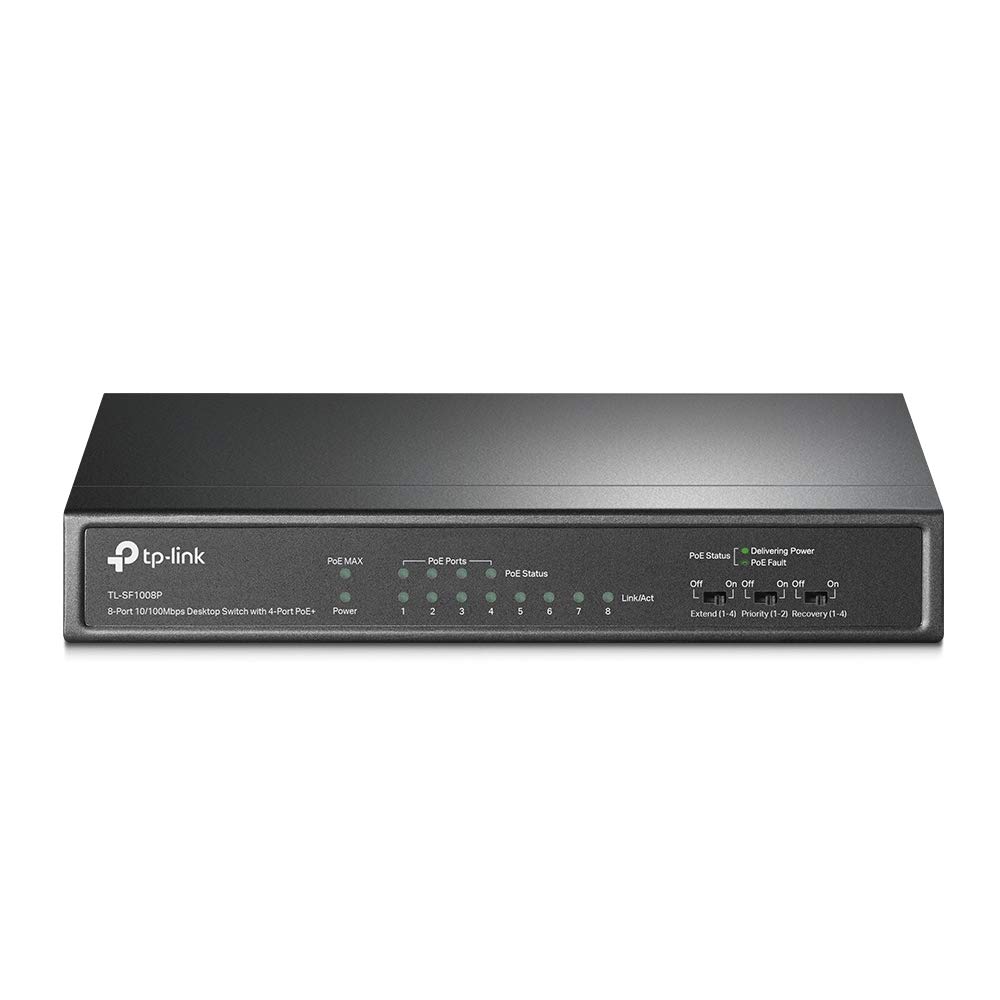
- Clear LED indicators — quick visual status for link, activity and PoE
- Reliable vendor support — manufacturer warranty plus Vlebazaar after-sales assistance
| Specification | Details |
|---|---|
| Model | TL-SF1006P |
| Brand | TP-Link |
| Product Type | Desktop Fast Ethernet PoE Switch |
| Ports | 6 x 10/100Mbps RJ45 ports |
| PoE Ports | 4 PoE-enabled ports (pins 1/2 and 3/6) |
| PoE Standard | IEEE 802.3af |
| Per-Port PoE Power | Up to 15.4 W per port (802.3af) |
| Total PoE Power Budget | Approximately 65 W total |
| Data Rate | 10/100 Mbps auto-negotiation |
| Switching Capacity | 1.2 Gbps (full duplex switching) |
| MAC Address Table | Typical small-business class MAC table |
| Auto Features | Auto-Negotiation, Auto-MDI/MDIX |
| LED Indicators | Power, Link/Act per port, PoE status |
| Form Factor & Build | Compact desktop design with durable enclosure |
| Power Supply | External power adapter (included) |
| Mounting | Desktop placement (rubber feet included) |
| Box Contents | TL-SF1006P switch, power adapter, quick installation guide, rubber feet |
| Warranty | Manufacturer warranty included; refer to packaging for duration |
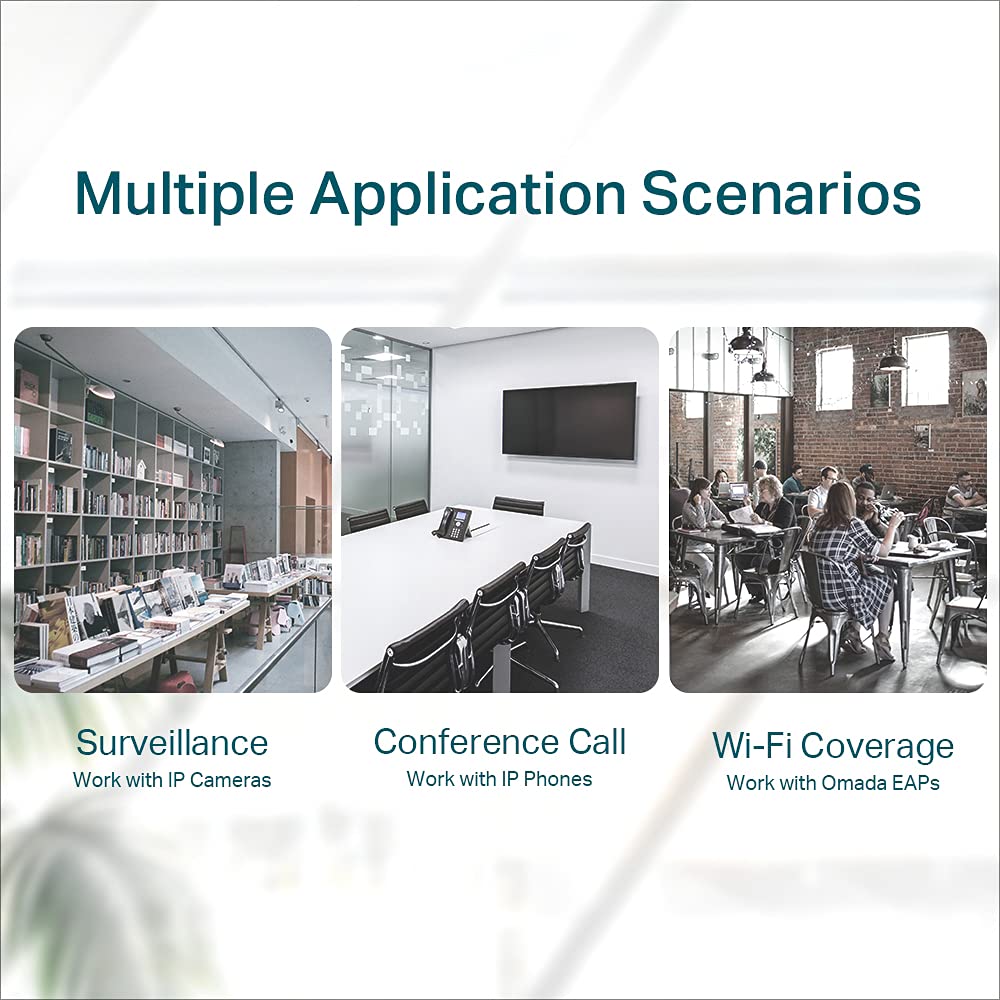
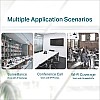
| Compatibility | Works with IP cameras, VoIP phones, wireless APs and standard Ethernet devices |
| Battery | Not applicable |
Vlebazaar combines competitive pricing with reliable, verified product sourcing and customer-first service. We ensure fast dispatch, secure packaging and transparent shipping so your TL-SF1006P arrives in perfect working condition. Our product listings include accurate specs and photos, plus dedicated after-sales support and guidance for setup. Buy with confidence: verified inventory, easy returns and responsive customer support make Vlebazaar a trusted partner for networking purchases.
- Small office owners who need reliable PoE for IP phones and Wi‑Fi APs
- Home and small business security installers powering multiple IP cameras
- IT administrators seeking a compact, plug-and-play PoE solution
- Retail and hospitality venues needing tidy cabling and dependable uptime
- Anyone wanting a low-complexity, budget-friendly PoE switch for 10/100 networks
Q: How many ports support PoE on the TL-SF1006P?
A: Four of the six RJ45 ports support IEEE 802.3af PoE to power compatible devices without separate power adapters.
Q: What is Priority Mode and why is it useful?
A: Priority Mode assigns power precedence so critical devices (like a security camera or VoIP phone) keep receiving PoE first when the total power budget is limited, ensuring essential services remain online.
Q: Can I use this with non-PoE devices?
A: Yes. Non-PoE devices can connect to any port; the switch will negotiate data-only links for non-PoE equipment.
Q: Do I need to configure the switch to use PoE?
A: No configuration is required. The TL-SF1006P is plug-and-play — it detects PoE-compatible devices automatically and supplies power per the IEEE 802.3af standard.
Q: What should I check if a PoE device isn’t powering on?
A: Confirm the device is 802.3af-compatible, check cable integrity and port LEDs, and ensure the combined PoE load does not exceed the switch’s total power budget. If needed, contact Vlebazaar support for troubleshooting.
Q: Is this switch suitable for outdoor cameras?
A: The switch itself is designed for indoor desktop use. For outdoor cameras, mount the camera outdoors but keep the switch inside or in a weatherproof enclosure; use proper surge protection if required.
| General | |
| Brand | TP-LINK |
| Condition | New |